Mechanical Keyboard Mods Guide: 6 Easy Mods for Better Sound & Feel
By Jota Martínez • • Next: How to Lube Switches
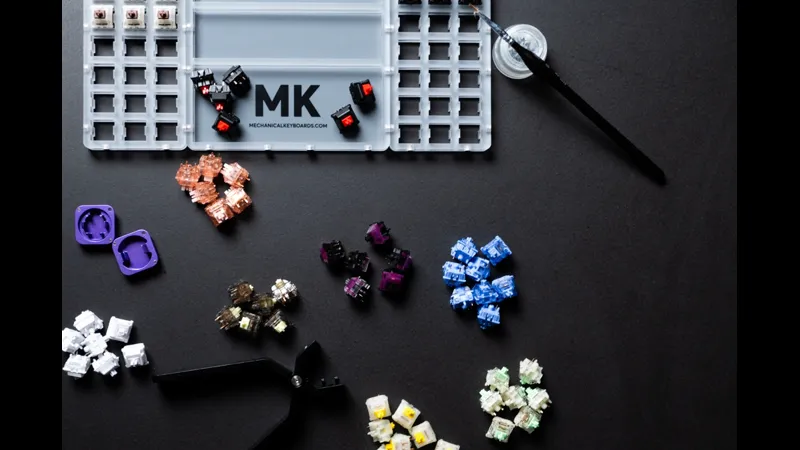
If your mechanical keyboard sounds hollow, rattles on the spacebar, or feels scratchy when typing, you do not need to buy a new one. The world of keyboard modding offers simple, affordable tweaks that can transform the sound and feel of any board — even budget models.
In this complete guide, we cover the six most popular and effective keyboard mods that anyone can do at home with minimal tools. Whether you want a deeper "thock" sound, smoother keystrokes, or just want to stop your stabilizers from rattling, there is a mod here for you.
Each mod is rated by difficulty, cost, and impact so you can decide where to start. Let us dive in.
What Is Keyboard Modding?
Keyboard modding is the practice of modifying a mechanical keyboard to improve its sound, feel, or aesthetics. Mods range from simple tweaks like adding tape to the PCB, to advanced projects like soldering new switches or building a fully custom board from scratch.
The mods in this guide focus on sound and feel improvements — the two things most enthusiasts care about. Best of all, most of these mods cost under $20 and take less than an hour.
Mod 1: Switch Lubing
Lubing (lubricating) your switches is the single most impactful mod you can do. It reduces friction, eliminates scratchiness, and gives switches a smoother, more refined feel. It also deepens the sound profile, making clicks less harsh and creating that sought-after "buttery" feel.
Why Lube Your Switches?
Every mechanical switch has moving plastic parts that rub against each other. Over time, this creates friction and a scratchy feeling. Lubricant fills the microscopic gaps between these parts, allowing them to glide instead of grind.
- Smoother keystrokes with less friction
- Reduced scratchiness and spring ping
- Deeper, more pleasant sound profile
- Longer switch lifespan due to reduced wear
Types of Switch Lube
Not all lubes are created equal. Different viscosities work better for different parts of the switch:
| Lube Type | Best For | Examples |
|---|---|---|
| Krytox 205g0 | Linear switches, stabilizers | Gateron Yellow, Cherry MX Red |
| Tribosys 3203/3204 | Tactile switches (lighter) | Holy Panda, Boba U4T |
| Dielectric Grease | Stabilizer wires only | Any stabilizer tuning |
| Super Lube (budget) | Springs, budget builds | Beginner projects |
You will need: switch opener (or flathead screwdriver), fine paintbrush (size 0 or 00), switch lube, switch puller (if hot-swappable), and a clean workspace. A switch lubing station helps but is optional.
How to Lube Switches (Step by Step)
- Open the switch using a switch opener or carefully pry with a flathead screwdriver. Separate the top housing, stem, spring, and bottom housing.
- Apply a very thin layer of lube to the rails in the bottom housing (where the stem slides). Use a size 00 brush and do not over-apply.
- Lube the stem legs (for linear switches) or only the sides (for tactile — never lube the legs or you will lose the bump).
- Lube the spring ends lightly to prevent spring ping. You can also "bag lube" springs by shaking them in a bag with a few drops of oil.
- Reassemble the switch: place spring in bottom housing, insert stem, snap top housing on. Test the switch before installing.
- Install the lubed switch back into the keyboard. Repeat for all switches. Expect 3-5 hours for a full 60-65% board.
Warning: Over-lubing can make switches feel mushy or unresponsive. Less is more. Start with a tiny amount and add more if needed.
Mod 2: Tape Mod (PCB Tape)
The tape mod involves applying masking tape or painter tape to the back of the PCB where the switches mount. It changes the sound profile by adding density to the PCB and slightly altering how vibrations travel through the board.
Why Tape Mod?
Tape mod is popular because it is free, reversible, and takes 10 minutes. Effects include:
- Slightly deeper, more "thocky" sound
- Reduced high-frequency ping and case resonance
- A subtle "marbly" character that many enjoy
Tape Materials Compared
Different tapes produce different results:
- Masking tape: 2-3 layers. Most common, balanced effect.
- Painter tape: 3-4 layers. Slightly stronger dampening.
- Electrical tape: 1 layer. Strongest effect, use sparingly.
How to Apply Tape Mod
- Disassemble the keyboard completely. Remove keycaps, switches (if hot-swappable), and separate the PCB from the case.
- Clean the back of the PCB with isopropyl alcohol to remove any oils or residue.
- Apply strips of masking tape to cover the switch mounting areas. Overlap slightly at edges.
- Press firmly to ensure good adhesion, especially around stabilizer cutouts.
- Reassemble the keyboard and test. Add or remove layers to tune the sound to your liking.
Tip: Start with 2 layers of masking tape. Test, then add a third if you want more effect. Too many layers can make the board sound muted or "dead."
Mod 3: Foam Mod (Case & PCB Foam)
Adding foam inside your keyboard case is one of the easiest ways to improve sound. Foam absorbs hollow echoes and case ping, creating a more solid, premium typing experience. It is especially effective in plastic cases that tend to resonate.
Types of Foam
Different foams serve different purposes:
| Foam Type | Effect | Difficulty |
|---|---|---|
| PE Foam (thin plastic) | Adds "marbly" pop, brightens sound | Easy |
| Case Foam (dense rubber) | Deepens sound, reduces hollow echo | Medium |
| Polyfill (cotton-like) | Softens sound, budget option | Easy |
| Poron Foam (premium) | Best dampening, premium feel | Medium |
How to Install Foam
- Disassemble the keyboard and remove the PCB.
- Cut foam to fit the bottom of the case. For PE foam, cut small pieces to place between the PCB and plate.
- Install the foam in the bottom of the case (case foam) or between PCB and plate (PE foam).
- Ensure foam does not interfere with screw posts or standoffs.
- Reassemble and test. The difference in sound should be immediately noticeable.
Mod 4: Stabilizer Tuning
Stabilizers (stabs) are the metal wires and plastic housings under your spacebar, enter, shift, and backspace keys. When poorly tuned, they rattle, tick, and sound cheap. Proper stabilizer tuning is essential for a premium typing experience.
Why Stabilizers Rattle
Stabilizers rattle because: the wire is loose in the housing, the housing is loose in the plate, or there is not enough lubricant on the wire/housing contact points.
How to Tune Stabilizers
- Remove the keycap from the stabilized key (spacebar, enter, etc.).
- Remove the stabilizer from the plate or PCB. Some snap in, others screw in.
- Separate the wire from the housings. Clean all parts with isopropyl alcohol.
- Apply dielectric grease to the wire where it clips into the housings. Apply Krytox 205g0 to the housing stems.
- Reinsert the wire into the housings. Check that it moves freely without wobble.
- Install the stabilizer back into the keyboard. Test for rattle. Repeat if needed.
Tip: "Holee mod" — wrapping the stabilizer wire with a thin strip of fabric tape (like Band-Aid fabric) before greasing can eliminate even the tiniest rattle.
Mod 5: Switch Films
Switch films are ultra-thin pieces of plastic (usually 0.15-0.3mm thick) that sit between the top and bottom housing of a switch. They tighten the switch housing, reducing wobble and improving the sound consistency across the board.
Why Use Switch Films?
Not all switches need films, but they help when:
- Switch housings are loose or wobbly (common in budget switches)
- You want a more consistent sound across all keys
- You want to slightly deepen the switch sound
How to Install Switch Films
- Open the switch using a switch opener.
- Place the film on the bottom housing, aligning the cutouts with the switch pins and LED slot.
- Snap the top housing back onto the bottom housing. The film should sit flush between them.
- Test the switch. It should feel tighter but not harder to press. If it binds, the film is misaligned.
Tip: TX Films and Deskeys Films are the most popular brands. TX Films are thinner (0.15mm) for tight housings; Deskeys are thicker (0.3mm) for very loose housings.
Mod 6: Band-Aid Mod
The band-aid mod involves placing small pieces of fabric bandage or tape over the PCB where the stabilizer housings clip in. It dampens the impact sound when stabilizers bottom out, reducing the "clack" on large keys like spacebar and enter.
How to Apply Band-Aid Mod
- Remove the keycaps and stabilizers from the keyboard.
- Cut small rectangular pieces of fabric band-aid or cloth tape (about 5mm x 10mm).
- Stick them to the PCB where the stabilizer housing posts land when pressed.
- Reinstall the stabilizers and keycaps. The bottom-out sound should be noticeably softer.
Tip: Combine the band-aid mod with proper stabilizer lubing for the best results. The band-aid dampens the housing impact; the lube eliminates wire rattle.
Which Mod Should You Do First?
Not sure where to start? Here is a quick comparison of all six mods by impact, cost, and difficulty:
| Mod | Impact | Cost | Skill Level |
|---|---|---|---|
| Tape Mod | High | Free | Easy |
| Foam Mod | Medium | Low ($5-15) | Easy |
| Stabilizer Tuning | High | Low ($5-15) | Medium |
| Switch Lubing | High | Medium ($15-30) | Hard |
| Switch Films | Low | Low ($5-15) | Medium |
| Band-Aid Mod | Medium | Free | Easy |
Our recommendation for beginners: Start with the tape mod (free, 10 minutes). Then do foam mod and stabilizer tuning. Once you are comfortable opening switches, move to lubing. Add films only if your switches are loose, and try the band-aid mod anytime you are already working on stabilizers.
Tools & Supplies You Will Need
Here is a complete list of tools and supplies for all the mods in this guide:
- Switch opener — Essential for lubing and filming switches
- Size 00 paintbrush — For precise lube application
- Krytox 205g0 + Dielectric grease — Core lubricants
- Switch puller — For hot-swap boards
- Keycap puller — Plastic or wire style
- Tape, foam, band-aids, switch films — Mod-specific materials
Most of these supplies cost under $30 total and last for multiple projects.
Frequently Asked Questions
Conclusion
Keyboard modding is one of the most rewarding aspects of the mechanical keyboard hobby. For a small investment of time and money, you can transform a budget keyboard into something that feels and sounds premium.
Start small. Do the tape mod this weekend. If you like the results, move on to foam and stabilizers. Before long, you will be opening switches and applying lube like a pro.
Remember: there is no "perfect" mod. The best keyboard is the one that feels and sounds right to you. Experiment, listen, and adjust until you find your personal endgame.
How to Lube Switches Tape Mod Guide Foam Mod Guide
Related Guides
How to Fix a Key That Doesn't Work: Diagnostic Guide
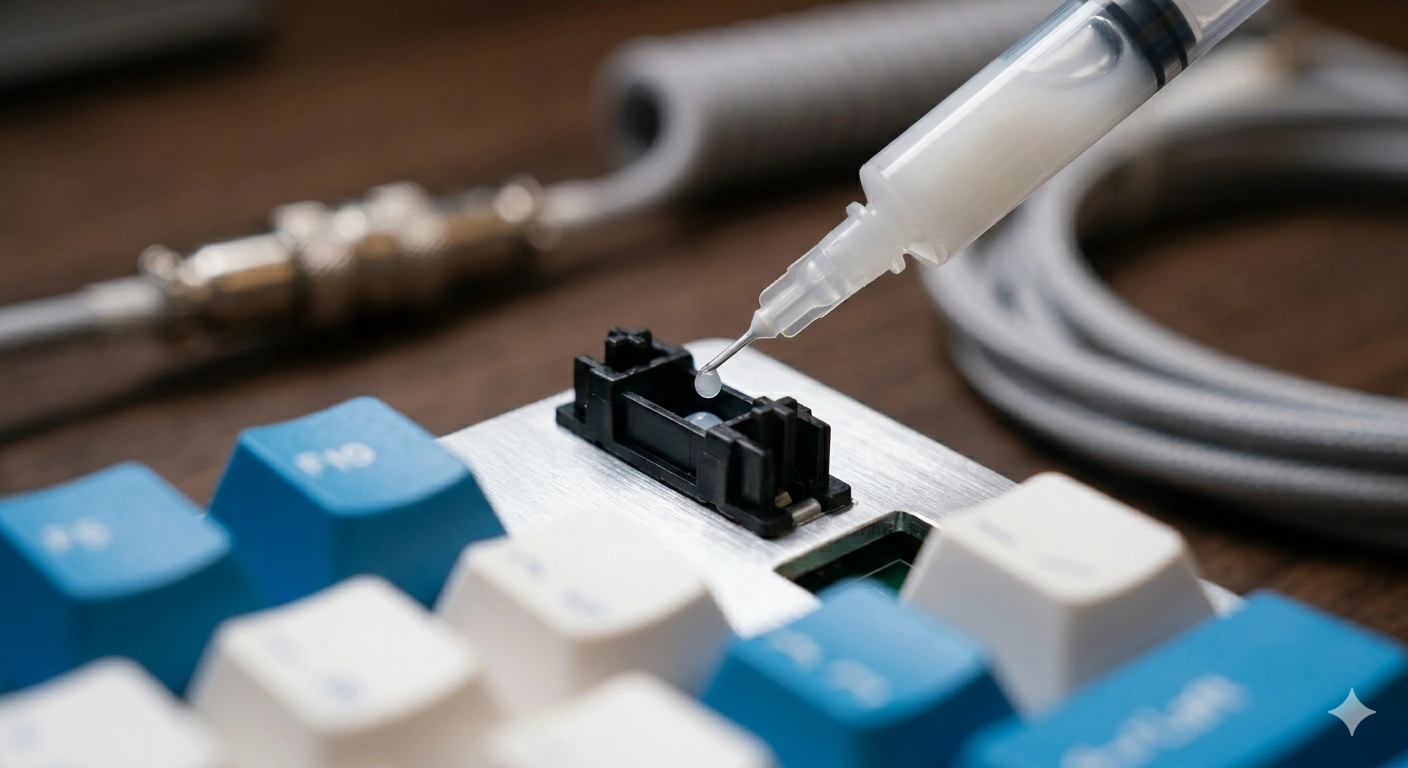
Key stopped working on your mechanical keyboard? Follow this 6-step diagnostic guide — software checks, switch cleaning, PCB inspection, and when to replace.
How to Type Faster with a Mechanical Keyboard: Technique & Practice
Go from 40 to 80+ WPM with the right posture, touch typing technique, switch selection, and daily practice tools. A practical guide for mechanical keyboard users.
How to Build a Custom Mechanical Keyboard: Complete Guide
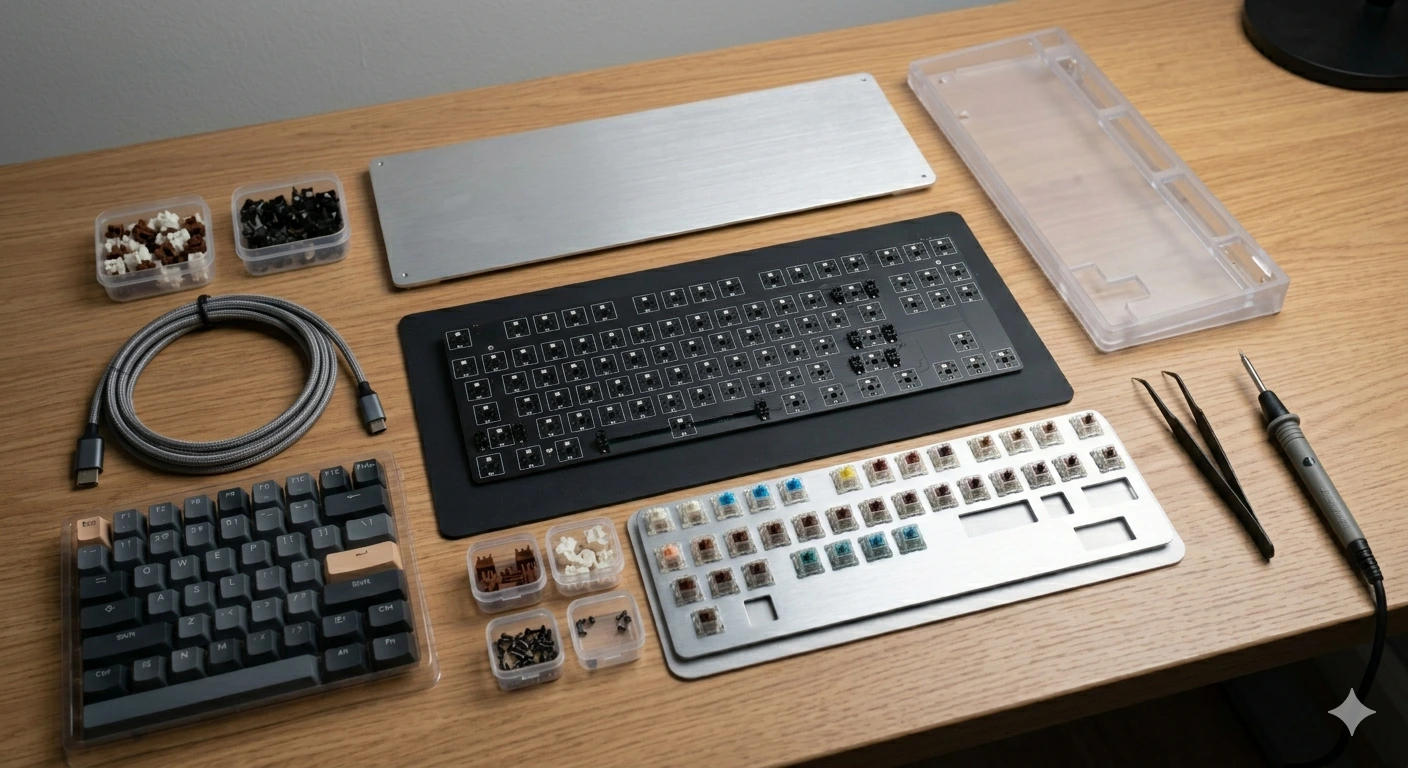
Step-by-step guide to building your first custom mechanical keyboard: parts list, what to buy, stabilizer prep, switch install, and assembly order with budget tiers.