Keychron K2 V2 Review: Best Budget Wireless Mechanical Keyboard?
By Jota Martínez • •
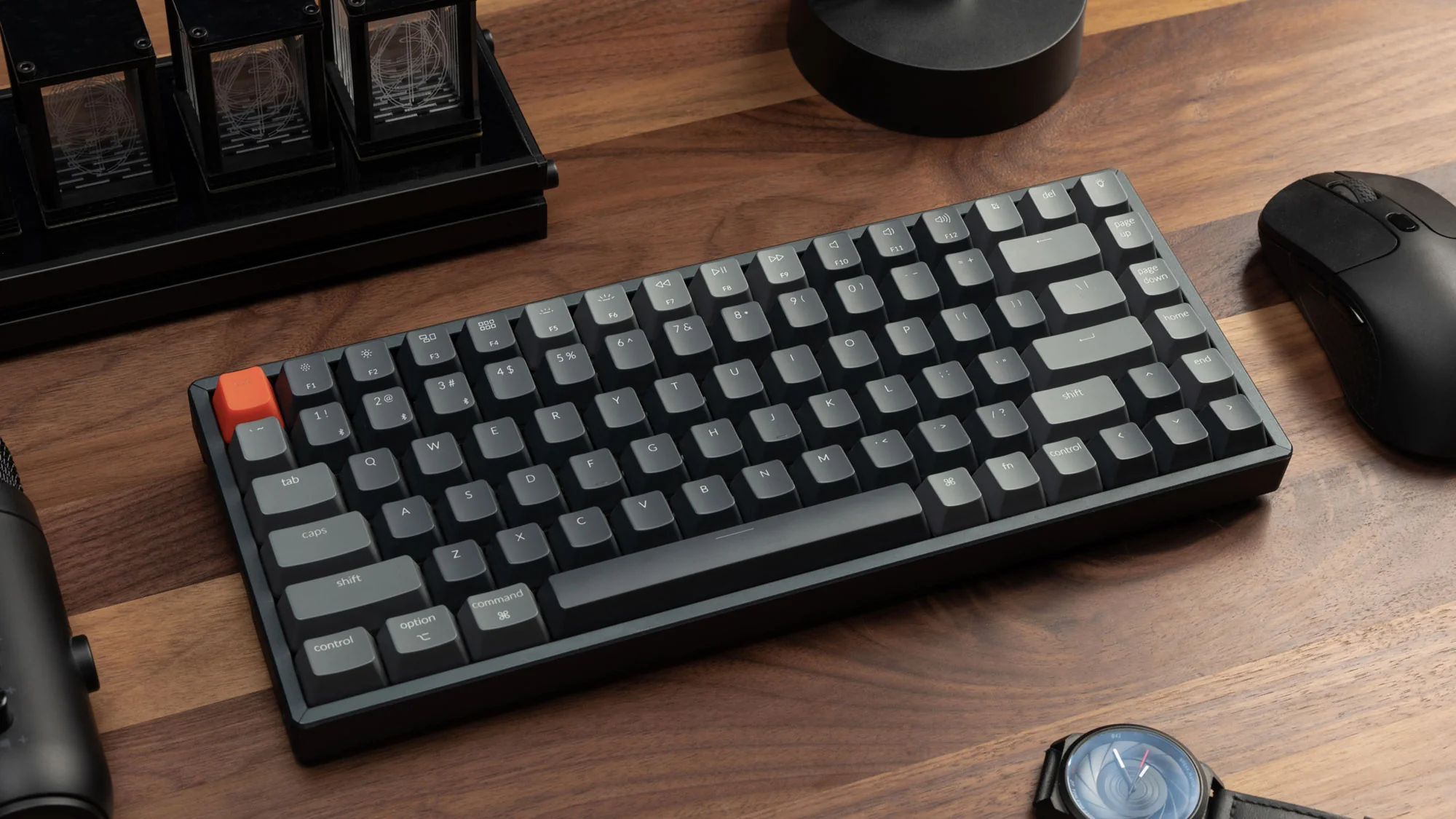
The Keychron K2 V2 has been one of the most recommended compact mechanical keyboards since its release, and it's not hard to see why. At under $90, it packs a solid aluminum frame, hot-swap PCB, wireless Bluetooth 5.1, and a choice of Gateron switches — a combination that most competitors simply can't match at this price.
But with the mechanical keyboard market growing faster than ever, is the K2 V2 still the best value pick in 2026? After three weeks of daily use across writing, coding, and gaming sessions, here's our complete verdict.
We tested the Keychron K2 V2 with Gateron Brown switches, the most popular option for all-round typing. For reference, we also compared it against the Keychron K3 Pro, the NuPhy Air75 V2, and the Royal Kludge RK84.
| Price | ~$89 |
| Layout | 75% (84 keys) |
| Switches | Gateron Red / Brown / Blue / Yellow (hot-swap) |
| Connectivity | Bluetooth 5.1 (3 devices) + USB-C wired |
| Battery | 4,000 mAh — up to 240 hours (RGB off) |
| Frame | Aluminum top case |
| Weight | 820 g (1.8 lbs) |
| RGB | South-facing RGB (white backlight on non-RGB version) |
| Hot-swap | Yes (Gateron hot-swap sockets) |
Pros & Cons
- Solid aluminum frame feels premium at this price
- Hot-swap sockets — change switches without soldering
- Excellent Bluetooth multi-device (up to 3 devices)
- Huge battery — 240 h with RGB off
- Mac and Windows key layouts included in the box
- No USB passthrough or volume knob
- South-facing RGB causes shine-through bleed on some keycaps
- Slight flex in the plastic bottom plate
- No per-key programmability without VIA (unofficial only)
Design and Build Quality
Pick up the K2 V2 and the first thing you notice is the weight: 820 g is reassuring for a compact keyboard. The aluminum top plate and case give it a solid, premium feel that punches well above its price. The bezels are slim, and the included wrist rest adapter feet let you choose between two tilt angles.
Keychron ships the keyboard with both a Mac and a Windows keycap set, plus a keycap puller and switch puller. The hot-swap PCB uses Gateron sockets, which accept any MX-style switch. Build quality is consistently good across units — we found no flex or rattle on the aluminum top, though the plastic bottom plate has a very slight give if you push hard.
Typing Experience and Switches
The Gateron Brown switches on our test unit offer a light tactile bump at around 45 g actuation force. They're noticeably smoother than comparable Cherry Browns and require virtually no break-in. For long writing sessions, the tactile feedback is satisfying without being fatiguing — a strong all-rounder choice.
Acoustics out of the box lean towards a medium-pitched thock. The aluminum frame helps dampen some of the higher frequencies, but there is some spring ping audible on Reds if you're typing in a quiet room. A quick foam mod (desk mat or internal foam) eliminates this entirely. Stabilizers are pre-lubed from the factory and perform better than expected — minimal rattle on the spacebar and shift keys.
The 75% layout retains the function row, arrow keys, and a small navigation cluster. If you're coming from a full-size board, expect a short learning curve for Ins/Del/PgUp/PgDn, which are accessed via Fn combos. After a week, muscle memory clicks in and the compact layout starts to feel genuinely efficient.
Wireless Connectivity and Battery
The K2 V2 connects via Bluetooth 5.1 or USB-C. Pairing is fast, and the three-device memory (Fn+1/2/3) makes switching between a MacBook, an iPad, and a PC nearly seamless — typical switching latency is under one second.
Bluetooth latency is measured at roughly 7–10 ms in our tests, which is imperceptible for typing and acceptable for casual gaming. Competitive gamers will still prefer the wired USB-C mode, which delivers essentially zero latency.
Battery life is outstanding. Keychron claims 240 hours with RGB off; we measured approximately 200 hours at 60% brightness. Even with RGB set to a dim static color, expect 60–80 hours between charges. The 4,000 mAh battery charges via USB-C in about 3.5 hours.
Who Is the Keychron K2 V2 For?
The K2 V2 is the near-perfect first mechanical keyboard for anyone who: works on both a Mac and a Windows machine, wants wireless freedom without sacrificing build quality, and doesn't need a numpad. It's also an excellent upgrade for office workers who carry their keyboard between home and work.
Hardcore gamers wanting polling rates above 1,000 Hz or per-key RGB programmability should look at wired-only alternatives. Writers and developers, on the other hand, will love this keyboard.
Alternatives Comparison
| Keyboard | Price | Layout | Wireless | Hot-swap | Frame |
|---|---|---|---|---|---|
| Keychron K2 V2 | ~$89 | 75% | BT 5.1 | ? | Aluminum |
| Keychron K3 Pro | ~$95 | 75% | BT 5.1 | ? | Plastic |
| NuPhy Air75 V2 | ~$105 | 75% | BT 5.0 | ? | Aluminum |
| Royal Kludge RK84 | ~$55 | 75% | BT 3.0 | ? | Plastic |
Verdict and Score
The Keychron K2 V2 remains one of the best compact wireless mechanical keyboards available under $100 in 2026. The aluminum frame, generous battery, hot-swap sockets, and reliable Bluetooth 5.1 form a package that no direct competitor has yet beaten at this price point.
Its only real weaknesses — south-facing RGB and no volume knob — are minor niggles. If you can live without those, this is a near-flawless recommendation.
Frequently Asked Questions
Ready to buy the Keychron K2 V2?
Check the latest price on Amazon — available in multiple switch and color options.
See price on Amazon ?* As an Amazon Associate we earn from qualifying purchases. Prices and availability are subject to change.
Related Articles
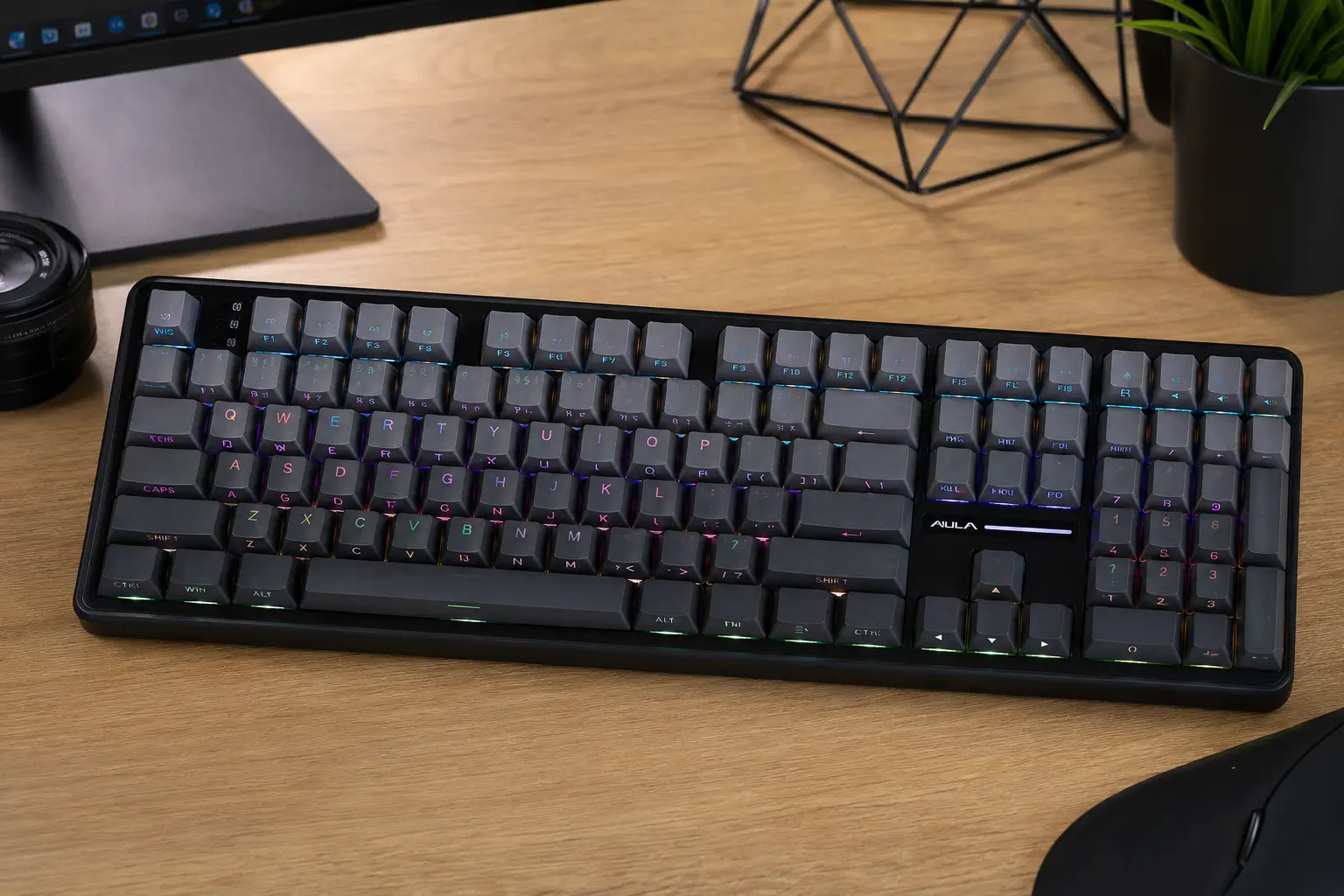
AULA F108 Review: Full-Size Wireless Keyboard That Punches Above Its Price
AULA F108 review: Greywood V3 hot-swap switches, tri-mode wireless, 5-layer dampening and 200-hour battery. Full-size budget keyboard tested and rated.