Keyboard Sizes Explained: 60%, 65%, 75%, TKL, Full-Size and More
By Jota Martínez •
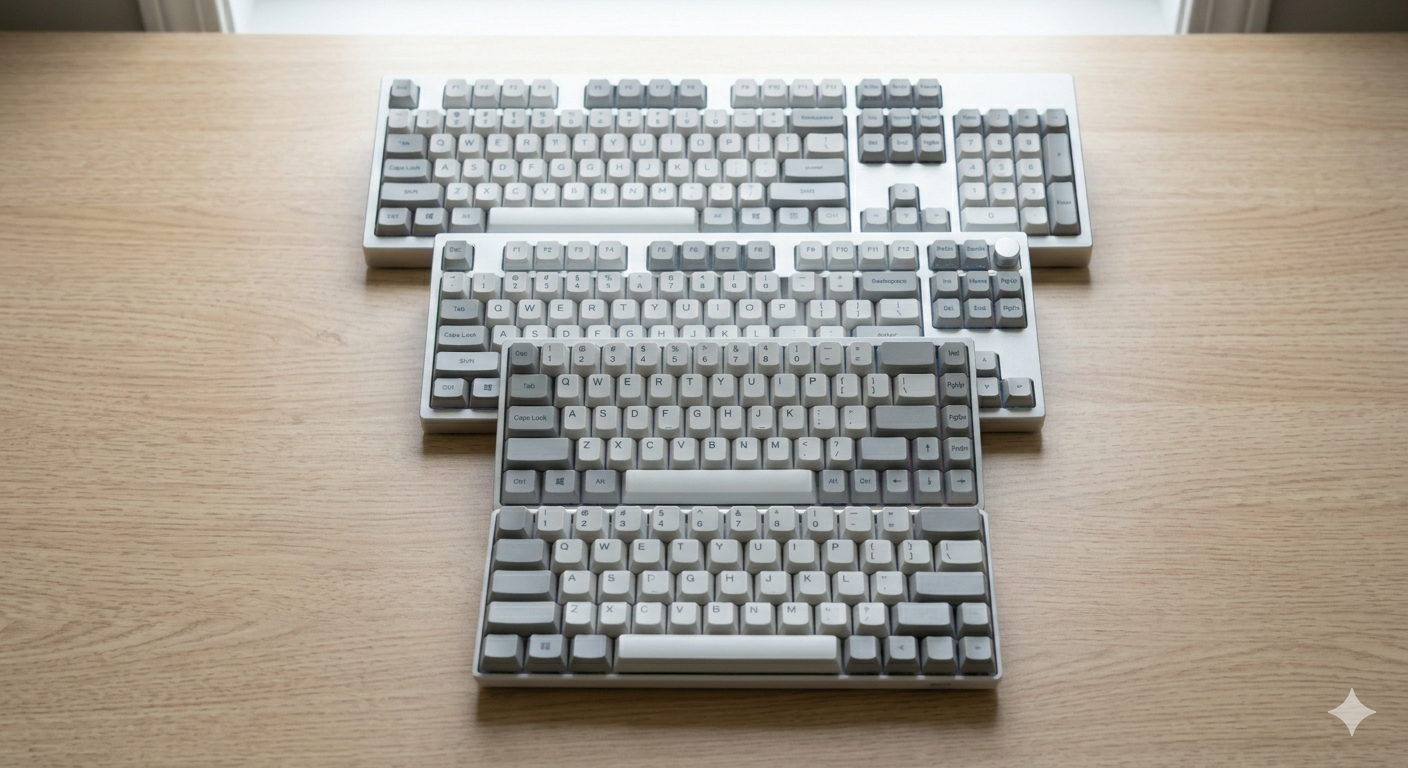
Walk into a mechanical keyboard store and you'll see boards labelled 60%, 65%, 75%, TKL, and full-size. These percentages refer to how many keys a keyboard has relative to a standard 104-key full-size layout. They're not exact measurements — a "75%" keyboard doesn't have exactly 75% of the keys — but they're the industry standard shorthand for keyboard form factors.
The right size for you depends on what you do at your keyboard, how much desk space you have, and whether you genuinely need certain key sections (numpad, function row, arrow keys). Most people significantly underuse their full-size keyboard and would be happier on something more compact.
This guide walks through every major keyboard size with exactly what you get, what you lose, and who each size is built for.
Quick Reference: All Keyboard Sizes
Here's the complete overview at a glance:
| Size | Keys (~) | Includes | Missing vs. full-size |
|---|---|---|---|
| Full-size (100%) | ~104 | Everything: alphas, function row, navigation cluster, numpad | — |
| TKL (80%) | ~87 | Alphas, function row, navigation cluster, arrows | Numpad |
| 75% | ~84 | Alphas, function row, arrows, some navigation keys | Numpad, full navigation cluster |
| 65% | ~68 | Alphas, arrows, a few navigation keys (Del, PgUp, PgDn) | Numpad, function row, most navigation keys |
| 60% | ~61 | Alphas, modifiers only — all extras via layers/Fn key | Numpad, function row, navigation, arrows |
| 40% | ~40 | Alphas only (sometimes no number row either), everything via layers | Numpad, function row, navigation, arrows, sometimes number row |
Full-Size (100%): Everything, Everywhere
The full-size keyboard — also called a standard or 100% keyboard — includes every key: the main alphanumeric block, a number row, function row (F1–F12), navigation cluster (Insert, Delete, Home, End, Page Up, Page Down), arrow keys, and the numpad. Around 104 keys in ANSI layout (105 for ISO).
Who should buy one: data entry professionals who live in the numpad. Accountants, traders, spreadsheet power users. Anyone whose workflow depends on the numpad for fast number input. Also a fine choice if you have a large desk and simply want everything available without layers. The trade-off: the mouse ends up much further from the keyboard, which increases shoulder extension during gaming or heavy mouse use.
TKL (Tenkeyless, ~80%): The Safe Starting Point
TKL removes the numpad and nothing else. You get all the function keys, all navigation keys, and all arrow keys. At roughly 87 keys and 360mm wide (vs. 450mm for full-size), TKL brings the mouse about 90mm closer — a significant ergonomic and gaming benefit.
Who should buy one: anyone who occasionally uses the numpad but not enough to justify the extra 90mm of mouse distance. Most office workers, most gamers, most writers. The TKL is the most popular mechanical keyboard form factor for a reason — it's the size that drops the least while gaining the most. Popular TKLs: Keychron V6, Ducky One 3, Varmilo VA87M.
75%: The Sweet Spot Between Compact and Complete
The 75% keeps the function row but compresses the layout significantly: the navigation cluster is reduced to a single column on the right (usually Delete, PgUp, Home, End, PgDn), and the entire board is about 80mm shorter than TKL. Despite the compact size, 75% keyboards feel complete — arrow keys are present and the function row is accessible without layers.
Who should buy one: people who want the most capable keyboard in the smallest package. Programmers who need F-keys for IDE shortcuts. Writers who need arrow keys for navigation. Travelers who want a compact-yet-functional board. The 75% is the form factor that's grown most in popularity over the last three years. Popular 75% boards: Keychron Q1, Monsgeek M75, Akko 5075B.
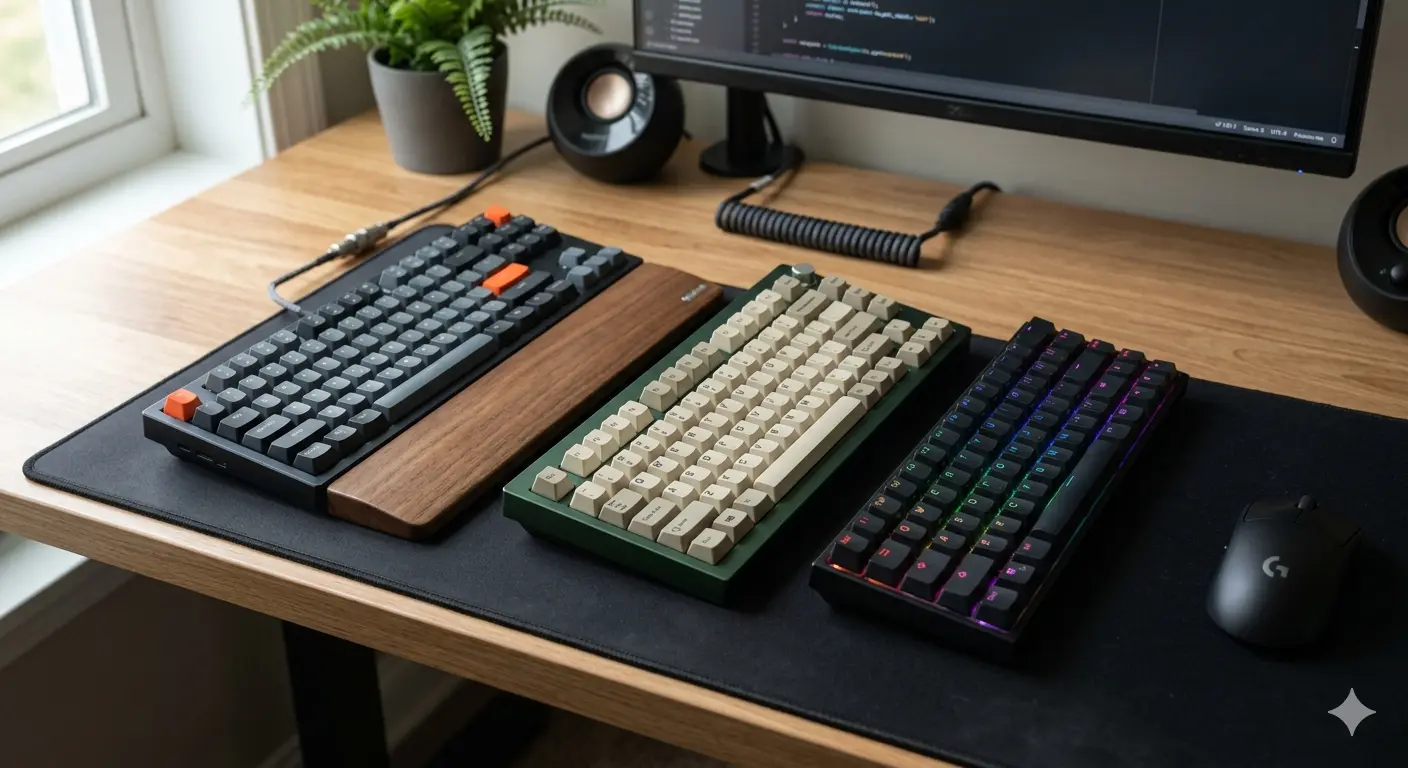
From left: TKL (~87 keys), 75% (~84 keys), 65% (~68 keys). Each step smaller brings the mouse closer and reduces desk footprint.
65%: Compact With Arrow Keys
The 65% drops the function row (F1–F12) but keeps the arrow keys and a small cluster of navigation keys on the right edge (usually Delete, Page Up, Page Down, and sometimes Home/End). It's about 320mm wide — significantly smaller than a TKL while remaining practical for most daily tasks.
Who should buy one: users who rarely need function keys in daily work and want a compact, mouse-friendly layout. Content creators, light programmers, minimalist-leaning office workers. The function row is accessible via an Fn layer on boards with QMK/VIA support. Popular 65% boards: Keychron K6 Pro, Ducky One 3 SF, Akko 3068B.
60%: Maximum Minimalism
The 60% drops everything except the main alphanumeric block — no function row, no arrow keys, no navigation keys. Arrow keys and navigation are accessed via Fn layers (usually Fn + WASD for arrows). At around 295mm wide, a 60% keyboard is smaller than a MacBook keyboard.
Who should buy one: enthusiasts who've fully internalized keyboard shortcuts and find the physical arrow key navigation unnecessary. Gamers who use WASD and want maximum mouse space. Minimalists who want the smallest possible keyboard footprint on a desk. Note: there's a significant learning curve for users moving from full-size or TKL. 60% is a lifestyle choice, not just a hardware choice. Popular 60% boards: Anne Pro 2, GMMK Pro (with 60 layout), Ducky One 3 Mini.
40%: For the Committed Minimalist
The 40% goes even further — many 40% boards remove the number row entirely, leaving only the alpha keys and a row of modifiers. Everything is on layers. These are niche, enthusiast-oriented keyboards that require significant commitment and relearning time. Not recommended as a first or second mechanical keyboard.
Which Size Is Right for You?
Here's the quick decision guide:
| For gaming | 65% or 75%. Compact for mouse room, but still has dedicated arrows and some navigation for non-game use. |
| For office / writing | TKL or 75%. TKL if you occasionally use function keys; 75% if you want a smaller footprint without losing much. |
| For travel | 65% or 60%. Fits in a bag without sacrifice for most users. A 65% is the most practical travel size. |
| For data entry / accounting | Full-size only. The numpad is too fast for number entry to replace with anything else. |
| For keyboard enthusiasts | 65% or 75% offer the best selection of premium cases, PCBs, and group-buy options. The 60% is also very popular in the custom scene. |
Once you've picked a size, the next step is choosing switches. Our guide on how to choose a mechanical keyboard covers that in detail. Torn between two sizes? Read the dedicated comparison for 60% vs. 65% keyboards or the 65% vs. 75% keyboards.
Frequently Asked Questions
Found Your Size? Now Find Your Board.
Browse our top mechanical keyboard picks in every size — TKL, 75%, 65%, and 60% — all tested and ranked.
See Best Mechanical Keyboards 2026 ?Related Articles
What Is a Mechanical Keyboard? The Complete Beginner's Guide
What is a mechanical keyboard? Learn how they work, the anatomy of each part, the three switch types, and how mechanical keyboards differ from membrane.
Why Are Mechanical Keyboards So Expensive?
Why do mechanical keyboards cost so much? We break down every cost factor — switches, PCBs, cases, keycaps, and why premium keyboards can cost $500+.
Gasket Mount vs Tray Mount: What's the Difference?
Gasket mount vs tray mount keyboards explained — sound, flex, price and repairability differences, plus which mounting system to choose for typing, gaming or budget builds.