Gasket Mount vs Tray Mount: What's the Difference?
By Jota Martínez •
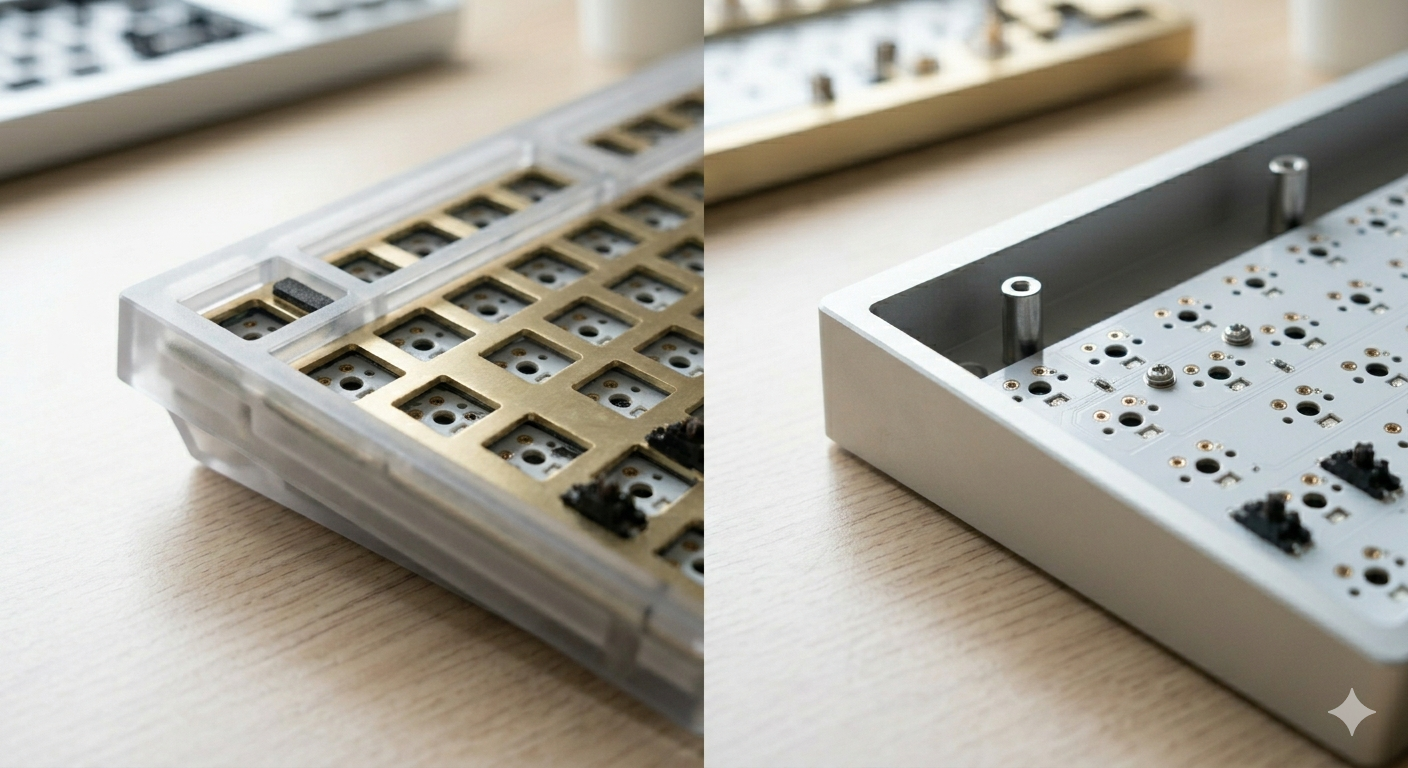
Keyboard mounting systems determine how the plate and PCB connect to the case — and they have a larger impact on sound and typing feel than most people expect. The two most common systems you'll encounter are tray mount (the budget standard) and gasket mount (the enthusiast favorite). This guide explains both in plain terms and tells you which actually matters for your build.
Short answer: for a budget keyboard under $100, tray mount is fine. For a typing-focused board where sound and flex matter, gasket mount is worth the premium.
Tray Mount: The Budget Standard
Tray mount is the oldest and most common PCB mounting system. The PCB and plate are screwed directly to the bottom case — no intermediate layer, no flex. The result is a firm, direct feel when typing. The plate and PCB are rigidly connected to the case at multiple screw points, which transmits vibration efficiently through the whole assembly.
This isn't necessarily bad. Many gamers prefer the firm, direct feedback of a tray mount. The stable platform is good for fast, aggressive keystrokes. And the simple construction makes tray mount keyboards cheaper to manufacture, so you find this system in most budget-to-mid boards.
Gasket Mount: The Enthusiast Standard
Gasket mount suspends the plate inside the case using silicone or foam gaskets — compressible pads that sit between the plate and the case walls. When you press a key, the plate has a small amount of give before reaching the hard stop. This flex absorbs impact, reduces vibration transmission, and creates a softer, thockier sound profile.
The gasket system was popularized by keyboards like the Tofu65 and later went mainstream with the Keychron Q series. Most enthusiast boards at $100+ now use some form of gasket or silicone dampening. Some use a "top-gasket" or "PCB-gasket" variant where the gaskets are placed differently, but the basic principle — a compressible isolating layer — is the same.
Direct Comparison
Here's how the two systems stack up across the factors that matter most:
| Factor | Tray Mount | Gasket Mount |
|---|---|---|
| Typing flex | None — rigid | Yes — soft, bouncy |
| Sound profile | Bright, "pingy", higher-pitched | Deeper, thocky, dampened |
| Price range | $30–$150 | $80–$500+ |
| Repairability | Very easy — fewer parts | Moderate — gaskets can degrade |
| Availability | Extremely common | Very common at mid-premium |
| Best for | Gaming, budget builds, first keyboard | Typing, sound-focused builds, enthusiasts |
Which Should You Choose?
The right mount type depends on what you prioritize:
| Budget under $80 | Tray mount. Gasket keyboards in this range cut corners on the gaskets themselves, often delivering little actual flex. A well-built tray mount like the Keychron C series or Royal Kludge boards performs better than a budget gasket imitation. |
| Typing comfort first | Gasket mount. The flex and vibration isolation make a real difference in hour-long typing sessions. Look at the Keychron Q series, Monsgeek M-series, or NuPhy Halo keyboards. |
| Gaming performance | Either works. Many competitive gamers prefer tray mount for its firm, direct feedback. If you want gasket for the sound while gaming, make sure the flex isn't excessive — some gasket boards are too bouncy for fast gaming inputs. |
| Endgame build | Gasket mount, plus add foam mods and lube the stabilizers. The gasket system pairs with case foam, PCB foam, and switch pads to create a layered dampening system. |
Other Mounting Systems
Tray and gasket are the two most common, but there are several other systems you'll encounter in enthusiast keyboards:
| Top Mount | The plate is screwed to the top case half. Firmer than gasket, with a higher-pitched sound than tray mount. Common in entry-level enthusiast boards. Examples: early Keychron V series. |
| Bottom Mount | The plate is screwed to the bottom case half. Similar feel to top mount but with slightly different acoustics. Less common. |
| Plateless Mount | No plate at all — switches mount directly to the PCB. Extremely flexy and soft-sounding. Requires PCB-mount switches (5-pin). Popular in ultra high-end custom builds. |
| Top Gasket / Half-Gasket | A hybrid where only the top or sides of the plate are gasket-isolated. Less flex than full gasket, less rigid than top mount. Used in many mid-range boards as a cost-effective middle ground. |
Building a keyboard? Start with lubing stabilizers — read our guide on how to lube stabilizers . For additional sound dampening, see our foam mod guide . For the full buying process, read how to choose a mechanical keyboard.
Frequently Asked Questions
Ready to choose your keyboard?
Now that you understand mounting systems, our full buying guide walks you through every other decision — switches, layout, budget, and which boards actually deliver on their specs.
Read the full keyboard buying guide ?By Jota Martínez • Published on June 15, 2026
Related Articles
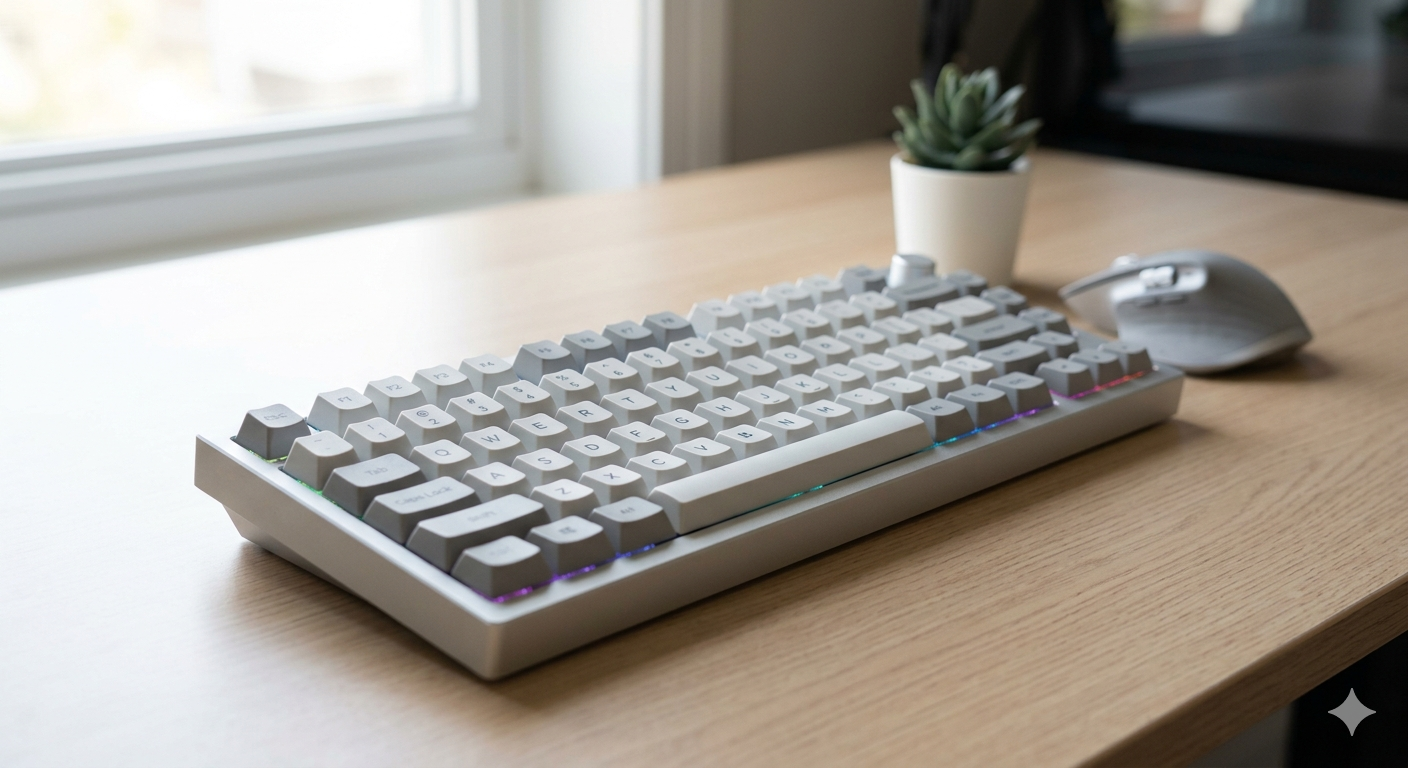
What Is a Mechanical Keyboard? The Complete Beginner's Guide
What is a mechanical keyboard? Learn how they work, the anatomy of each part, the three switch types, and how mechanical keyboards differ from membrane.
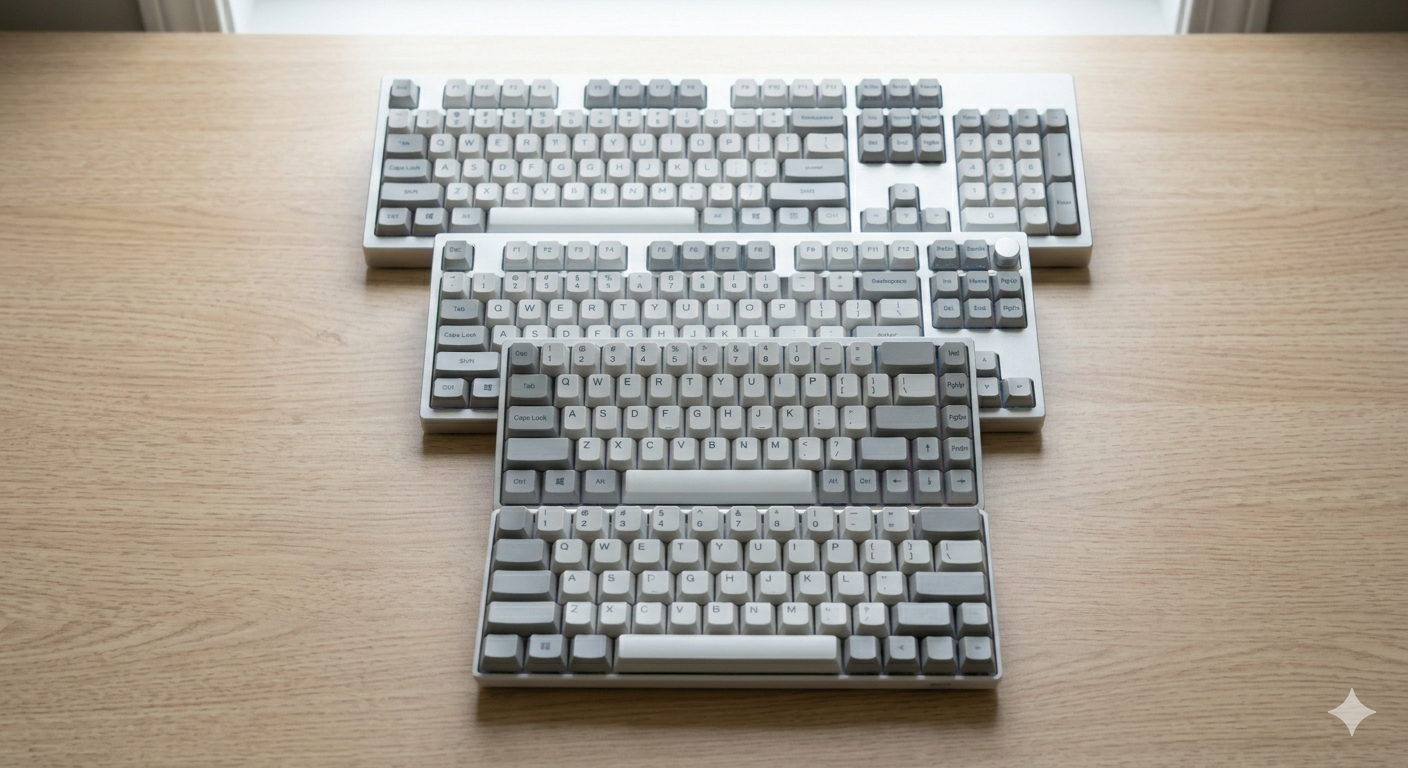
Keyboard Sizes Explained: 60%, 65%, 75%, TKL, Full-Size and More
Complete guide to keyboard sizes and layouts: 100%, TKL, 75%, 65%, 60%, 40% — what each size includes, what it drops, and which layout is right for you.
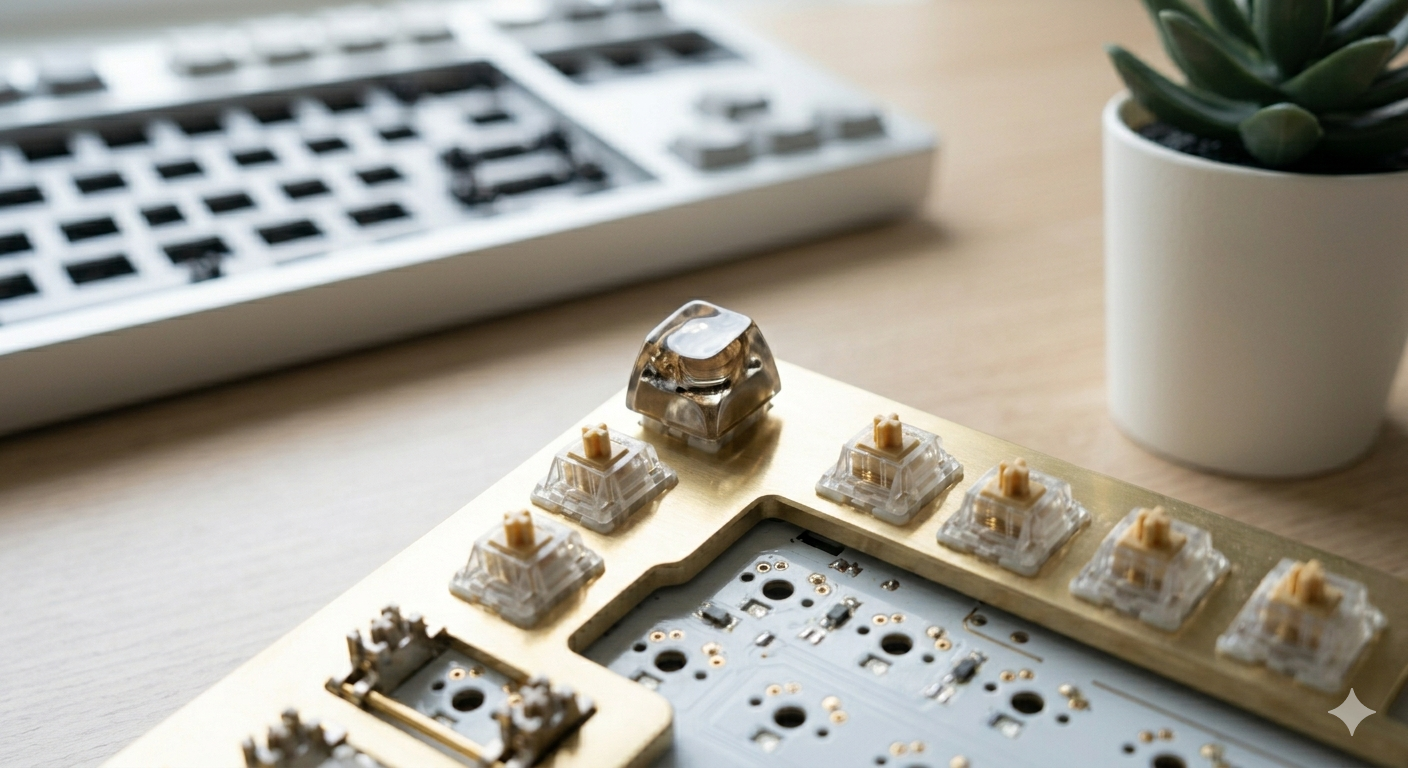
Why Are Mechanical Keyboards So Expensive?
Why do mechanical keyboards cost so much? We break down every cost factor — switches, PCBs, cases, keycaps, and why premium keyboards can cost $500+.