60% vs 65% Keyboard: Which Layout Should You Choose?
By Jota Martínez •
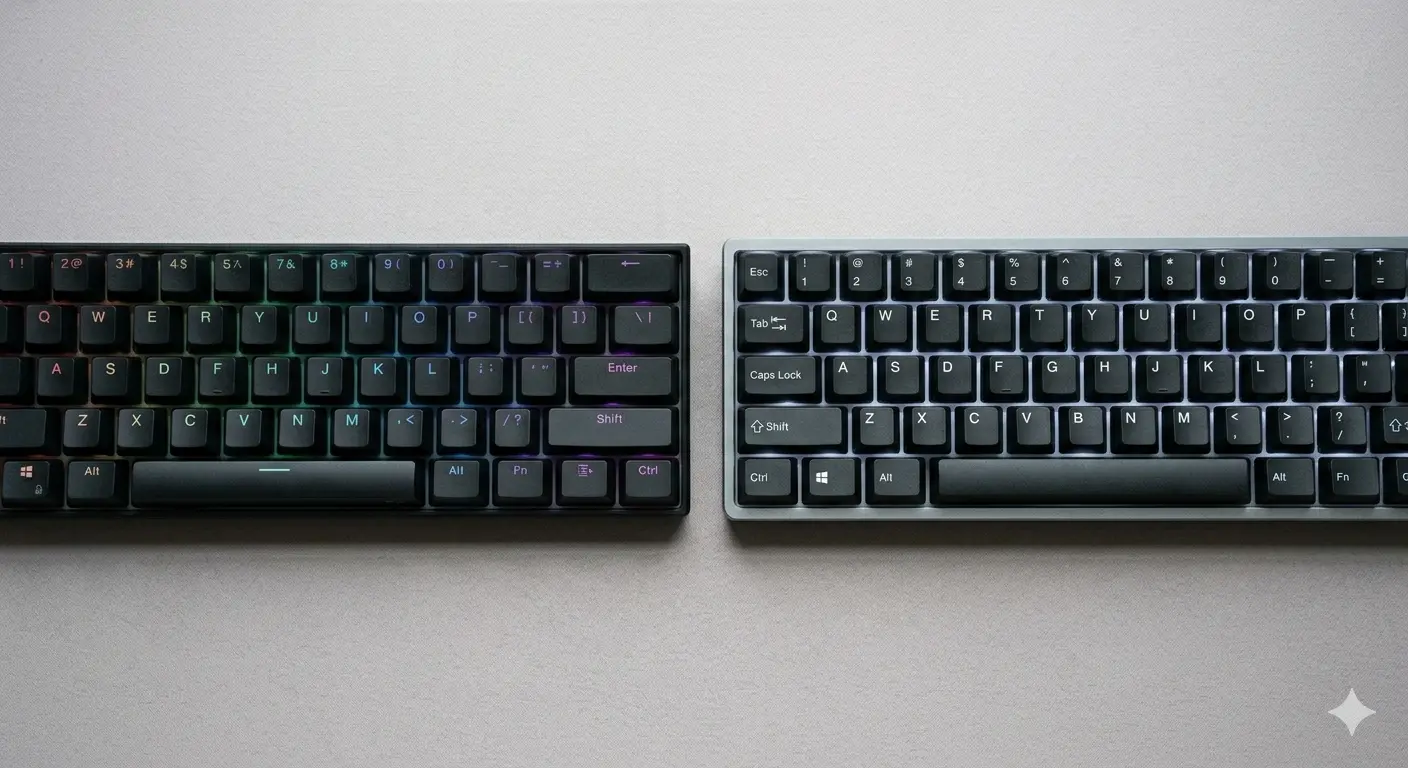
The 60% and 65% keyboard layouts look nearly identical at first glance — both are small, both ditch the function row and numpad, and both save significant desk space. The real difference comes down to one thing: dedicated arrow keys. The 65% has them; the 60% doesn't. That sounds minor until you try to navigate a spreadsheet or write code without them.
This comparison explains exactly what you lose and gain with each layout, who each one is designed for, and the practical differences in daily use.
60% vs 65%: Side-by-Side Comparison
| Feature | 60% Keyboard | 65% Keyboard |
|---|---|---|
| Key count | ~61 keys | ~68 keys |
| Arrow keys | None (Fn layer) | Dedicated (bottom-right) |
| Function row (F1–F12) | Via Fn layer | Via Fn layer |
| Footprint | Smallest compact (~29 cm wide) | Slightly wider (~30–31 cm wide) |
| Typical price range | €50–300+ (wide range) | €60–350+ (similar range) |
| Learning curve | Steep — muscle memory reset needed | Moderate — arrows familiar, rest adapts |
| Best for | Gaming, minimalist aesthetics, Fn-layer comfortable users | Writing, coding, gaming with navigation needs |
60% Keyboards: Maximum Minimalism
A 60% keyboard is the smallest practical keyboard layout for most workflows. At around 61 keys, it fits everything you need for typing and gaming — letters, numbers, modifiers, punctuation — and routes everything else through a function layer. Arrow keys become Fn+WASD or Fn+IJKL depending on the keyboard. Delete, Page Up, and Page Down also move to Fn layers.
The result is a remarkably compact footprint: a 60% keyboard is typically 290–295mm wide, compared to 370mm for a TKL and 445mm for full-size. That extra desk space (and the smaller mouse travel distance for gaming) is genuinely useful. The tradeoff is the learning curve — retraining muscle memory for arrows and navigation takes most people 2–4 weeks of deliberate use.
65% Keyboards: The Practical Compact
A 65% keyboard adds dedicated arrow keys and a small cluster of navigation keys (Delete, Page Up, Page Down, sometimes Home/End) to the right side of the space bar. The total key count is usually 67–68. The physical size increase over a 60% is minimal — about 10–15mm wider — but the usability difference is significant.
For most users who want a compact keyboard but don't want to rethink how they navigate, the 65% is the more practical choice. You get the core benefits of a compact layout (no numpad, no function row, saved desk space) without giving up the keys you use most often beyond typing.
Which Should You Choose?
The decision is almost always about arrow keys:
For the full layout overview including TKL and full-size, see our guide to keyboard sizes explained. If you're also choosing between 65% and 75%, read our 65% vs 75% keyboard comparison. For general keyboard advice, see our guide on how to choose a mechanical keyboard.
Frequently Asked Questions
Still deciding on layout?
Our full keyboard size guide covers every layout from 40% to full-size — with the pros, cons, and recommendations for each.
Read the complete keyboard sizes guideRelated Articles
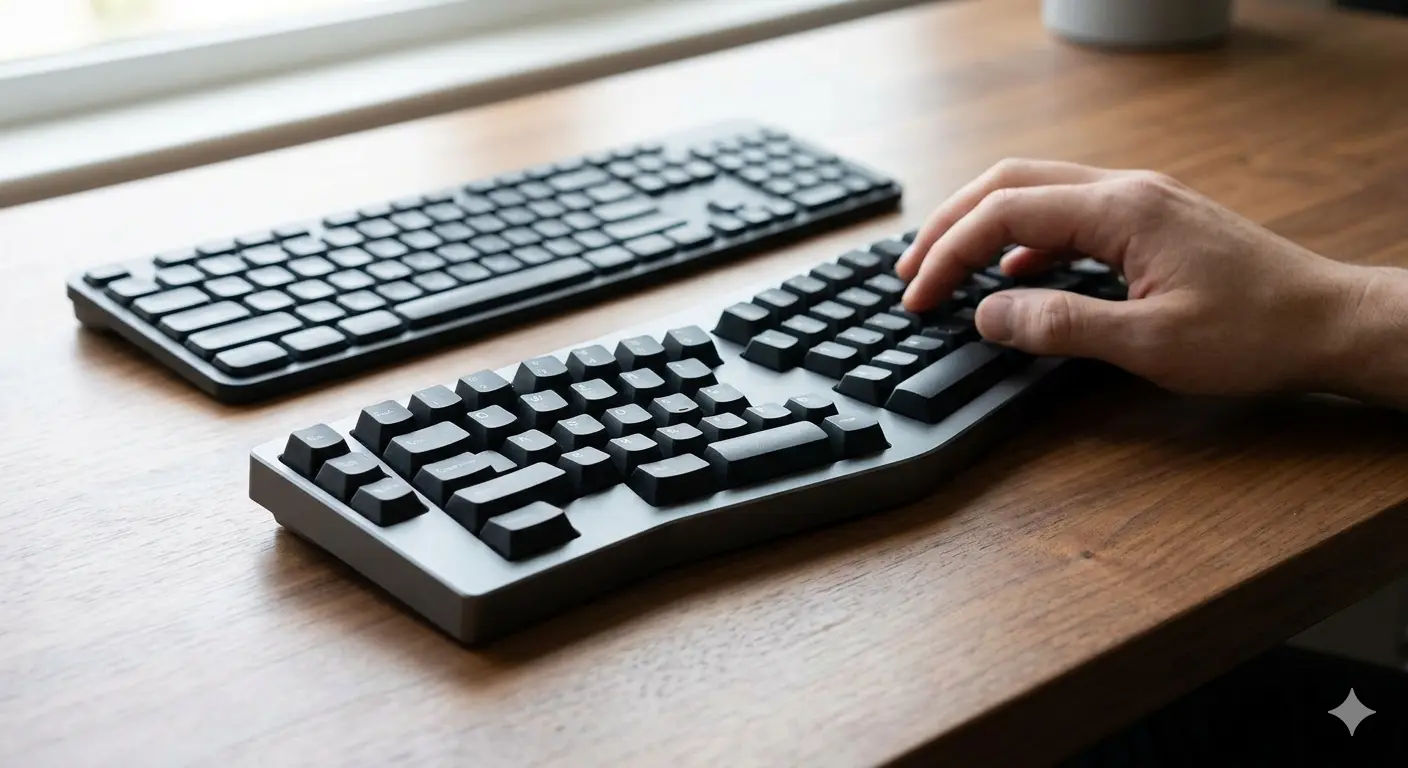
Split vs Regular Keyboard: When Does It Make Sense to Switch?
Split keyboards offer real ergonomic benefits — but for whom? We cover the science, the learning curve, and the models worth trying in 2026.

Mechanical Keyboard vs Membrane: An Honest Comparison
Mechanical vs membrane keyboard: lifespan, typing feel, noise, price and customization compared side by side. Which one is actually right for you?
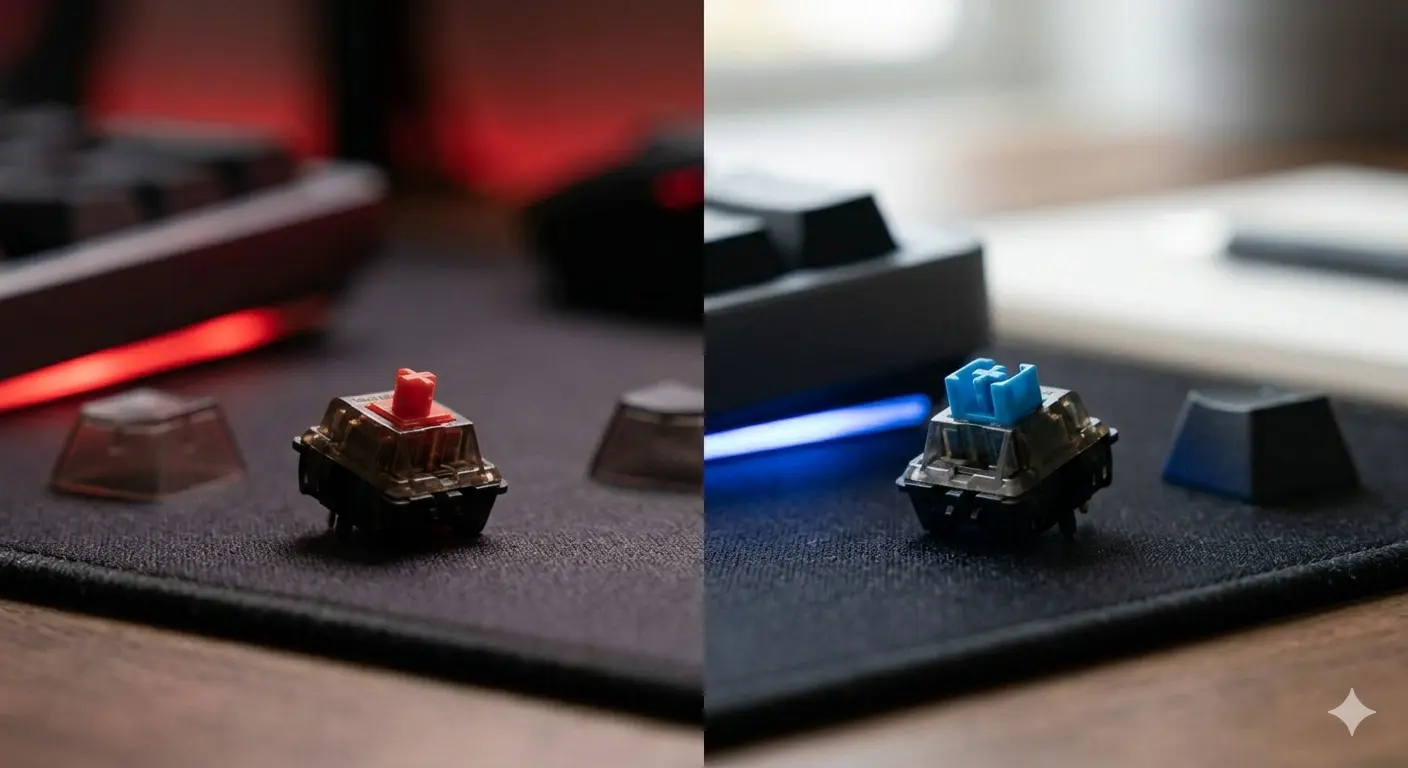
Cherry MX Red vs Blue: Gaming vs Typing Compared
Cherry MX Red vs Blue — the two most popular switches head to head. Specs, sound, gaming performance, typing feel, and which one you should actually get.