Mechanical Keyboard vs Membrane: An Honest Comparison
By Jota Martínez •
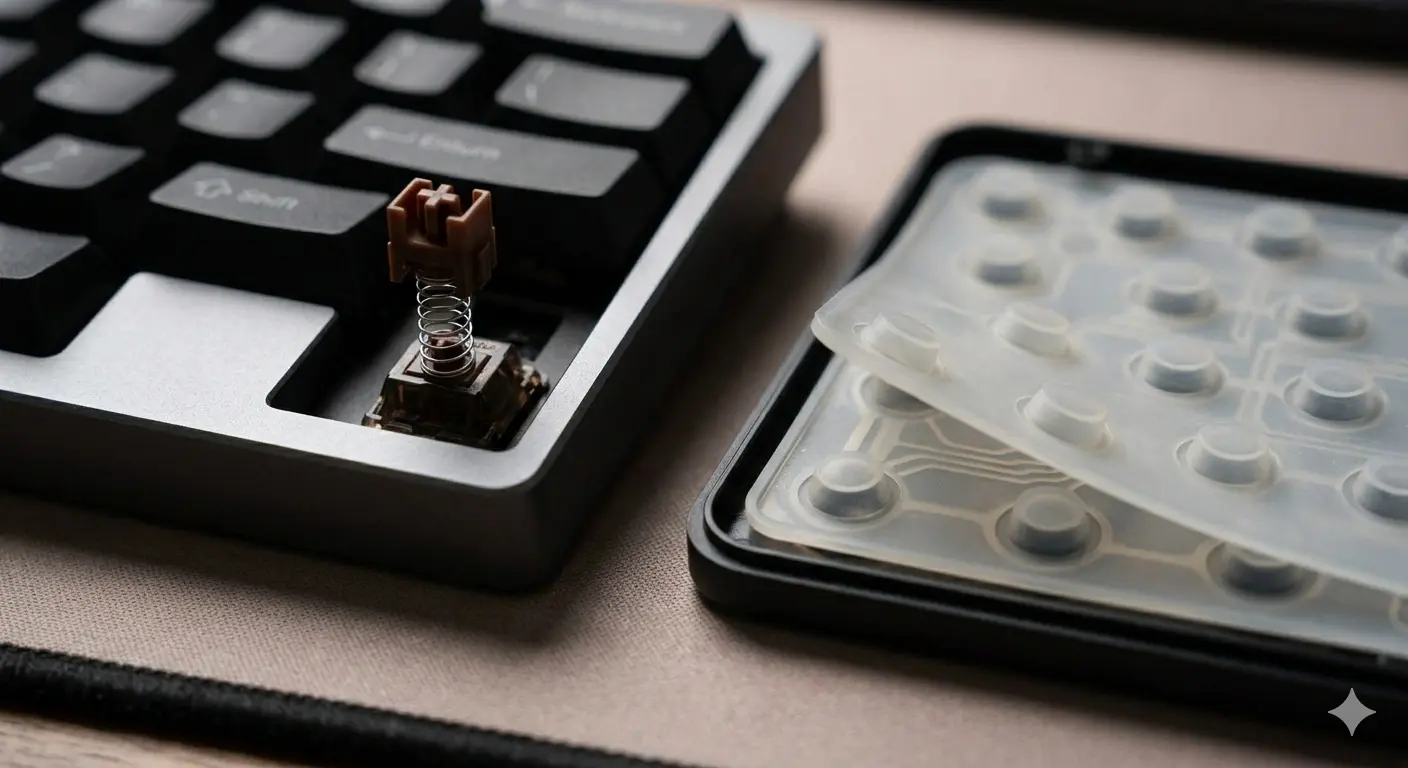
The most common question when someone considers switching keyboards: is a mechanical keyboard actually better than a membrane keyboard, or is it just expensive hype? The honest answer is: it depends on what you're using it for and how much you type.
This comparison breaks down every meaningful difference — how each type works, how they feel to type on, how loud they are, how long they last, and when each one actually makes more sense. No brand advocacy, no hype.
How Each Technology Works
Understanding the underlying mechanism explains almost all the differences between the two keyboard types.
Head-to-Head: 8 Key Factors
Here's how the two technologies compare across the factors that matter most for everyday use:
| Factor | Mechanical | Membrane |
|---|---|---|
| Lifespan | 50–100M keystrokes per switch. Most outlast 10–15 years of daily use. | 5–15M total. Membrane degrades uniformly — the whole keyboard fails, not individual keys. |
| Typing feel | Defined actuation point — you can feel (and hear) exactly when the keystroke registers. Tactile or linear depending on switch. | Requires bottoming out each key fully. No tactile feedback. Consistent but mushy. |
| Noise | Varies widely by switch: from quieter than membrane (silent linears) to very loud (clicky switches). | Quiet typing, but audible bottoming-out thud. Generally quieter than clicky mechanical. |
| Customization | Switches swappable (hot-swap boards), keycaps replaceable, firmware re-programmable, mods aplenty. | None. What you buy is what you get. |
| Repairability | Individual switch failure? Replace that switch. Keycap breaks? Replace the keycap. | Single key failure often means replacing the entire keyboard. |
| N-Key Rollover | Full NKRO on quality boards — unlimited simultaneous keypresses registered. | Typically 6-key rollover. Budget boards may ghost (miss keypresses) under heavy simultaneous input. |
| Price | $30–$500+. Quality entry-level starts around $50. | $5–$50. Most office membrane keyboards cost $10–$25. |
| Portability | Heavier (especially aluminum builds). More durable for transport. | Generally lighter, thinner. Laptop-style membrane keyboards fold thin. |
The Typing Feel Difference (This Is the Big One)
The most significant real-world difference isn't durability or price — it's typing feel. Membrane keyboards require you to press each key all the way to the bottom (called "bottoming out") to reliably register the keystroke. The rubber dome provides some spring-back, but there's no tactile signal telling you the key registered before you bottom out.
Mechanical switches with a defined actuation point let you develop a "light touch" — you learn to release the key just past actuation without pressing all the way down. This reduces finger movement per keystroke, which reduces typing fatigue and can improve both speed and accuracy over time. This is why professional typists and programmers overwhelmingly prefer mechanical keyboards for sustained work.

A mechanical switch registers at the actuation point (red line) — before the bottom of travel. Membrane requires pressing all the way to the bottom.
The Noise Question: Is Mechanical Always Louder?
No — and this is one of the biggest misconceptions about mechanical keyboards. The noise level depends entirely on the switch type, not whether the keyboard is mechanical or membrane:
| Clicky switches | Cherry MX Blue, Kailh Box White, etc. Very loud. Louder than membrane. Not office-appropriate. |
| Tactile switches | Cherry MX Brown, Topre, etc. Moderate noise. Similar to membrane at the same typing speed. |
| Linear switches | Cherry MX Red, Gateron Yellow, etc. The keystroke noise itself is low; bottoming-out sound varies by board. |
| Silent switches | Boba U4, Gateron Silent Red, etc. Internal dampeners make these quieter than most membrane keyboards. |
| Membrane | Quiet keystrokes but a flat "thud" when bottoming out. Moderately quiet overall. |
The Price Gap Is Narrowing
A decade ago, the cheapest mechanical keyboard cost $80–100. Today, the Keychron C1 and Redragon K552 bring mechanical switches to the $35–50 range. The price gap between entry-level mechanical and mid-range membrane has essentially closed.
The longevity math also works in mechanical's favor: a $70 mechanical keyboard that lasts 10 years costs $7/year. A $20 membrane keyboard replaced every 2–3 years costs $7–10/year — identical total cost of ownership with worse typing experience.
When Membrane Still Makes Sense
Mechanical isn't the right answer for everyone. Here's when membrane is genuinely the better choice:
The Honest Verdict
For anyone who types seriously — whether for work, gaming, writing, or programming — a mechanical keyboard is the better tool. The feel is better, the longevity is better, and the customization options mean you can tailor the experience to exactly what you need. At current prices, the cost premium over membrane is small enough that the long-term value case is easy.
If you type occasionally, share keyboards in a harsh environment, or genuinely need the thinnest possible profile, membrane keyboards remain a practical choice. The "mechanical is always better" narrative ignores that context matters.
New to mechanical keyboards? Start with what is a mechanical keyboard to understand the basics. Once convinced, 9 reasons to switch to a mechanical keyboard is a good read. Ready to choose one? Use our guide on how to choose a mechanical keyboard.
Frequently Asked Questions
Ready to Make the Switch?
See our top mechanical keyboard picks for every budget and use case — tested and ranked.
See Best Mechanical Keyboards 2026 ?Related Articles
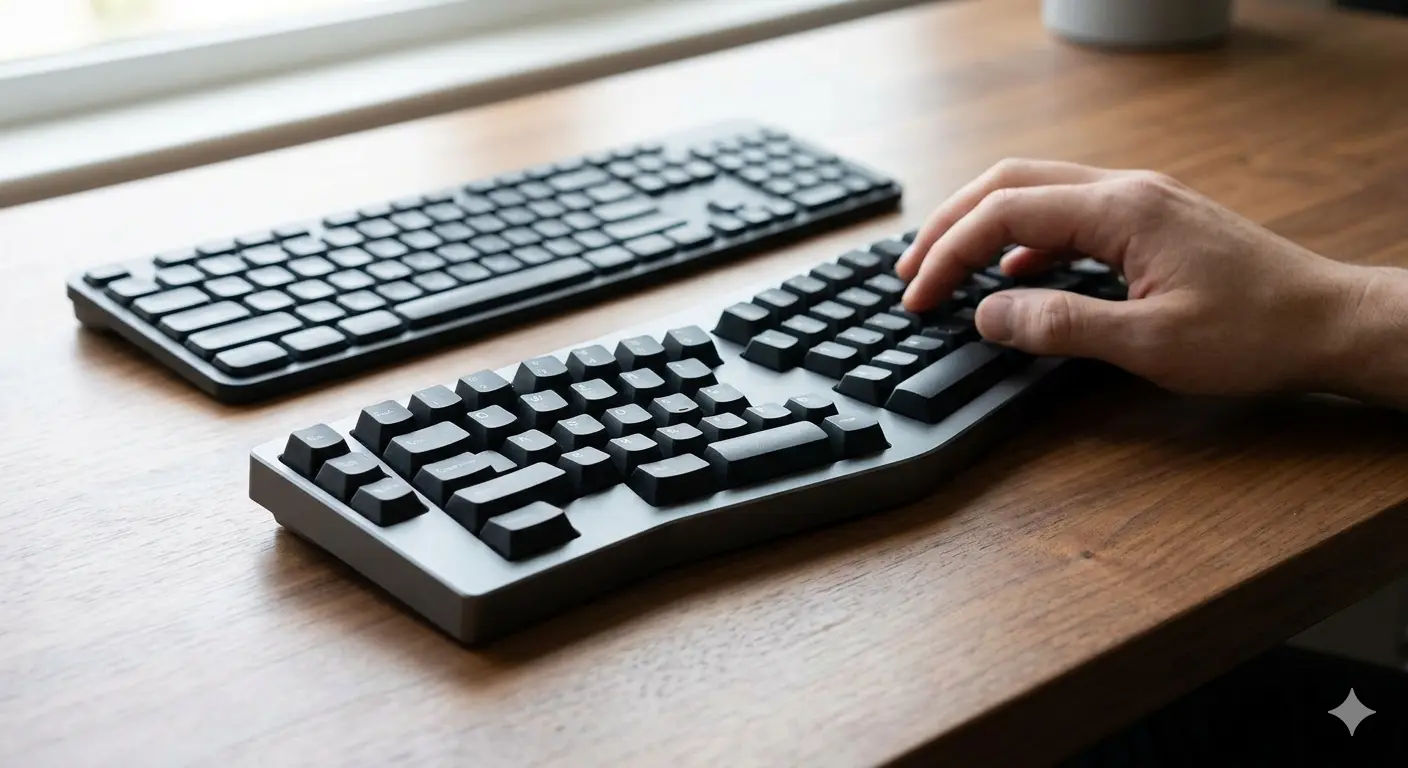
Split vs Regular Keyboard: When Does It Make Sense to Switch?
Split keyboards offer real ergonomic benefits — but for whom? We cover the science, the learning curve, and the models worth trying in 2026.
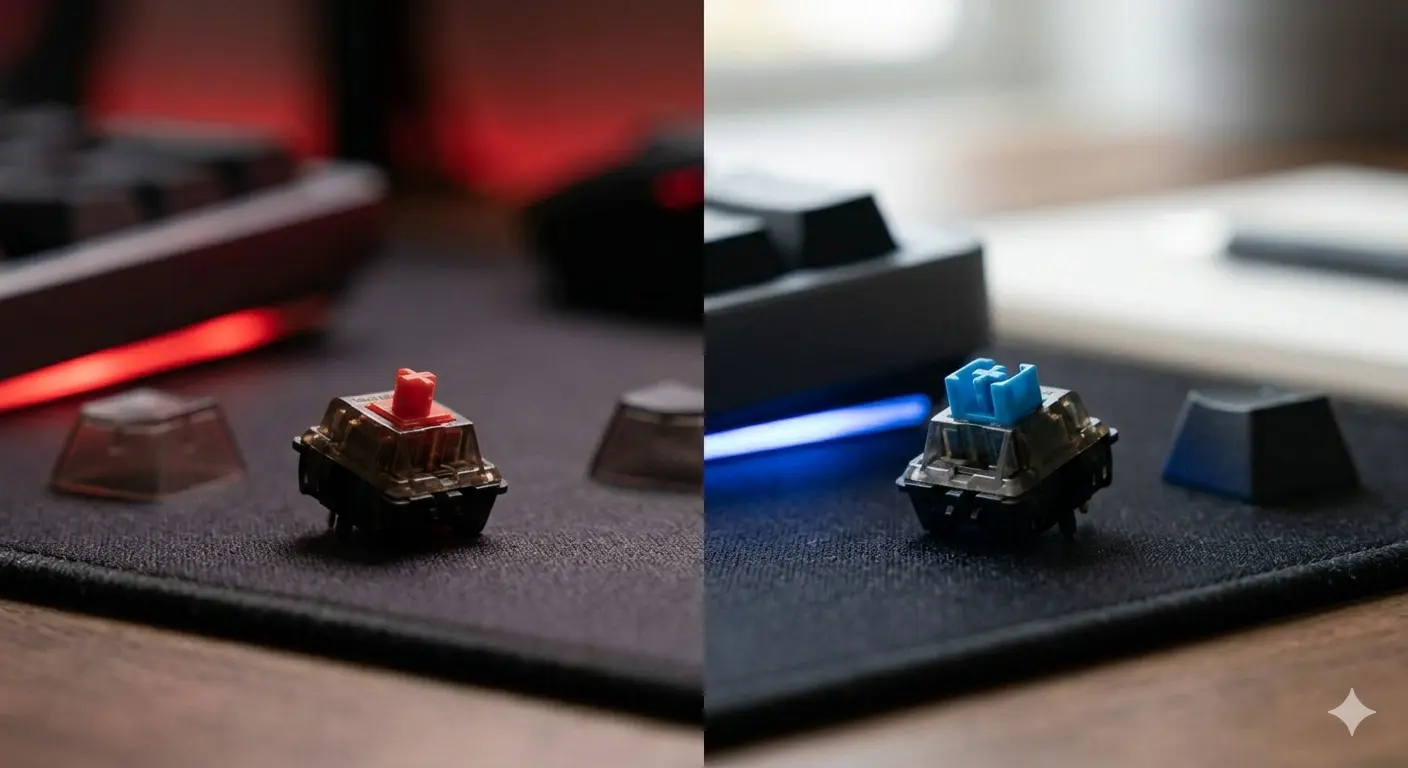
Cherry MX Red vs Blue: Gaming vs Typing Compared
Cherry MX Red vs Blue — the two most popular switches head to head. Specs, sound, gaming performance, typing feel, and which one you should actually get.
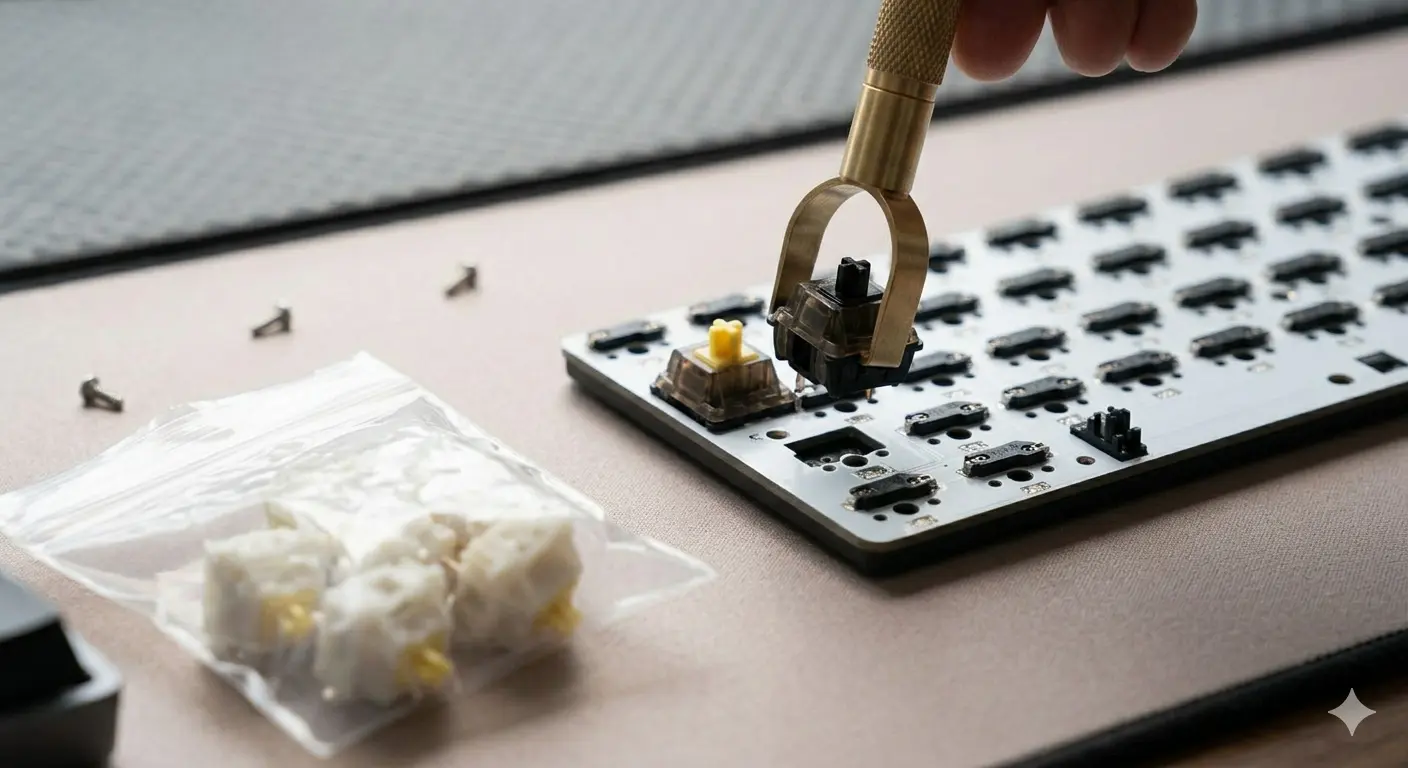
Gateron vs Cherry MX: Are Budget Switches Actually Better?
Gateron vs Cherry MX — smoothness, sound, price, and longevity compared. The honest answer to whether budget switches from Gateron beat the Cherry MX standard.