Mechanical Keyboard Benefits: 9 Reasons to Switch
By Jota Martínez •
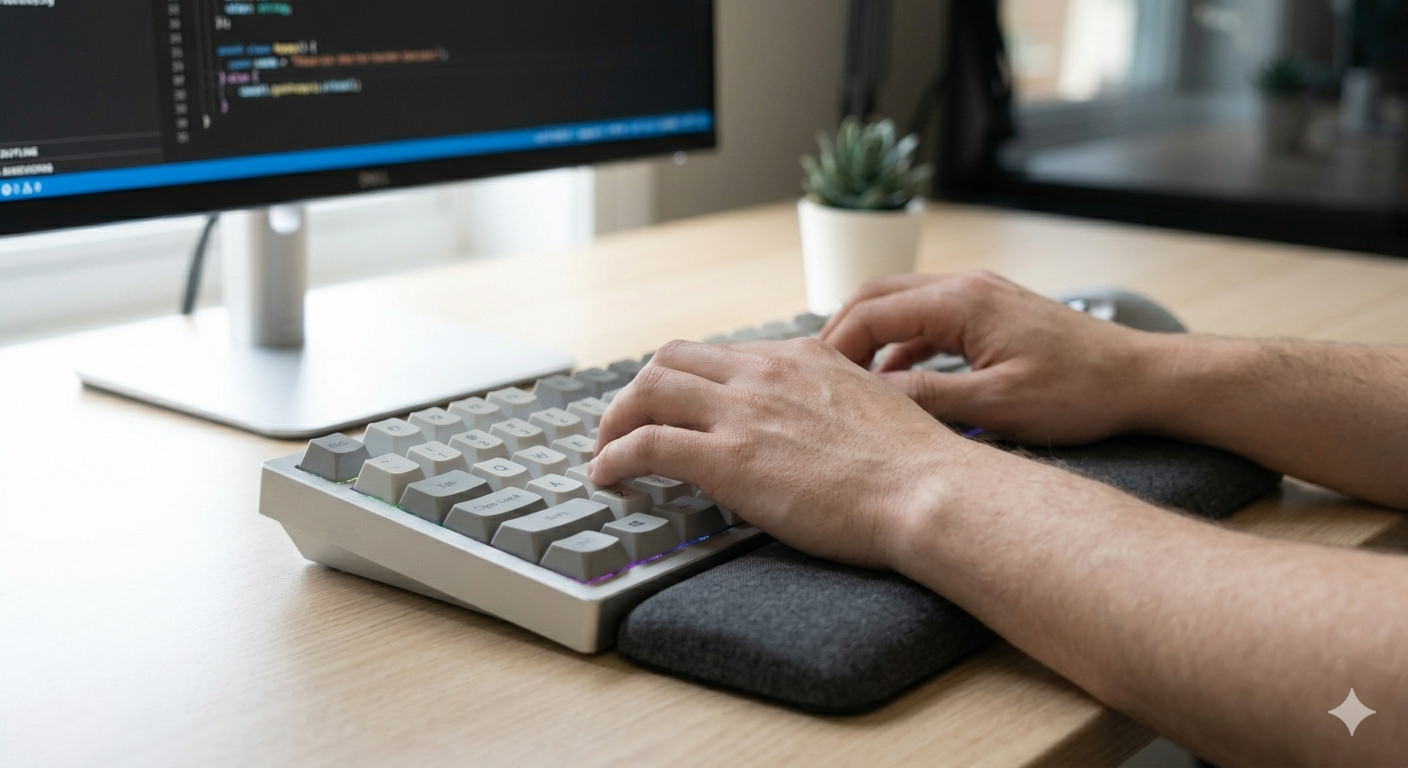
Most people use whatever keyboard came with their computer and assume they're all roughly the same. They're not. The gap between a $15 membrane keyboard and a $100 mechanical is larger than the price suggests — in feel, lifespan, accuracy, and what you can do with it over years of use.
Here are the nine concrete benefits that make mechanical keyboards worth the upgrade, with honest notes on where the differences are real and where they're overhyped.
1. Tactile and Auditory Feedback
Mechanical keyboards have individual switches under each key that provide distinct physical feedback when actuated. Depending on the switch type, you get either a tactile bump (you feel when the key registers), an audible click (you hear it), or a smooth linear stroke. Membrane keyboards provide no feedback at all — the key travels all the way to the bottom before registering.
This feedback matters because it lets you type without fully bottoming out every key. Experienced typists on tactile switches hover just past the actuation point — faster keystrokes, less finger impact. The practical benefit compounds over an 8-hour workday.
2. Far Superior Durability
Mechanical switches are rated for 50 to 100 million keystrokes per switch. The industry standard Cherry MX switch is rated at 100 million; Gateron rates their switches at 80 million. A membrane keyboard typically lasts 5–10 million keystrokes before the dome layer degrades and keys start feeling mushy or failing to register.
In practical terms: a mechanical keyboard that you type 8 hours a day should last 10–15 years. Membrane keyboards typically last 2–5 years before the feel noticeably degrades. The higher upfront cost pays for itself in longevity alone.
3. Deep Customization at Every Level
Mechanical keyboards can be customized in ways that are simply impossible with membrane boards. The modular design — separate switches, plate, PCB, keycaps, and case — means you can change almost any component:
| Switches | Hot-swap boards let you change switches without soldering. Swap from linear to tactile in minutes. Try silent switches for an office. Install heavy tactile switches for gaming. |
| Keycaps | Hundreds of keycap sets are available in different profiles (OEM, Cherry, SA, MT3), materials (PBT, ABS), and colorways. A new keycap set completely transforms the look and feel. |
| Lubing | Applying lubricant to switches and stabilizers changes the sound and feel dramatically — smoother strokes, quieter bottoming out, eliminated rattle. |
| Layout & firmware | QMK/VIA-compatible boards let you remap every key, create macros, add layers, and program per-key behavior in ways that no membrane keyboard supports. |
4. Typing Speed and Accuracy
Multiple studies have found that tactile mechanical switches improve typing accuracy compared to membrane keyboards, primarily because the feedback lets typists register keystrokes with confidence without bottoming out. The improvement in accuracy is real; the improvement in speed is more individual — it depends heavily on your typing technique and which switches you use.
Linear switches (Cherry MX Red, Gateron Yellow) are popular with competitive typists who've already optimized their technique and want minimal actuation resistance. Tactile switches (Brown, Topre, Holy Pandas) benefit typists still developing muscle memory, because the bump acts as a signal to stop pressing.
5. Build Quality and Materials
Most membrane keyboards use thin ABS plastic cases with flex. Mid-range mechanical keyboards at $70+ typically use thicker ABS or polycarbonate. Premium mechanical keyboards use aluminum or brass cases that add weight and resonance. The physical difference — picking up an aluminum-cased keyboard vs a typical membrane board — is immediately apparent.
The same applies to keycaps. Cheap membrane keyboards use thin ABS keycaps with laser-printed legends that wear off in months. Mechanical keyboards in the $70+ range typically include double-shot or dye-sub PBT keycaps where the legends are part of the plastic itself and cannot wear off.
6. N-Key Rollover and Anti-Ghosting
N-Key Rollover (NKRO) means every key registers independently, regardless of how many are pressed simultaneously. Membrane keyboards commonly use a matrix design with ghost prevention that limits how many keys can be pressed at once — typically 6-key rollover in the best case, 3-key rollover in cheaper implementations.
For gaming, this matters: complex key combinations — WASD + Shift + Space + a skill key — require true NKRO to register reliably. For fast typists, rollover matters too: if you consistently bottom out keys faster than the membrane matrix can poll, you lose characters. Most mechanical keyboards implement full NKRO over USB.
7. Sound Profile You Can Customize
The sound of a keyboard matters more than people who haven't switched realize — you spend hours a day listening to it. Mechanical keyboards let you choose your exact sound profile:
8. Repairability
When a key stops working on a membrane keyboard, you typically replace the whole unit. When a switch on a mechanical keyboard fails — which is rare given the 50-100 million keystroke rating — you replace that single switch. On a hot-swap board, this takes 30 seconds and no tools. On a soldered board, it takes 5 minutes with a soldering iron.
This repairability extends to stabilizers, PCBs, and even cases on many enthusiast boards. The modular design means a mechanical keyboard can be maintained indefinitely. The most expensive part — the case — rarely fails.
9. Long-Term Value
A $100 mechanical keyboard that lasts 15 years costs $6.67 per year. A $20 membrane keyboard that lasts 3 years costs $6.67 per year. The math is the same before you factor in that the mechanical keyboard can be upgraded (new switches, new keycaps) rather than replaced.
The keycaps and case on a good mechanical keyboard outlast the switches. With a hot-swap board, you can replace the switches to refresh the feel without buying a new keyboard. Many enthusiasts use the same case for 5–10 years, refreshing the internals as switch technology improves.
Ready to pick one? Our keyboard buying guide walks through every decision. If hot-swap is a priority, read our hot-swappable keyboards guide . For switch types explained, see the keyboard switches guide.
Frequently Asked Questions
Ready to make the switch?
Our complete keyboard buying guide covers every decision from switch type to form factor to budget — with specific board recommendations at every price point.
Read the full keyboard buying guide ?By Jota Martínez • Published on June 15, 2026
Related Articles
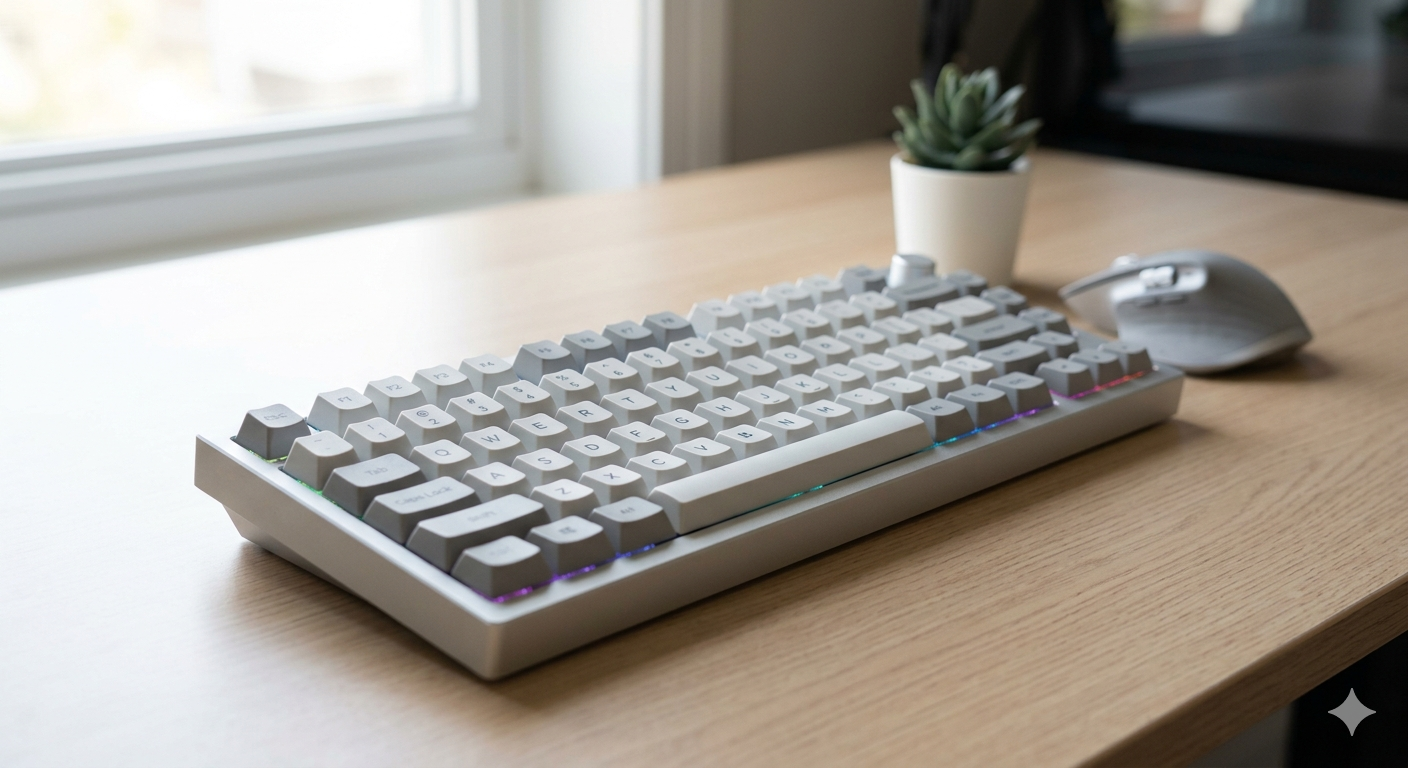
What Is a Mechanical Keyboard? The Complete Beginner's Guide
What is a mechanical keyboard? Learn how they work, the anatomy of each part, the three switch types, and how mechanical keyboards differ from membrane.
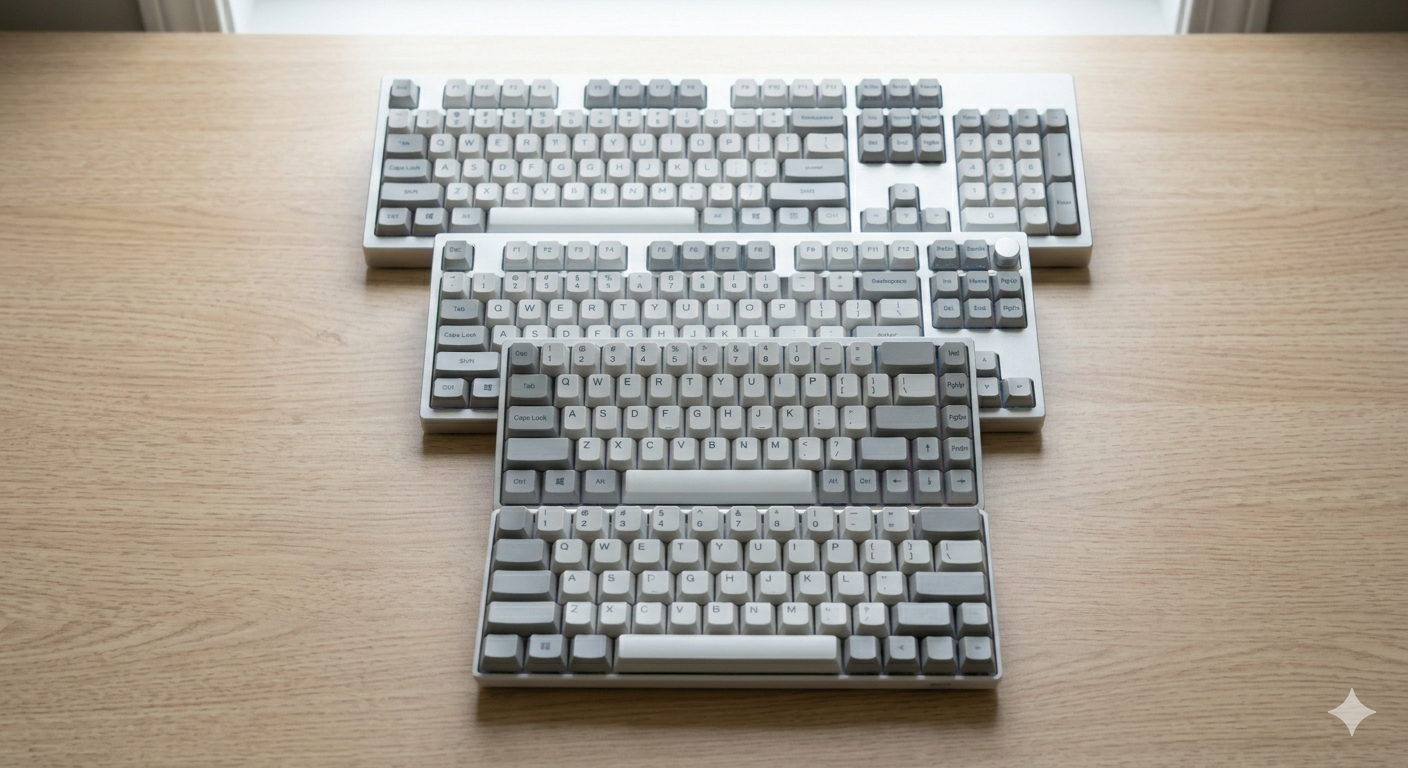
Keyboard Sizes Explained: 60%, 65%, 75%, TKL, Full-Size and More
Complete guide to keyboard sizes and layouts: 100%, TKL, 75%, 65%, 60%, 40% — what each size includes, what it drops, and which layout is right for you.
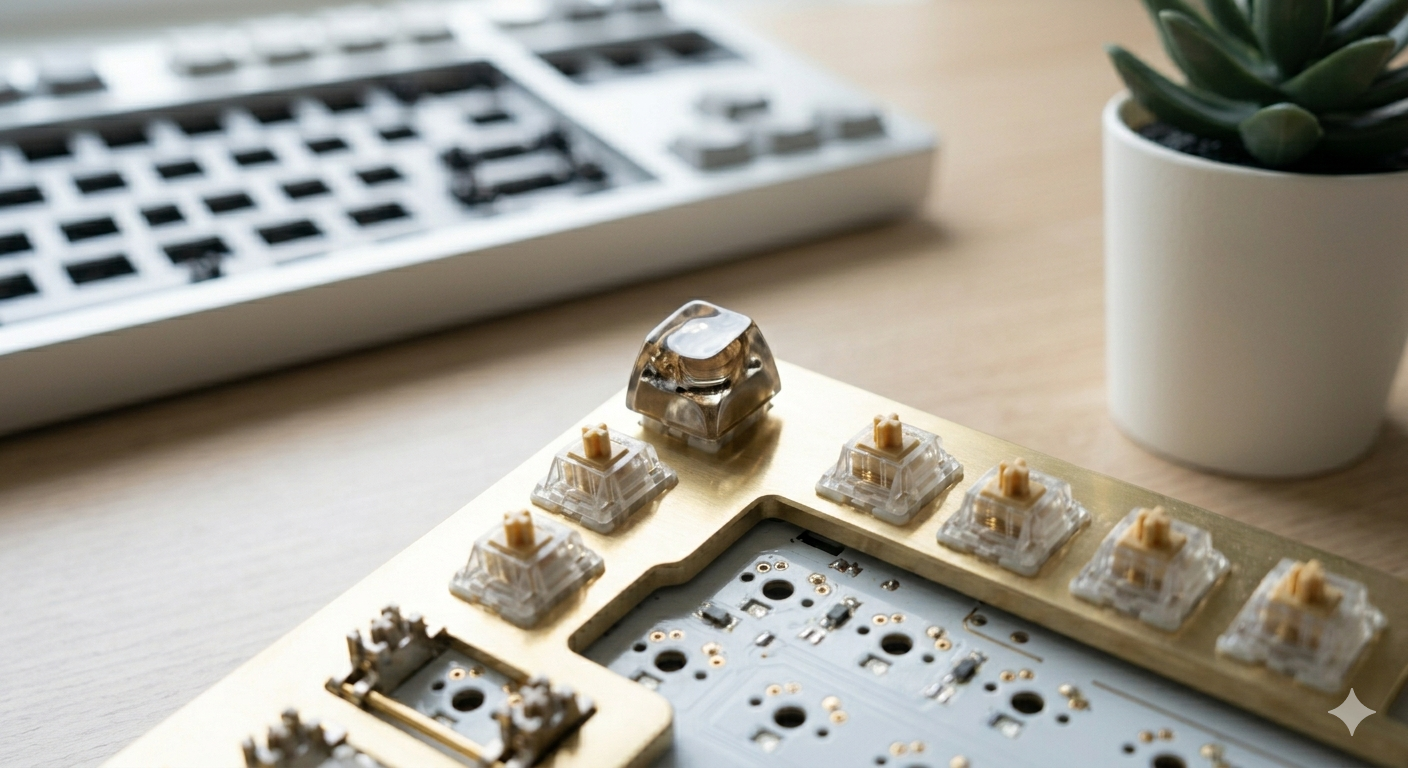
Why Are Mechanical Keyboards So Expensive?
Why do mechanical keyboards cost so much? We break down every cost factor — switches, PCBs, cases, keycaps, and why premium keyboards can cost $500+.