What Is a Mechanical Keyboard? The Complete Beginner's Guide
By Jota Martínez •
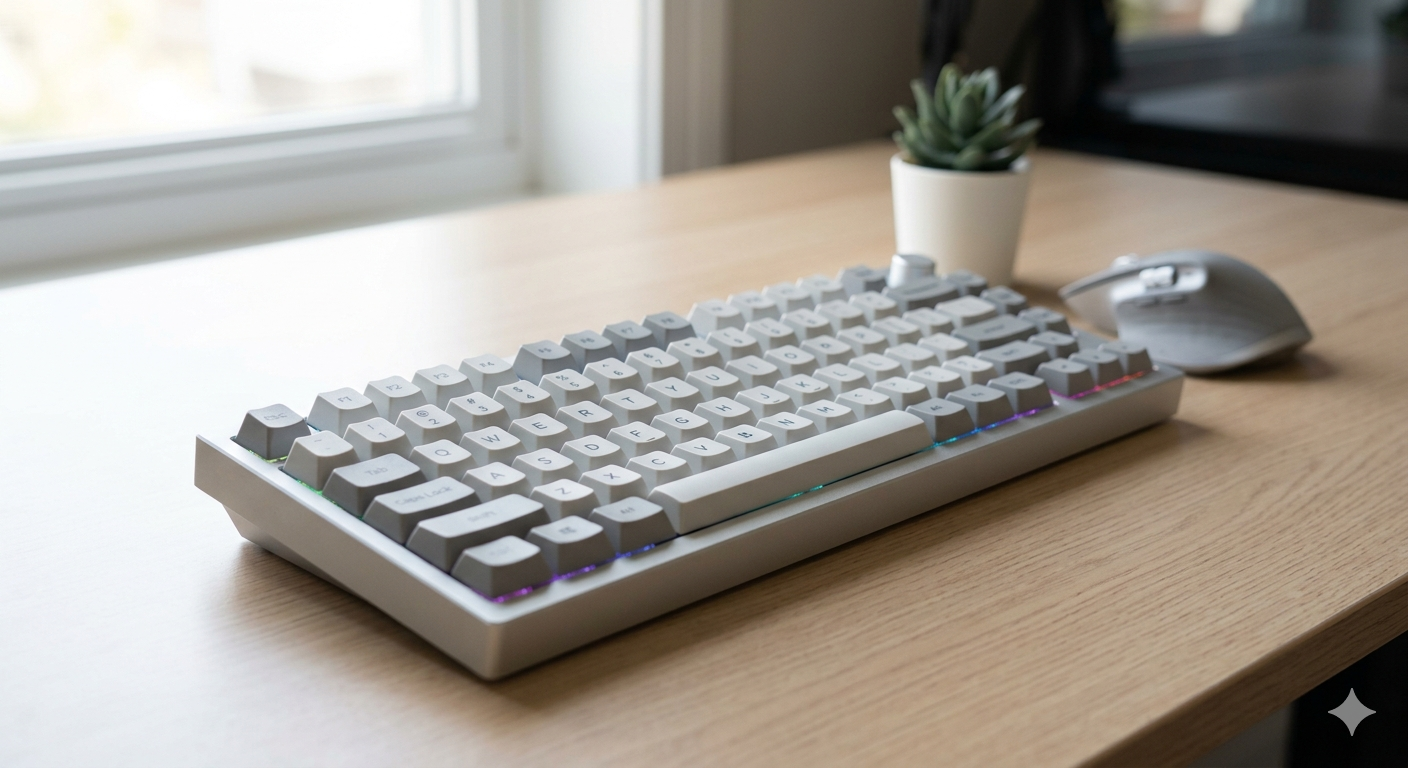
A mechanical keyboard uses an individual physical switch under every single key. Press a key, and that switch registers the keystroke — a fundamentally different mechanism from the rubber dome membrane keyboard that ships with most budget PCs.
That simple difference has enormous consequences for how a keyboard feels, sounds, lasts, and performs. It's why mechanical keyboards have remained the preferred tool for serious typists, programmers, and competitive gamers for the past forty years — and why the enthusiast market for custom keyboards has exploded in the last decade.
This guide explains exactly what a mechanical keyboard is, how each component works, which switch type is right for you, and what to look for when buying your first one.
How a Mechanical Keyboard Works: The 5-Part Anatomy
Every mechanical keyboard is built from five core layers. Understanding each layer helps you make better buying decisions — and understand what you're paying for at each price point.
| Case | The outer shell that holds everything together. Materials range from plastic (ABS) in budget boards to aluminum, polycarbonate, or brass in premium builds. The case material significantly affects the sound and typing feel. |
| PCB | Printed Circuit Board — the brain of the keyboard. Each keypress sends an electrical signal through the PCB to your computer. Hot-swap PCBs let you remove and replace switches without soldering. |
| Plate | A rigid layer between the PCB and switches that holds each switch in place and affects rigidity and sound. Common materials: steel (stiff, pingy sound), aluminum (resonant), polycarbonate (flexible, softer feel). |
| Switches | The individual mechanical components under each key. Each switch has a spring, a housing, and metal contacts. When pressed, the stem moves down, the contacts touch, and the keystroke registers. A quality switch is rated for 50–100 million presses. |
| Keycaps | The plastic tops you actually press. Made from ABS or PBT plastic in various profiles (OEM, Cherry, SA). Keycaps are fully customizable — the mechanical keyboard community has built an enormous ecosystem of designs and colorways. |

The five layers of a mechanical keyboard, from bottom to top: case, PCB, plate, switches, keycaps.
The interaction between these five layers determines everything about how a keyboard sounds and feels. A gasket-mounted keyboard with a polycarbonate plate and POM switches sounds completely different from a tray-mounted board with a steel plate and stainless housings — even if both use the same keycaps.
The Three Types of Mechanical Switches
Every mechanical switch falls into one of three families, defined by the feel and sound of the keystroke:
Not sure which to choose? Our full guide to linear vs tactile vs clicky switches.
Mechanical vs. Membrane: The Key Differences
Most keyboards sold in office supply stores are membrane keyboards. They're cheaper to manufacture, quieter, and completely sufficient for casual use. Here's how they compare head-to-head:
| Factor | Mechanical | Membrane |
|---|---|---|
| Lifespan | 50–100M keystrokes per switch | 5–10M keystrokes total |
| Typing feel | Defined actuation point, consistent | Mushy, requires bottoming out |
| Customization | Switches, keycaps, mods, firmware | None |
| Repairability | Individual switch replacement | Replace entire keyboard |
| Price | $30–$500+ | $5–$50 |
Who Should Use a Mechanical Keyboard?
The short answer: almost anyone who types more than two hours a day benefits from a mechanical keyboard. Here's who gets the most value:
What to Expect at Each Price Point
The mechanical keyboard market spans from $30 entry-level to $500+ custom builds. Here's what each tier actually delivers:
| Price Range | Tier | What You Get |
|---|---|---|
| $30–60 | Entry | Basic hot-swap PCB, plastic case, generic switches (Outemu/Huano). Good for trying mechanical keyboards without commitment. Example: Keychron C series, Redragon. |
| $60–100 | Mid-range | Quality switches (Gateron/Cherry), aluminum or PC case, proper stabilizers, QMK support. The sweet spot for most people. Example: Keychron K/V series, Akko 3068B. |
| $100–200 | Enthusiast | Premium switches (Gateron Oil King, Boba U4T), gasket mount, polycarbonate or aluminum case with foam mods. Noticeably better typing experience. Example: Keychron Q series, Monsgeek M1. |
| $200+ | Custom / Premium | Fully custom builds, group-buy cases, exotic switches, custom keycap sets. The ceiling is unlimited. Performance gains over $200 are subtle; you're paying for materials, aesthetics, and the hobby experience. |
Ready to go deeper? The Complete Mechanical Keyboards Guide covers every topic in detail. For a technical explanation of what happens inside each switch, read how mechanical switches work . When you're ready to buy, our step-by-step guide on how to choose a mechanical keyboard.
Frequently Asked Questions
Ready to Try Your First Mechanical Keyboard?
Browse our tested picks across every budget — from $50 entry-level to premium enthusiast builds.
See Best Mechanical Keyboards 2026 ?By Jota Martínez • Published on June 15, 2026
Related Articles
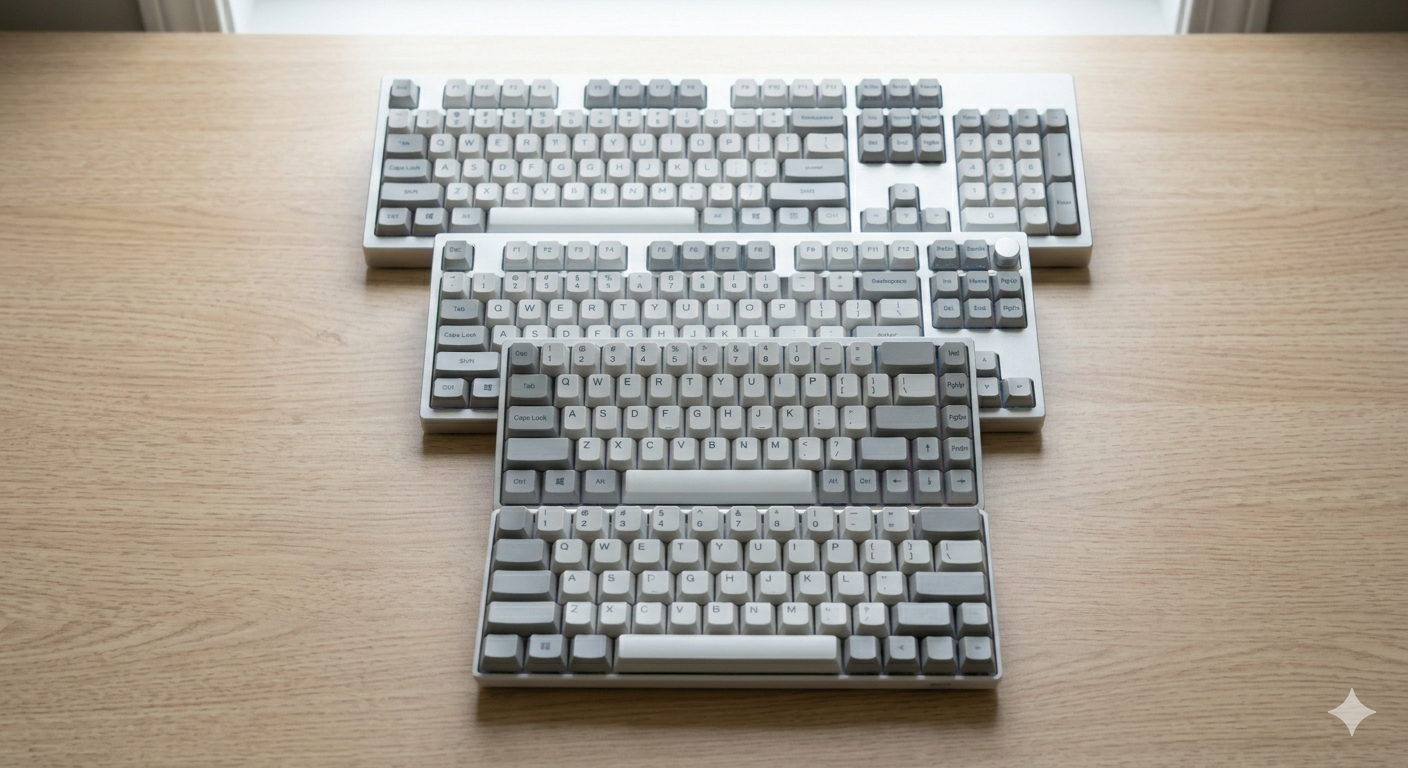
Keyboard Sizes Explained: 60%, 65%, 75%, TKL, Full-Size and More
Complete guide to keyboard sizes and layouts: 100%, TKL, 75%, 65%, 60%, 40% — what each size includes, what it drops, and which layout is right for you.
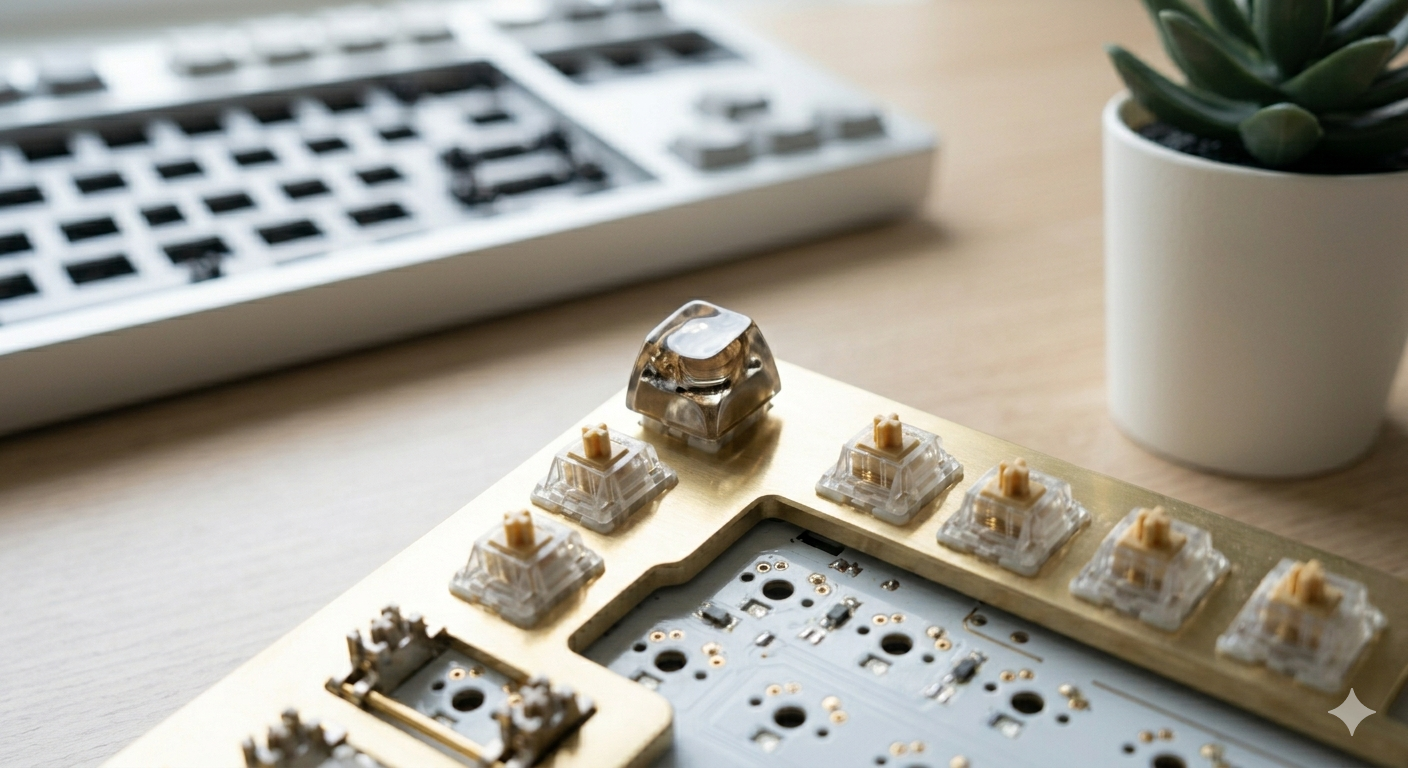
Why Are Mechanical Keyboards So Expensive?
Why do mechanical keyboards cost so much? We break down every cost factor — switches, PCBs, cases, keycaps, and why premium keyboards can cost $500+.
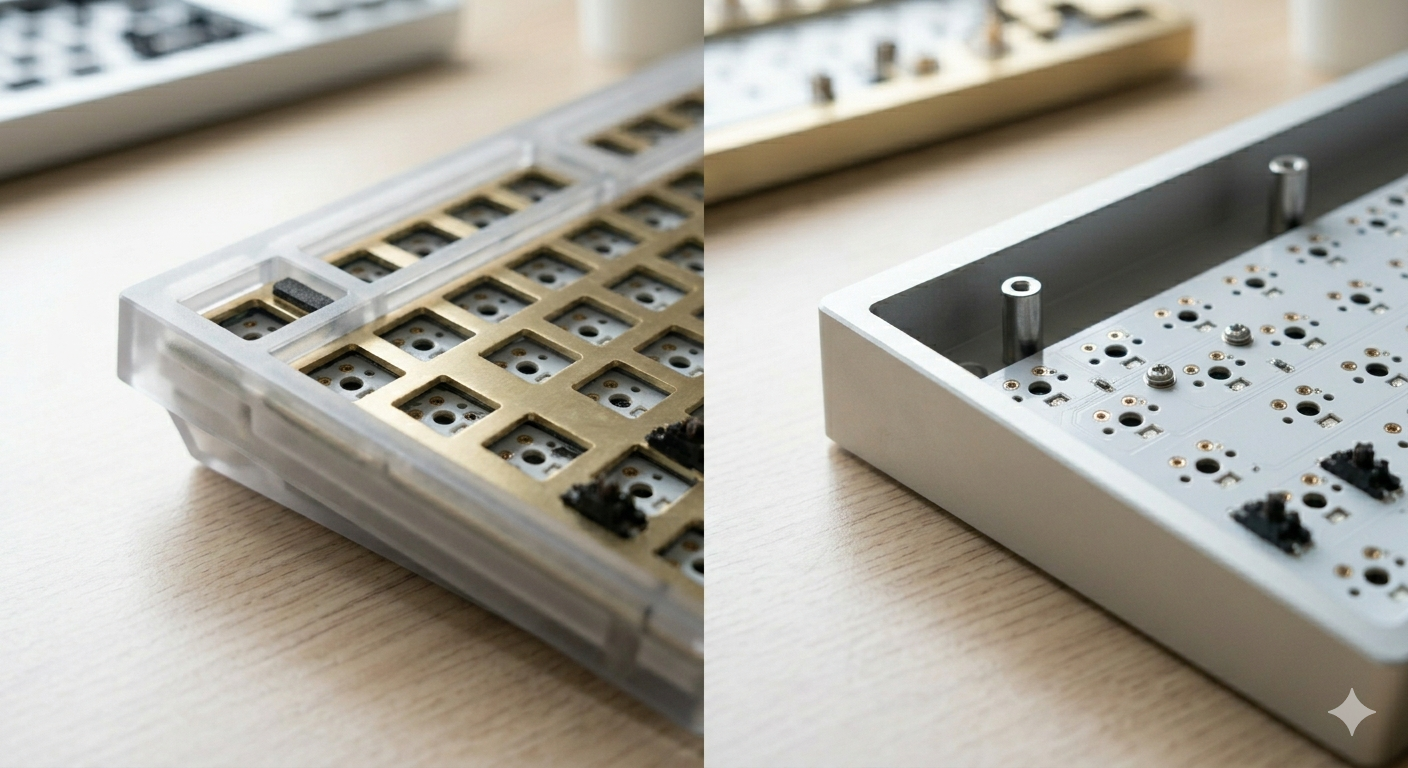
Gasket Mount vs Tray Mount: What's the Difference?
Gasket mount vs tray mount keyboards explained — sound, flex, price and repairability differences, plus which mounting system to choose for typing, gaming or budget builds.