Linear vs Tactile vs Clicky Switches: Which Is Best?
By Jota Martínez •
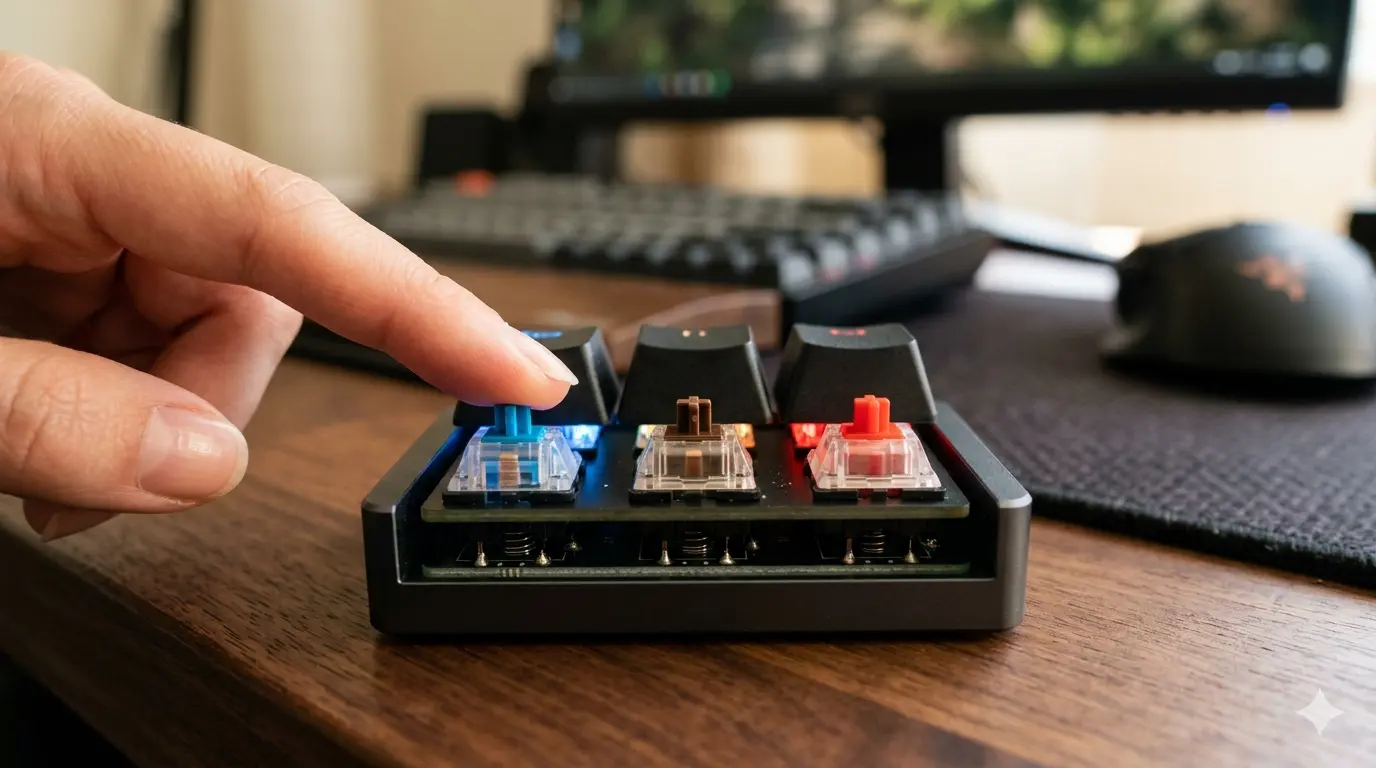
The most consequential decision when buying a mechanical keyboard isn't the brand, the size, or even the price — it's the switch type. Linear, tactile, and clicky switches all feel and sound dramatically different, and choosing the wrong one for how you type can make an otherwise great keyboard feel wrong for years.
The good news: the differences are objective and learnable. Once you understand what each switch type does mechanically and why those differences translate to specific typing experiences, picking the right one becomes straightforward.
This guide breaks down all three switch categories with side-by-side specs, practical use-case guidance, and specific model recommendations in each category.
Linear vs Tactile vs Clicky: Side-by-Side
Here's how the three switch types compare across every dimension that affects the daily typing experience:
| Characteristic | Linear | Tactile | Clicky |
|---|---|---|---|
| Keystroke feel | Smooth from top to bottom — no bump, no break point | Noticeable bump mid-stroke where the key registers | Tactile bump plus audible click at the actuation point |
| Sound profile | Quiet to moderate — mostly bottom-out thud | Moderate — soft thump at the bump, thud at bottom | Loud — sharp click at actuation plus bottom-out thud |
| Actuation feedback | None — purely by feel of spring resistance | Tactile bump tells you exactly when key registered | Both tactile bump and audible click confirm actuation |
| Typing fatigue | Lower for gaming; some typists bottom out more often | Lower for typing — bump prevents unnecessary travel | Similar to tactile, but clicky mechanism adds slight resistance |
| Best for | Gaming, fast repetitive keypresses, silent office use | All-day typing, programming, mixed gaming/typing | Dedicated typists who type alone; satisfaction-focused |
| Popular models | Cherry MX Red, Gateron Yellow, Akko CS Jelly | Cherry MX Brown, Gateron Brown, Boba U4, Topre 45g | Cherry MX Blue, Kailh Box White, Razer Green |
Linear Switches: Smooth, Fast, Quiet
Linear switches have a consistent, smooth keystroke from the top of travel to the bottom with no tactile feedback and no click. The key resistance increases uniformly as the spring compresses — you're purely feeling spring weight. This makes linear switches highly predictable and very fast for repeated keypresses.
The trade-off: without a defined actuation point, it's easier to bottom out every keypress (pressing all the way to the PCB). This isn't necessarily bad — most linear switch typists develop a feel for when keys register — but it does mean more finger travel per keypress than a tactile switch.
Tactile Switches: Feedback Without the Noise
Tactile switches have a noticeable bump mid-stroke — a point of increased resistance where the key actuates. Once you press past the bump, resistance drops and the key bottoms out smoothly. The bump tells your fingers exactly when the keystroke registered without requiring you to hear it.
This makes tactile switches extremely popular for typing-heavy use cases. The bump feedback trains your fingers over time to release the key at the actuation point rather than pressing all the way to the bottom — reducing finger travel per keypress and fatigue during long sessions. The variation in tactile intensity is huge: Cherry MX Brown is considered very light (almost unnoticeable), while Topre and Holy Pandas have a sharp, pronounced bump.
Clicky Switches: The Satisfying Ones
Clicky switches have both a tactile bump and an audible click sound at the actuation point. The click is produced by a small physical mechanism inside the switch housing that creates a distinct, sharp sound when the key actuates — separate from the bottom-out thud. Cherry MX Blue is the archetypal clicky switch; Kailh Box White has a crisper click with less wobble.
Clicky switches divide opinions because of the noise. In a private space — a home office, a solo setup — the click is deeply satisfying and reinforces the typing rhythm. In a shared office, open-plan workspace, or on video calls with an open mic, the click is objectively disruptive. Most office-building policies ban clicky switches outright.

The click mechanism inside a clicky switch (visible blue bar in Cherry MX Blue) creates the sound separately from the switch bottom-out.
Which Switch Type Is Right for You?
The honest answer depends on your primary use case, your environment, and your personal preference for feedback:
Not sure where to start? Our guide on how to choose a mechanical keyboard covers the full decision. Once you pick a switch type, compare specific models: Cherry MX Red vs Blue and Gateron vs Cherry MX.
Frequently Asked Questions
Ready to find your perfect switch?
Browse keyboards with your preferred switch type — filtered by use case, budget, and size.
See our mechanical keyboard picksRelated Articles
Hall Effect Switches Explained: The 2026 Buyer's Guide
Discover what Hall Effect switches are, how they work, their advantages and the best models of 2026. Complete guide to choose your next magnetic keyboard.
Complete Guide to Keyboard Switches (2026)
Everything about mechanical keyboard switches: how they work, all switch types, key specs, top brands (Cherry, Gateron, Kailh), and how to choose the right one.
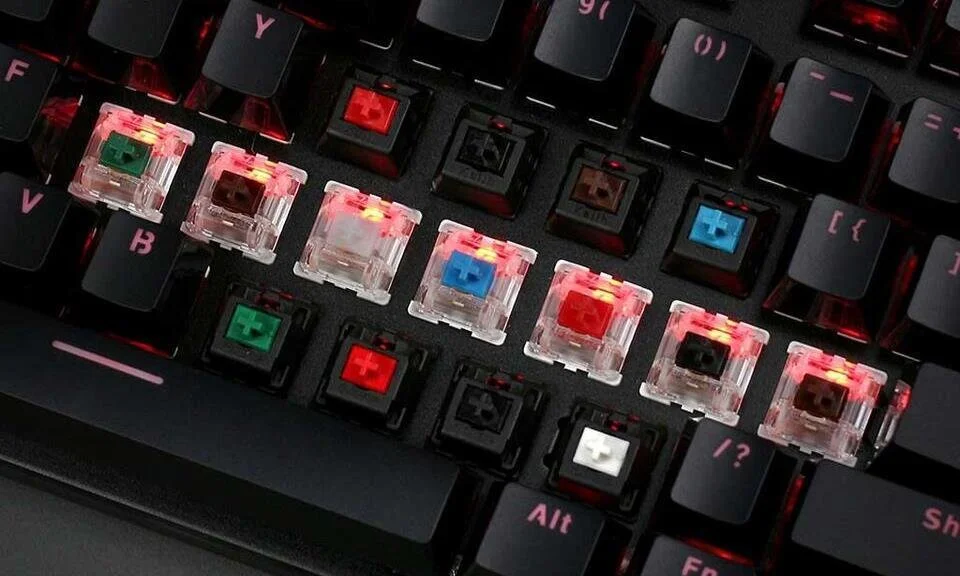
How Mechanical Keyboard Switches Work: Inside Every Keystroke
Learn exactly how mechanical keyboard switches work: the 4 components, what happens inside each keystroke, and how linear, tactile and clicky switches differ.