Keyboard switches are the single most important factor in a mechanical keyboard's typing experience. They determine how keys feel, how loud they are, how long they last, and how accurately you can type. Yet most buyers choose a keyboard without understanding the switch — and end up wondering why the experience doesn't match their expectations.
This guide covers everything you need to know about mechanical keyboard switches: how they work internally, the three main switch types, how to read switch specs, the major manufacturers, and a practical decision framework for picking the right switch for your use case. If you haven't chosen a keyboard yet, start with our guide on how to choose a mechanical keyboard.
Whether you're buying your first mechanical keyboard or looking to upgrade switches on one you already own, this guide will give you a complete picture.
How a Mechanical Switch Works
Every mechanical switch — regardless of brand or type — is built around the same four core components. Understanding these helps you read switch specs and understand why different switches feel different.
Switch housingThe plastic shell that holds all internal components. Top housing and bottom housing snap together. Housing material and tolerances affect wobble and acoustics.
StemThe plastic piece that moves when you press the key. The stem shape determines the switch type: straight stem = linear; bumped stem = tactile/clicky. Stem material affects smoothness.
SpringThe metal coil that provides resistance and returns the stem to the top position. Spring weight (in grams) determines actuation force. Longer springs = lighter feel; shorter = heavier.
Metal contactsTwo metal leaves that close the circuit when the switch actuates. Contact quality affects electrical reliability and bounce (false signals).
When you press a key, the stem pushes downward, compressing the spring and guiding the two metal contacts to touch each other. When they touch, the circuit closes and the keypress is registered by the keyboard's PCB. When you release, the spring pushes the stem back up and the contacts separate. For a more visual explanation, visit our article on how mechanical switches work.
Major Switch Brands: What's the Difference?
The switch market is now populated by dozens of manufacturers. Here are the four most important ones:
Cherry MX
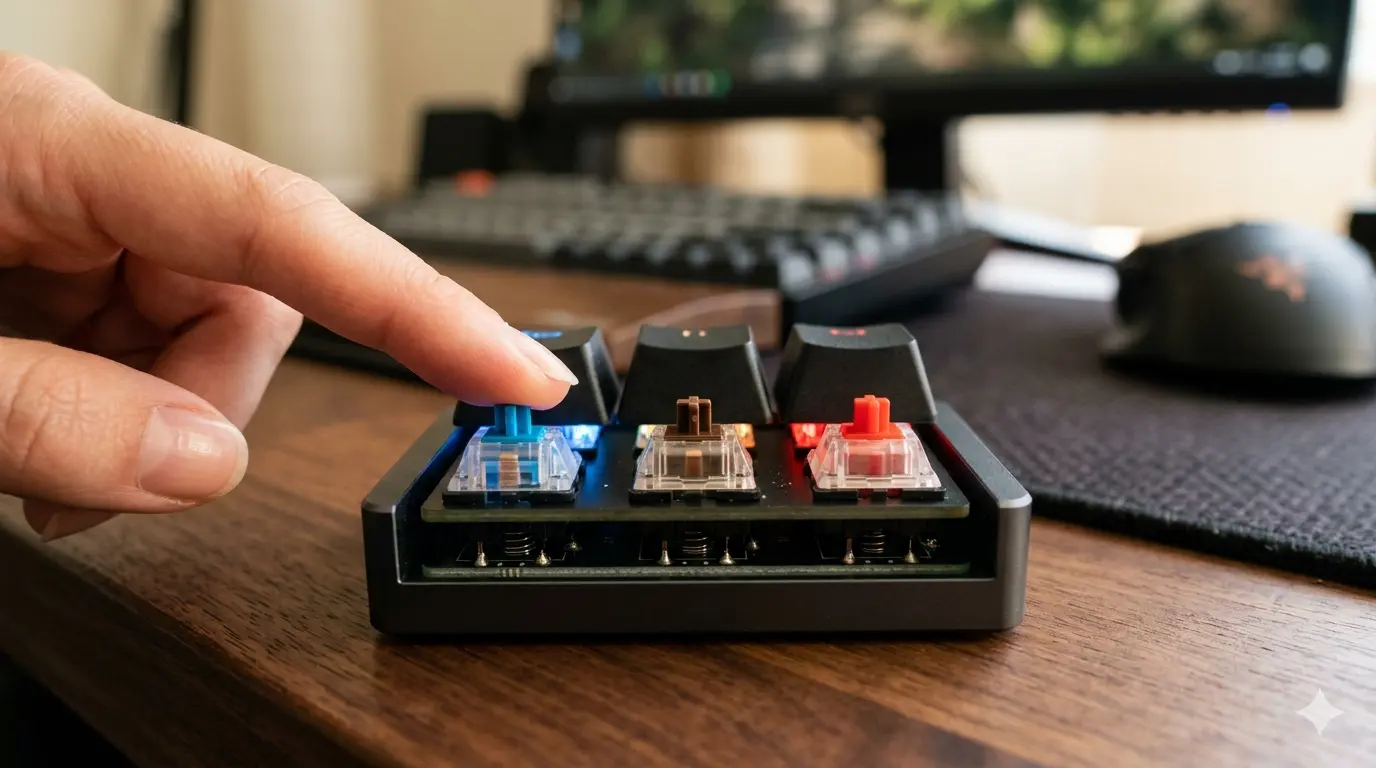
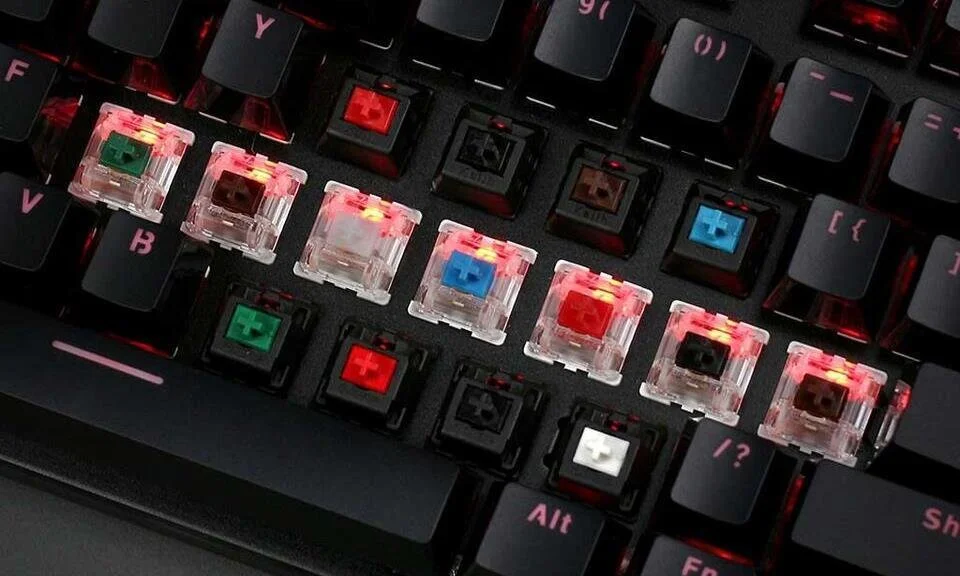
The original and most recognized brand. Cherry MX switches are the industry standard — Red (linear), Brown (tactile), Blue (clicky) — with a 50+ year track record and 100M actuation ratings. Known for consistency but not the smoothest or most innovative. Made in Germany.
Gateron
Chinese manufacturer and the most popular Cherry alternative. Gateron switches are smoother than Cherry from the factory and cost less. Yellow is one of the smoothest budget linears available. Gateron Pro and Gateron Oil King are enthusiast-grade options. Widely used in Keychron boards.
Kailh
Another major Chinese manufacturer with a broad catalog. Kailh Box switches have an IP54 dust/water resistance rating. Box White is the best-regarded budget clicky. Kailh Speed switches (shorter actuation) are popular for gaming. Good variety at budget prices.
Topre / Others
Topre (Japan) makes electrostatic capacitive switches used in the HHKB and RealForce — considered the best typing feel by many enthusiasts, but expensive ($200+). Boba switches (Gazzew), Durock, and Akko are popular enthusiast options. Holy Pandas are a legendary tactile switch.
How to Read Switch Specs
Every switch spec sheet includes a standard set of measurements. Here's what each one means and how much it matters:
Spec
What it measures
Typical range
Why it matters
Actuation point
How far the key travels before the signal is sent
1.9–2.5 mm
Shallower = faster registration. Important for competitive gaming.
Total travel
Distance from top to fully bottomed-out position
3.5–4.0 mm
Standard is 4mm. Low-profile switches use ~3.5mm.
Actuation force
Grams of force needed to register a keypress
35–80 g
Light (35–45g) = fast, less fatigue. Heavy (60g+) = deliberate, reduces accidental presses.
Pre-travel
Distance traveled before reaching the actuation point
1.5–2.0 mm
Mostly the same as actuation point. Relevant for comparing tactile bump position.
Rated lifespan
Number of actuations the switch is rated for
50–100 M per switch
At 10,000 presses/day, 50M actuations = ~13.7 years. Most switches outlast keyboards.
From left: linear stem (straight), tactile stem (side bump), clicky stem (click mechanism). The stem shape determines switch type.
Hot-Swap vs Soldered: Can You Change Switches?
One of the most important questions when buying a keyboard: can you change the switches later? The answer depends on whether the keyboard has hot-swap sockets or soldered switches.
Hot-swap keyboards
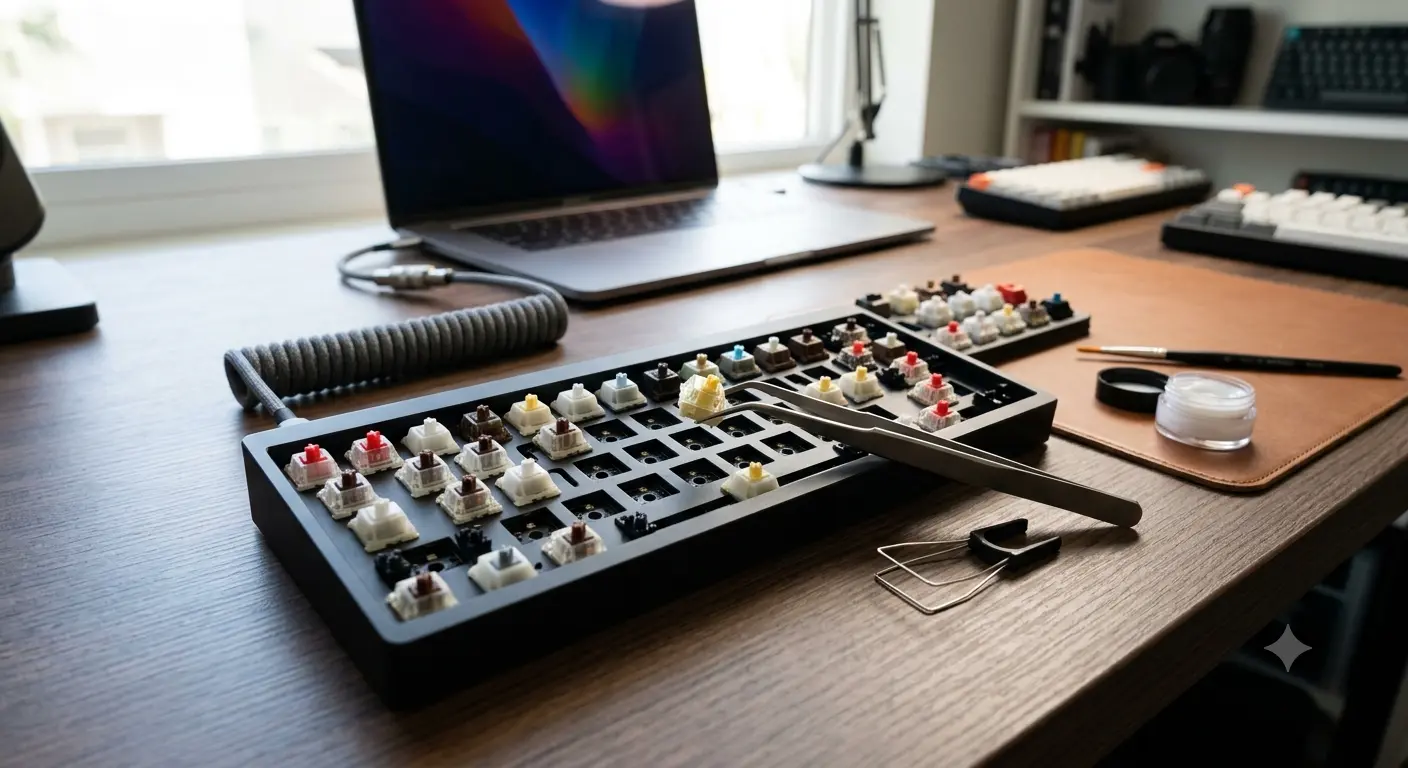
Switches plug into spring-loaded sockets and can be removed with a switch puller tool — no soldering required. Change switches in minutes. Ideal if you want to experiment with different switch types. Most Keychron, Akko, and custom PCBs support this. More details in our hot-swap keyboards guide. Slight downside: sockets add a tiny amount of flex/wobble.
Soldered keyboards
Switches are soldered directly to the PCB. Cannot be changed without a soldering iron and desoldering pump. More stable connection, slightly more consistent. If you know exactly what switch you want, soldered is fine. If you're unsure, prioritize hot-swap on your first keyboard.
Quick Switch Recommendation by Use Case
Here's the short version for people who want a recommendation without reading through all the details:
Competitive gamingGateron Yellow (35g) or Cherry MX Red (45g). Light linear, no tactile interrupt during fast keypresses.
Typing / writing / programmingBoba U4 (silent tactile) or Gateron Brown (affordable). Clear bump feedback reduces fatigue during long sessions. Discover more in our comparison of linear vs tactile vs clicky switches.
Shared officeBoba U4 (silent tactile) or Gateron Silent Red (silent linear). Both are quiet enough for open-plan workspaces.
Budget first keyboardWhatever switch type comes with your chosen keyboard. Cherry MX Red or Gateron Brown are safe defaults — widely available and inoffensive.
Yes — the single biggest difference. Two keyboards with identical hardware but different switches feel completely different. The same layout with a Cherry MX Red versus a Boba U4 is almost unrecognizable as the same physical device.
Premium switches ($1–2 per switch vs $0.30–0.50 for budget) are smoother and have better acoustics, but the difference is subtle at normal typing speeds. A well-lubed Gateron Yellow feels close to switches costing 5× more. Budget switches on a well-built keyboard beat premium switches on a poor-quality PCB.
Yes. Switch testers ($15–30) let you try 8–24 different switches before committing. Many keyboard enthusiast communities also have switch libraries for members to borrow. Highly recommended before buying your first mechanical keyboard.
Applying a thin layer of lubricant to switch components (stem, housing, spring) to reduce friction, eliminate scratchiness, and quiet the sound. Lubing switches is the single most impactful mod you can do. It takes 2–5 hours for a full keyboard but transforms the typing feel.
They're the most recognized, not necessarily the best. For value, Gateron matches Cherry quality at lower prices. For enthusiast use, Boba U4, Topre, and various boutique options are generally preferred. Cherry's advantage is consistency and reliability over 100M actuations.
Switches are under every individual key. Stabilizers (stabs) are the wire-and-housing mechanisms under large keys (spacebar, Shift, Enter, Backspace) that keep them from wobbling when pressed off-center. Both affect typing feel — a great switch with poor stabilizers still results in a bad typing experience on the large keys.
Ready to pick your switches?
Browse our top keyboard picks with different switch options across all budgets and use cases.
Discover what Hall Effect switches are, how they work, their advantages and the best models of 2026. Complete guide to choose your next magnetic keyboard.
Linear, tactile, or clicky switches — what's the real difference? A practical breakdown of all three switch types with top picks for gaming, typing, and office use.
Learn exactly how mechanical keyboard switches work: the 4 components, what happens inside each keystroke, and how linear, tactile and clicky switches differ.
Cookie Preferences
Necessary
Essential cookies that enable basic website functionality, such as page navigation and access to secure areas. The site cannot function properly without these.
Analytics
Help us understand how visitors interact with our website by collecting and reporting information anonymously. We use Google Analytics 4 for this purpose.
Marketing
Used to deliver personalized advertisements and measure their effectiveness. We use Google AdSense to show relevant ads to our visitors.