Split vs Regular Keyboard: When Does It Make Sense to Switch?
By Jota Martínez • • Mechanical Keyboards and RSI
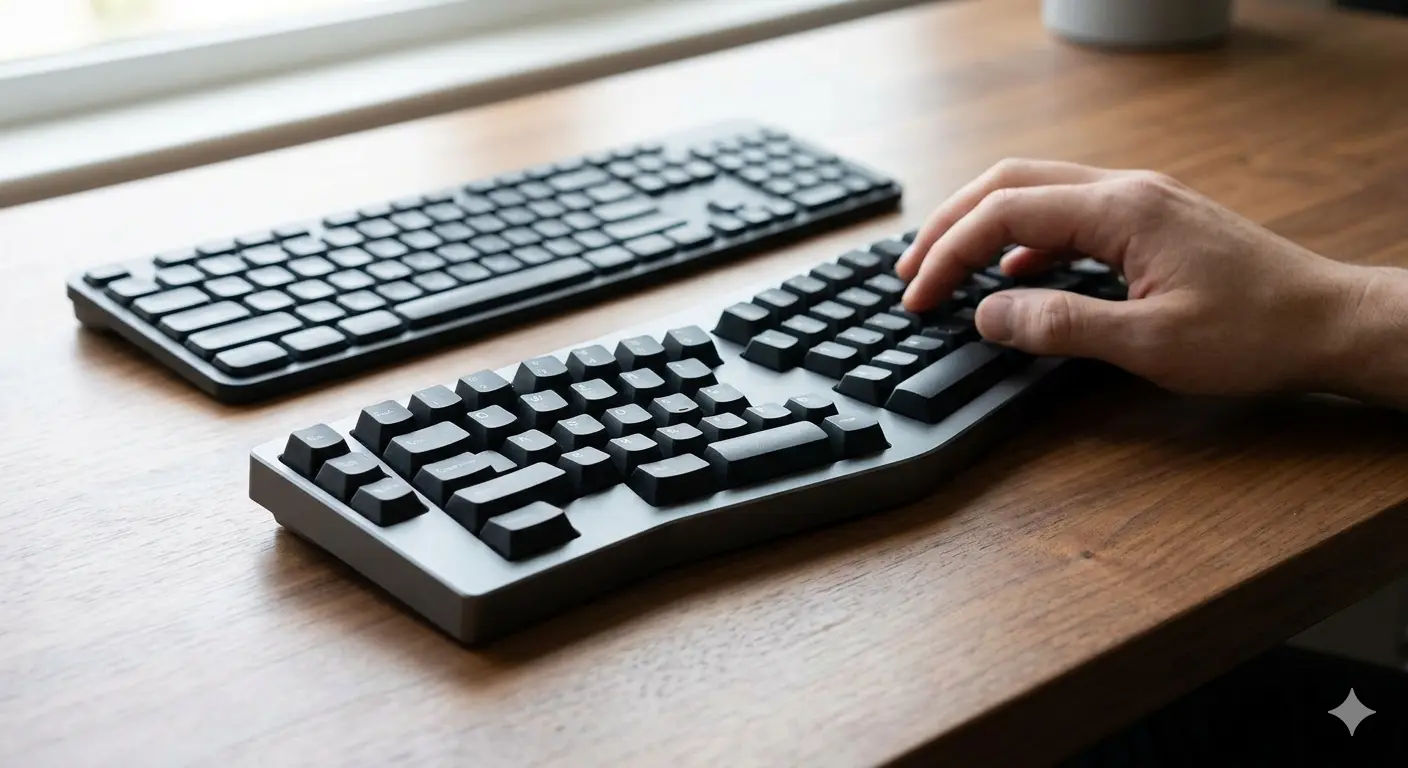
Split keyboards divide the keyboard into two halves that you can position independently — shoulder-width apart, angled outward, or as far apart as your desk allows. The idea is to let each hand type in a natural position rather than forcing both toward the center.
They've been a niche product for decades, but in 2024–2026 they went mainstream enough that companies like ZSA (Moonlander), Kinesis, and Dygma are selling out of popular models. So: are they actually better? For whom? And what does switching actually involve?
The answer isn't "everyone should switch." It's more nuanced than that — and this guide gives you the honest version.
What Is a Split Keyboard?
A split keyboard separates the key layout into two independent halves connected by a cable (or wireless link). Each half is positioned wherever your hands naturally rest when your arms hang at shoulder width — typically 40–60 cm apart, each angled 10–15° outward.
There are three main forms: fully separate halves (ZSA Moonlander, Kinesis Advantage360), one-piece boards with a physical split in the middle (Microsoft Sculpt, Logitech Ergo K860), and adjustable-angle boards that fold or tent (Dygma Defy). The fully separate variants offer the most positional freedom.
The Ergonomic Case for Split Keyboards
The main ergonomic argument for split keyboards is ulnar deviation reduction. On a standard keyboard, both hands angle inward toward the center of the board — your wrists bend outward (ulnar deviation) to keep fingers over the keys. This is a sustained awkward position that stresses the tendons and muscles of the forearm.
A properly positioned split keyboard eliminates this by letting each half sit directly in front of each hand. The benefits compound with other posture improvements:
| Ulnar deviation | Eliminated — wrists can stay straight. The biggest single benefit. |
| Shoulder position | Arms stay shoulder-width apart instead of reaching inward. Reduces trapezius tension. |
| Wrist pronation | Tenting (angling the halves up) reduces forearm rotation. Most relevant for users with RSI. |
| Typing posture | With arms further apart, you can sit back in your chair instead of leaning forward toward a central keyboard. |
Who Actually Benefits From a Split Keyboard?
The evidence is strongest for a specific subset of users. Be honest about which category you fall into:
The Learning Curve: What to Actually Expect
The learning curve for a split keyboard is real and often underestimated. Most people lose 30–50% of their typing speed in the first week. This is almost entirely because they discover they've been using the wrong hand for certain keys — especially B, T, G, Y, and the number row.
On a standard keyboard, many typists cheat: the right index finger reaches across to B; the left hand handles more of the right side of the board. A split keyboard makes this impossible — each half is physically in front of one hand only. You have to retrain your finger assignments, which takes 2–6 weeks to reach your old speed.

Proper split keyboard placement: halves positioned at shoulder width, angled slightly outward, with each hand's home row directly in front of it.
Split vs Regular: The Comparison
| Factor | Split keyboard | Regular keyboard |
|---|---|---|
| Ergonomics | Better — eliminates ulnar deviation, allows shoulder-width arm position | Standard — requires inward wrist angle on most users |
| Learning curve | Steep — 2–6 weeks to regain previous speed | None — familiar from day one |
| Portability | Lower — two halves + cable to carry; less universal desk space | Higher — one unit, works anywhere |
| Price | Higher — $150–$400 for quality split keyboards | Lower — quality options from $50 |
| Gaming | Workable but unconventional — WASD stays on left half | Standard — all gaming peripherals designed for it |
When a Regular Keyboard Is the Right Choice
A split keyboard is not always the answer. If you have no current pain and type fewer than 4–5 hours per day, the ergonomic benefit is marginal and the learning curve may not be worth it. If you travel frequently or work across multiple workstations, a split setup adds logistical complexity.
Gaming is also a real consideration — nearly all gaming peripherals and game UI assume a conventional keyboard layout with WASD on the left side. Split keyboards work for gaming, but they're not optimized for it. A compact 60–65% conventional keyboard with a low-force linear switch will outperform a split board for fast-reflex gaming.
If you're considering a split keyboard for health reasons, start with our Mechanical Keyboards and RSI article for the research evidence. For tilt and angle adjustments on any keyboard, our Keyboard Tilt Angle guide explains what ergonomists actually recommend. And if you're picking your first mechanical keyboard before committing to a split, How to Choose a Mechanical Keyboard.
Frequently Asked Questions
Not ready for a split?
A good regular mechanical keyboard with a comfortable switch goes a long way. Check our 2026 picks across every budget and use case.
See Best Keyboards 2026 ?By Jota Martínez • Published June 15, 2026
Related Articles
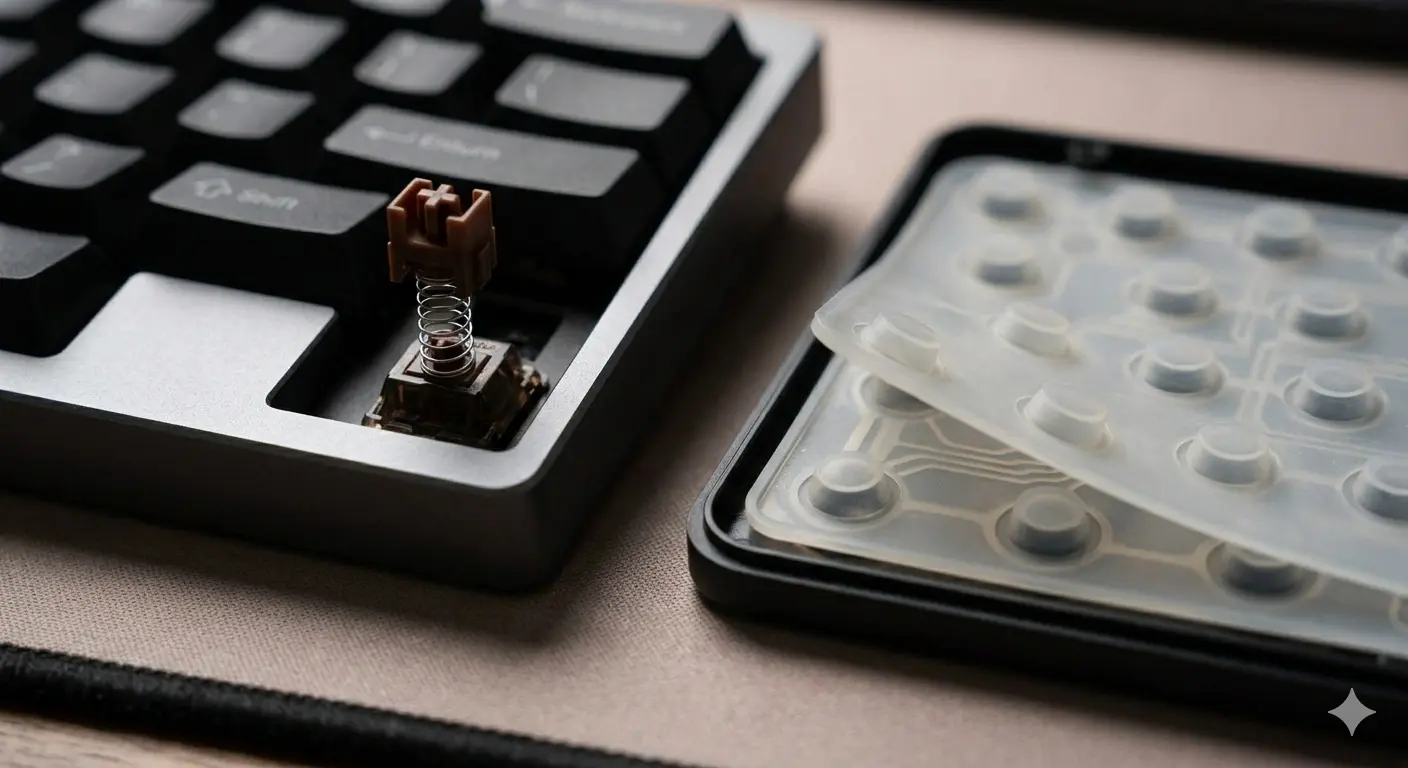
Mechanical Keyboard vs Membrane: An Honest Comparison
Mechanical vs membrane keyboard: lifespan, typing feel, noise, price and customization compared side by side. Which one is actually right for you?
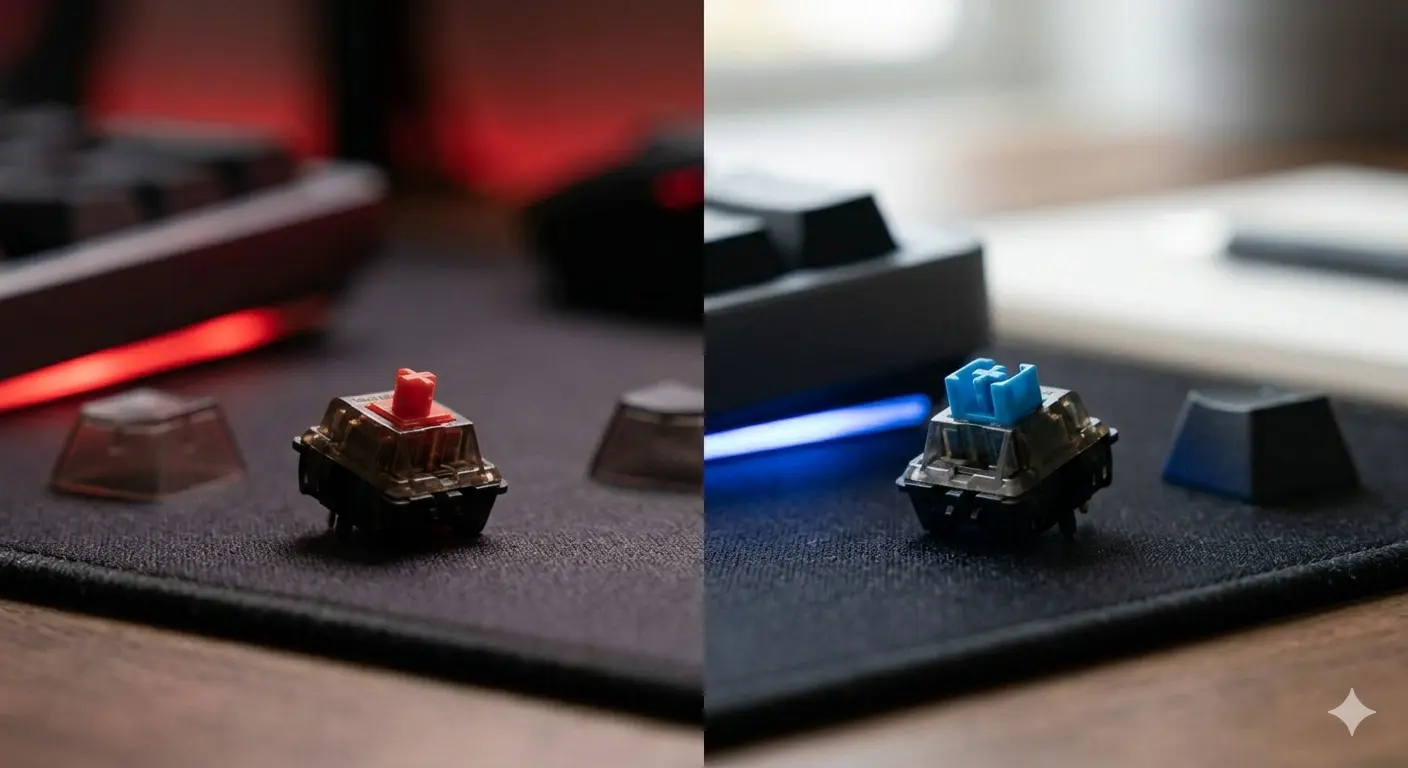
Cherry MX Red vs Blue: Gaming vs Typing Compared
Cherry MX Red vs Blue — the two most popular switches head to head. Specs, sound, gaming performance, typing feel, and which one you should actually get.
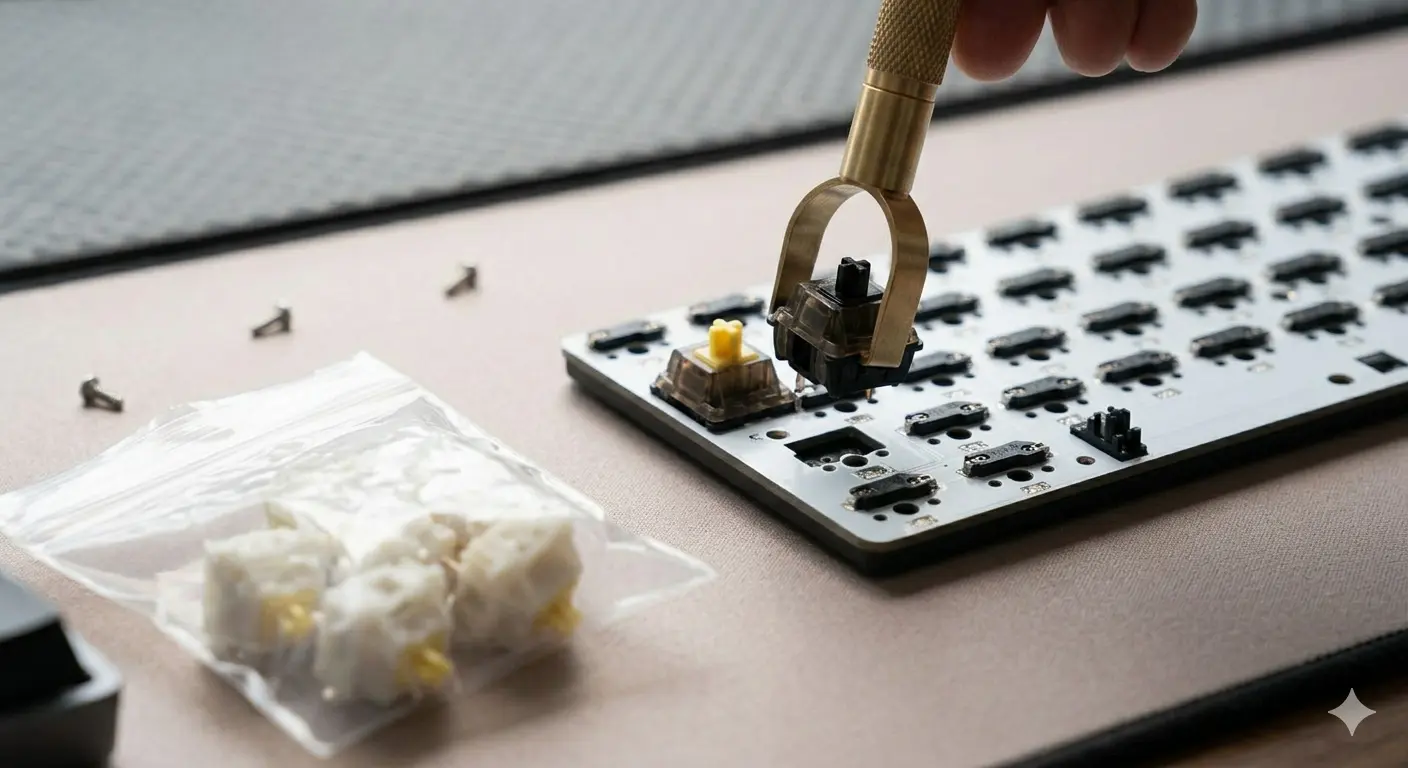
Gateron vs Cherry MX: Are Budget Switches Actually Better?
Gateron vs Cherry MX — smoothness, sound, price, and longevity compared. The honest answer to whether budget switches from Gateron beat the Cherry MX standard.