Keyboard Tilt Angle: What Ergonomists Actually Recommend
By Jota Martínez • • Mechanical Keyboards and RSI

Every keyboard sold with fold-out feet at the back raises the rear of the keyboard. This creates a positive tilt — the keys slope away from you. It is the default setting. It is also, according to occupational health ergonomists, the wrong direction for most users most of the time.
This article explains the biomechanics of keyboard tilt, what the research says, and — practically — how to move toward a flat or negative tilt without buying anything expensive.
Why the Standard Tilt Became Standard (And Why It's Wrong)
The fold-out feet on keyboard backs were originally a feature of typewriters. On a typewriter, the positive tilt made the angled key levers easier to strike at a consistent angle. The keys had to be struck from above, at a roughly perpendicular angle, for the lever mechanism to work reliably.
Computer keyboards inherited the design without inheriting the mechanical need for it. On a flat-switch keyboard — whether membrane, mechanical, or capacitive — there is no biomechanical reason for the rear to be elevated. The design persisted because it was familiar, and because manufacturers continued building keyboards the way they always had. The result is a default posture that promotes wrist extension for virtually every user who types with forearms parallel to the desk.
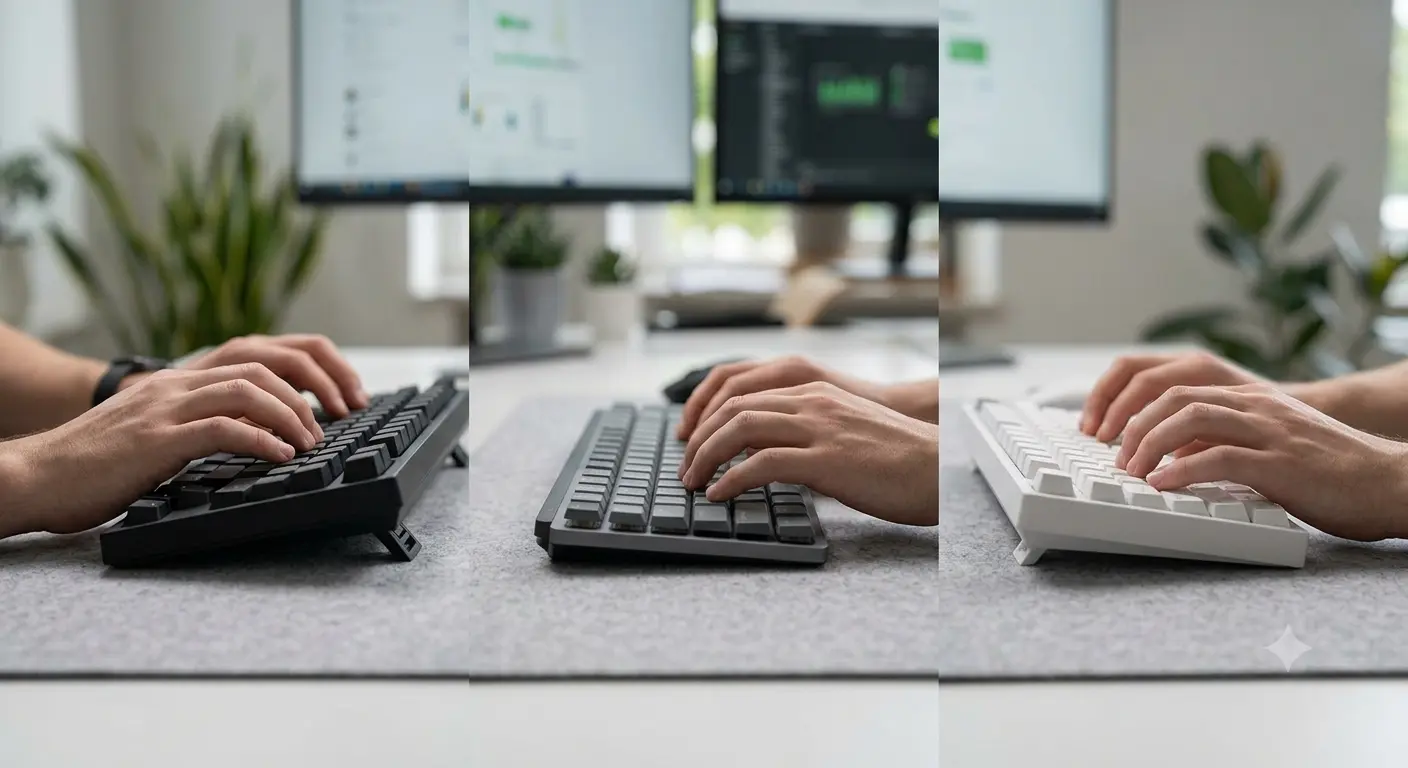
Positive tilt (left) forces wrist extension. Flat and negative tilt (center and right) allow a neutral or slightly flexed wrist position that is consistently preferred in ergonomic research.
What Tilt Angle Do Ergonomists Recommend?
The consensus in occupational ergonomics literature, from OSHA guidelines to peer-reviewed studies on keyboard-related musculoskeletal disorder risk, is: flat or negative tilt is preferable to positive tilt for users who type with forearms roughly parallel to the floor.
The specific recommendation depends on your desk and chair height, arm length, and whether you use a wrist rest. Here is how different tilt angles affect wrist posture:
| Tilt Angle | Setup Type | Wrist Effect | Ergonomic Rating |
|---|---|---|---|
| +15° (max positive) | Feet fully raised, rear elevated | Strong wrist extension — wrist bends upward significantly | Avoid |
| +5°–+10° | Feet partially raised | Mild wrist extension — manageable for short sessions | Acceptable short-term |
| 0° (flat) | Keyboard flat, no tilt | Neutral wrist — no extension or flexion forced | Good |
| -5° to -10° | Rear lower than front (e.g. keyboard tray or negative stand) | Slight wrist flexion — generally neutral to beneficial | Ideal for most users |
| -15° (max negative) | Strong negative angle (ergonomic keyboard stands) | Pronounced wrist flexion — may require adaptation | Requires correct desk height |
Why Flat or Negative Tilt Works Better
When the keyboard is tilted positively (rear up), reaching forward to type requires the wrist to extend — bending upward at the wrist joint. Sustained wrist extension compresses the carpal tunnel, increases tension on the flexor tendons, and over time contributes to carpal tunnel syndrome and tendinitis.
A flat keyboard, used by a person whose forearms are parallel to the floor, allows the wrist to remain in a neutral position — no extension, no flexion. This is the position most associated with the lowest musculoskeletal load on wrist structures.
Slight negative tilt (the back of the keyboard lower than the front) is ergonomically preferred because it allows the wrists to rest in a very slightly flexed position, which many people find comfortable for extended sessions. This is why all keyboard trays installed under desks tilt away from the user — the designer is forcing a negative tilt that the desk height does not otherwise provide.
How to Achieve Flat or Negative Tilt
You do not necessarily need to buy a special stand or new keyboard. Several free or low-cost approaches work:
The Desk Height Connection You Can't Ignore
Keyboard tilt alone cannot compensate for a desk that is at the wrong height. The tilt angle only matters in the context of the height relationship between the keyboard surface and the user's elbows.
Check your setup against these guidelines:
| Desk too high | Forearms slope upward to reach the keyboard. Shoulders raise. Wrist extension is forced regardless of tilt angle. Fix: raise chair, use armrests, or lower desk. |
| Desk at correct height | Forearms roughly parallel to the floor, or slightly declined. Upper arms relaxed at sides. Keyboard tilt angle is the key variable here — flat or negative is ideal. |
| Desk too low | Forearms slope downward. Shoulders hunch forward. Negative tilt may compound the problem. Fix: lower chair, or raise desk with leg extenders. |
Split Keyboards and Tent Angle
Split keyboards introduce a second angle to consider: the tent angle. Tenting raises the center of the keyboard upward, tilting each half so the thumbs are higher than the little fingers. This reduces forearm pronation (the inward rotation of the forearm that standard flat keyboards force) and is a separate but related ergonomic consideration.
On a split keyboard, the recommended approach is to combine negative tilt (rear of keyboard lower than front) with positive tenting (center of keyboard higher than edges). The combination addresses both wrist extension and forearm pronation simultaneously. Most premium split keyboards — ZSA Moonlander, Kinesis Advantage 360, Dygma Defy — support both adjustments independently.
Flat keyboard at elbow height, or slight negative tilt (−5° to −10°). Desk at elbow height. No positive tilt. Wrist rests used only during pauses, not active typing. This setup eliminates most of the biomechanical risk factors for keyboard-related RSI.
For a deeper look at the research on keyboards and RSI risk, see Mechanical Keyboards and RSI: What the Science Says . For general keyboard selection guidance, our keyboard buying guide covers all the key decisions, or browse our top keyboard picks for 2026.
Frequently Asked Questions
Taking Your Keyboard Setup Further
Tilt angle is one piece of the ergonomics puzzle. Switch force, keyboard form factor, and posture all contribute to RSI risk. Our RSI guide covers the full picture.
Mechanical Keyboards and RSI: Full Guide ?By Jota Martínez • Published June 14, 2026 • See also: RSI & Keyboards Guide ?
Related Articles
What Is a Mechanical Keyboard? The Complete Beginner's Guide
What is a mechanical keyboard? Learn how they work, the anatomy of each part, the three switch types, and how mechanical keyboards differ from membrane.
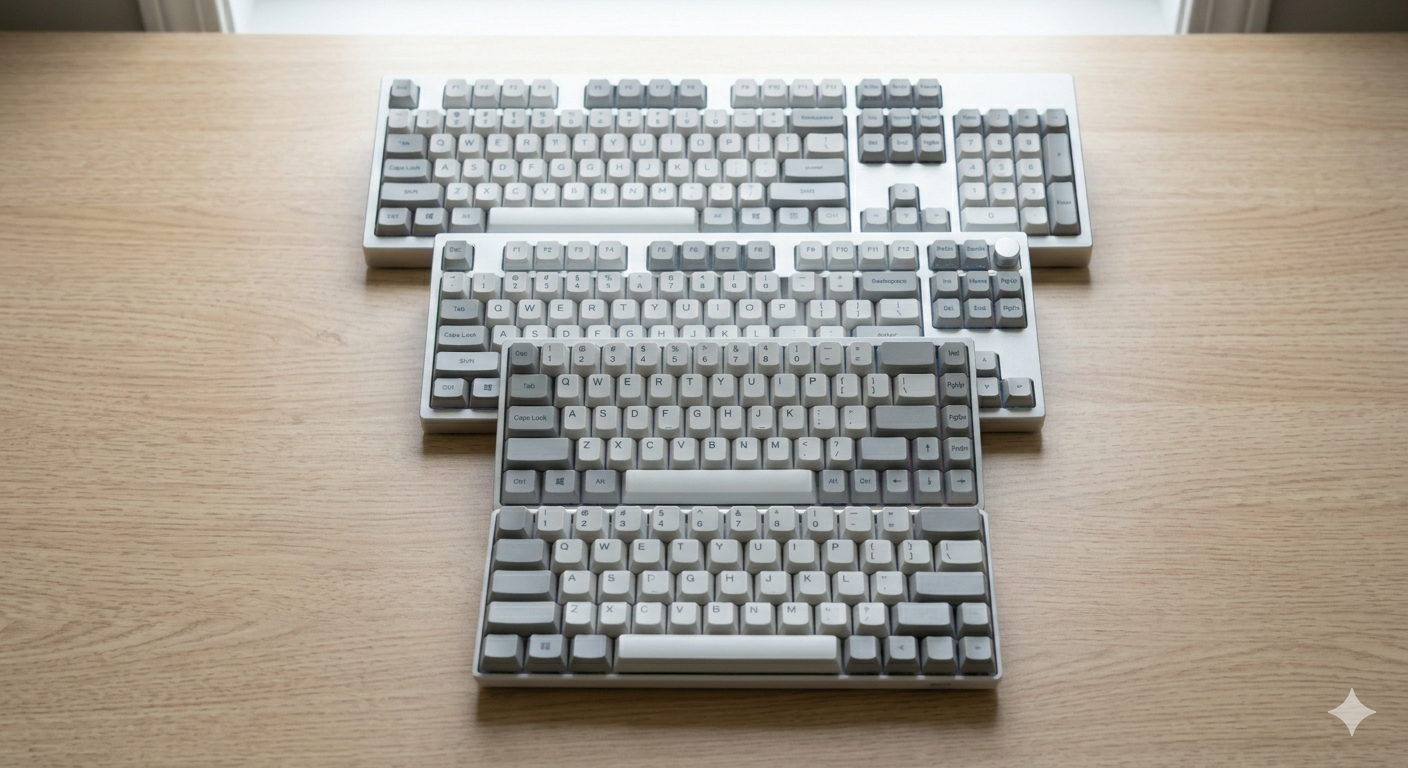
Keyboard Sizes Explained: 60%, 65%, 75%, TKL, Full-Size and More
Complete guide to keyboard sizes and layouts: 100%, TKL, 75%, 65%, 60%, 40% — what each size includes, what it drops, and which layout is right for you.

Why Are Mechanical Keyboards So Expensive?
Why do mechanical keyboards cost so much? We break down every cost factor — switches, PCBs, cases, keycaps, and why premium keyboards can cost $500+.