Foam Mod for Mechanical Keyboards: The Complete Sound Dampening Guide
By Jota Martínez • • How Mechanical Switches Work
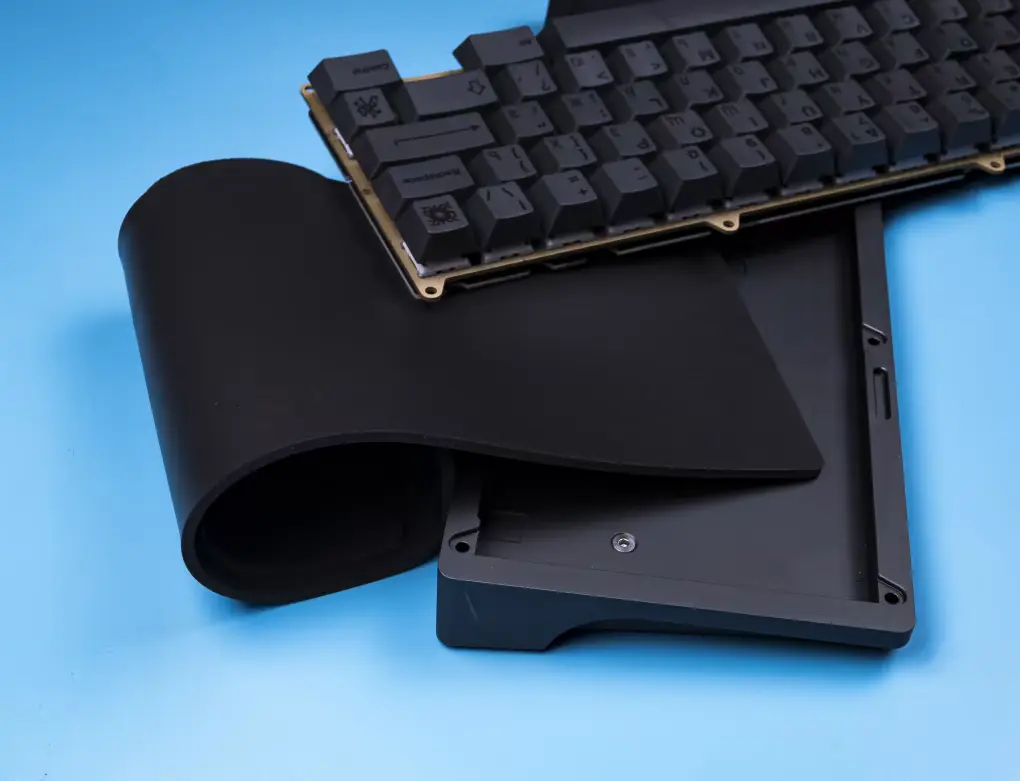
The foam mod is the single most impactful modification you can make to a mechanical keyboard's sound profile. It converts a hollow, resonant, and noisy typing experience into something dense, muted, and deeply satisfying — what the community often describes as "thocky."
Unlike switch lubing or stabilizer work, foam mods are reversible, inexpensive, and require no special tools or skills. A €5 sheet of craft foam and 30 minutes can transform a €60 entry-level board into something that sounds like it costs three times as much.
This guide covers every foam location inside a keyboard, the materials that work best in each one, step-by-step installation instructions, and the realistic results you should expect based on your keyboard's mount type.
Where to Put Foam: The 4 Locations
There are four distinct places inside a keyboard where foam can be added. Each has a different effect on sound and feel, a different difficulty level, and targets a different part of the acoustic resonance chain.
| Location | Effect | Difficulty | Cost | Best For |
|---|---|---|---|---|
| Case foam | Eliminates hollow resonance in the bottom case — the biggest single improvement | Easy | €1–3 | Every keyboard — start here |
| Plate foam | Reduces high-pitched ping from metal plates; adds density to the sound | Easy–Medium | €2–5 | Aluminum or brass plate builds |
| PCB foam (switch foam) | Reduces the "clack" at the PCB level; adds a softer, fuller sound under each switch | Medium | €3–8 | Enthusiasts chasing maximum dampening |
| Gasket foam | Modifies flex and flex-point sound in gasket-mounted boards | Hard | €2–5 | Gasket-mount keyboards only |
Types of Foam to Use
Not all foam is created equal. The material you choose determines how much sound is absorbed, how the typing feel changes, and how long the mod lasts. Here are the five most common options, ordered from most accessible to most specialized.
| Material | Thickness | Sound Profile | Best Used In |
|---|---|---|---|
| PE Foam | 0.5–1 mm | Airy, muted highs — the popular "PE foam sound" | Case foam, PCB foam |
| Sorbothane | 1–3 mm | Dense, dead — maximum dampening, changes typing feel noticeably | Case foam only (too thick/heavy for plate or PCB) |
| Neoprene | 1–2 mm | Balanced — good dampening without over-deadening | Case foam, plate foam |
| EVA Foam | 1–3 mm | Moderate — softer than neoprene, slightly bouncy | Case foam, plate foam |
| Craft foam (DIY) | 1–2 mm | Light dampening — better than nothing, best budget option | Case foam, beginners experimenting |
Step-by-Step: Case Foam Mod
The case foam mod is the best starting point for anyone new to keyboard modifications. It requires no switch removal, no soldering, and is fully reversible. Here is the complete process.
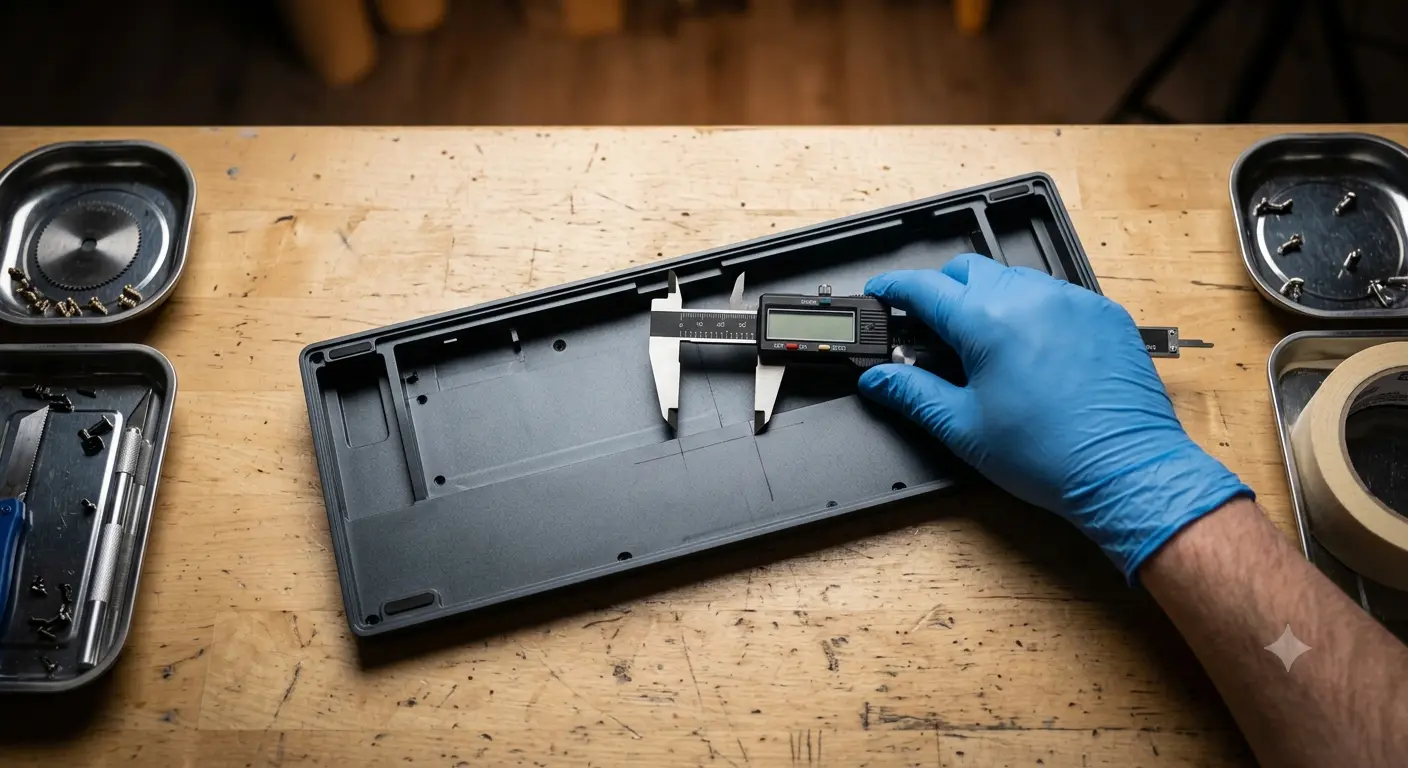
Measure the interior of the bottom case carefully before cutting — a loose fit is better than a too-tight one.
| 1. Disassemble the case | Remove all screws from the bottom of the keyboard and carefully separate the top and bottom halves. Set aside the PCB + plate assembly — you'll be working on the empty bottom case. |
| 2. Measure and trace | Place the bottom case face-down on your foam sheet and trace around the interior with a marker. If the case has raised sections, screw posts, or a USB port cutout, mark those too. |
| 3. Cut the foam | Use scissors or a craft knife to cut along your traced line. Cut slightly inside the line — you want the foam to fit snugly without bunching. Cut holes for any screw posts and the USB port. |
| 4. Test fit and install | Drop the foam into the bottom case without adhesive first. Press it flat and check that it lies flush without any raised edges or air pockets. Once satisfied, you can leave it as-is (friction holds it fine) or add a thin layer of double-sided tape. |
| 5. Reassemble and test | Put the PCB + plate back in, replace the screws, and type. The difference should be immediately audible — a noticeable reduction in the hollow "ping" and a fuller, more grounded sound. |
Step-by-Step: PCB / Switch Foam Mod
The PCB foam mod (also called switch foam) places a thin layer of foam between the PCB and the bottom of each switch. It's more involved than case foam because it requires removing your switches — but the result is a noticeably denser, quieter sound profile at the PCB level.
This mod is best suited to hot-swap PCBs where switch removal is tool-free. On soldered PCBs, you would need to desolder — not recommended unless you're comfortable with a soldering iron.
| 1. Remove all switches | Use a switch puller to remove every switch from the PCB. Keep them organized if you have different switches in different positions. |
| 2. Cut the foam sheet | Pre-made PCB foam sheets with switch cutouts are available from most keyboard vendors for €3–8 and are strongly recommended. If cutting your own, you need a hole every 19.05mm (standard switch spacing) — a process best done with a punch tool. |
| 3. Lay foam on the PCB | Align the foam sheet with the switch holes on the PCB. The foam should lie flat with each hole aligned to a switch socket. Do not use adhesive — friction and the switches themselves hold it in place. |
| 4. Reinstall switches and reassemble | Press each switch through the foam and into its hot-swap socket. The foam will compress slightly — this is normal. Reassemble the keyboard and test. Note that this mod slightly increases the height of the switch, which rarely causes clearance issues but is worth checking. |
Expected Results by Keyboard Type
The impact of foam modding varies significantly based on your keyboard's mounting system. Here is a realistic breakdown of what to expect.
Common Mistakes to Avoid
? Common Mistakes
- Foam too thick: case foam thicker than 3mm can prevent the case from closing properly or press against the PCB, causing flex issues or missed keystrokes.
- Using conductive materials: never use metallic foam, aluminum tape, or any electrically conductive material inside the case — contact with PCB traces will cause shorts.
- Covering components: make sure your foam does not cover capacitors, resistors, or any raised PCB components. Cut around them if needed.
- Forgetting USB and screw cutouts: foam that blocks the USB port or covers screw holes will prevent reassembly or create connectivity issues.
- Over-dampening: adding foam to every location simultaneously can make the keyboard sound "dead" rather than "thocky." Start with case foam, listen to the result, then add more layers only if needed.
Foam modding directly addresses the resonance patterns explained in our guide on why mechanical keyboards sound different . If you want to combine multiple mods, the tape mod guide pairs excellently with case foam for plastic keyboards. For maximum results, combine both with properly lubed switches — see our switch lubing guide.
Frequently Asked Questions
Looking for a Keyboard Worth Modding?
The best foam mod results come from keyboards with hot-swap PCBs and accessible case designs. See our ranked picks for the best value mechanical keyboards to mod in 2026.
See the best keyboards 2026 ?By Jota Martínez • Published June 14, 2026 • See also: Tape Mod Guide ?
Related Articles
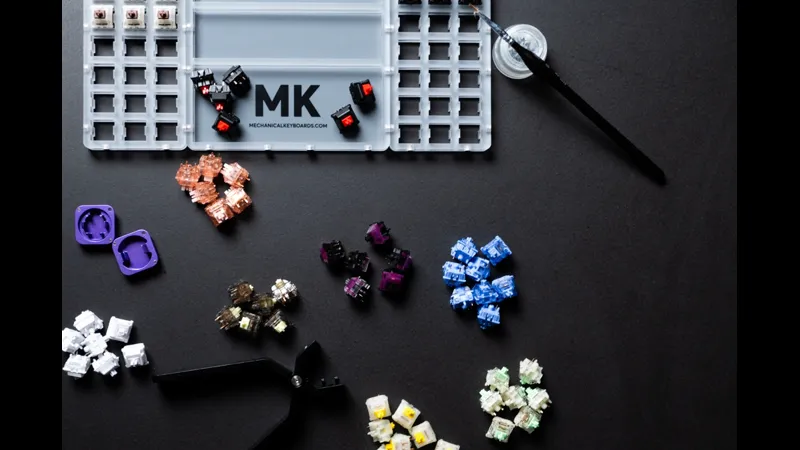
Mechanical Keyboard Mods Guide: 6 Easy Mods for Better Sound & Feel
Learn 6 beginner-friendly keyboard mods: switch lubing, tape mod, foam mod, stabilizer tuning, switch films & band-aid mod. Improve sound and typing feel.
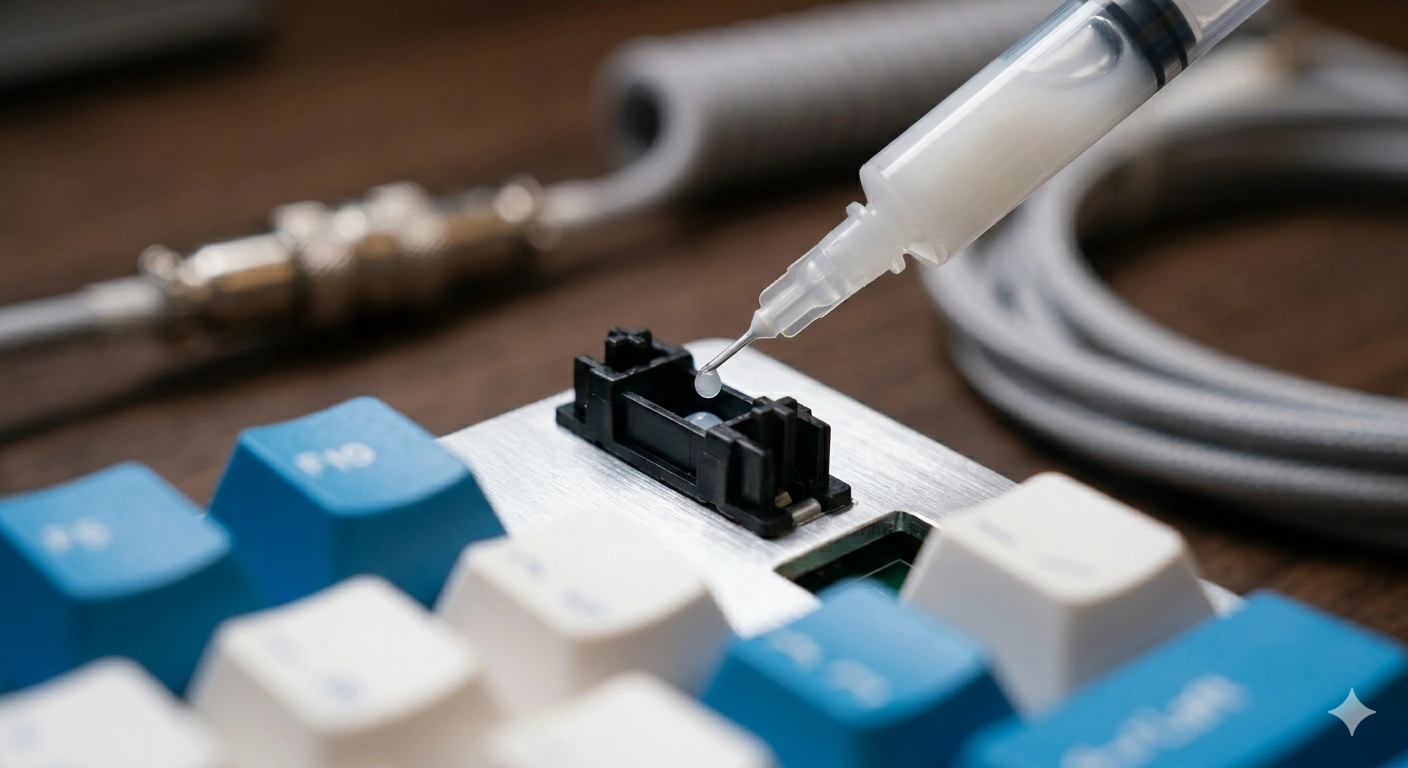
How to Fix a Key That Doesn't Work: Diagnostic Guide
Key stopped working on your mechanical keyboard? Follow this 6-step diagnostic guide — software checks, switch cleaning, PCB inspection, and when to replace.

How to Type Faster with a Mechanical Keyboard: Technique & Practice
Go from 40 to 80+ WPM with the right posture, touch typing technique, switch selection, and daily practice tools. A practical guide for mechanical keyboard users.