Why Mechanical Keyboards Sound Different: Switches, Case, Mods Explained
By Jota Martínez • • Blog
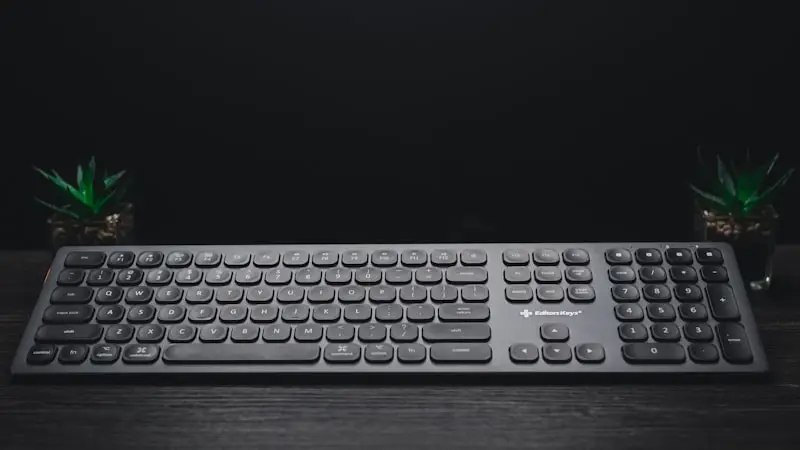
Two mechanical keyboards with identical switches can sound completely different. One sounds dark and thocky, the other high-pitched and rattly. The switch type is only one of six variables that determine the sound.
This guide explains the physics of keyboard sound and what you can actually change to tune it.
The Physics of Keyboard Sound
Every keystroke generates multiple sound sources: the switch itself (stem, spring, contact), the impact on the plate, the resonance of the case, and the keycap landing.
These sounds combine. The case acts as a resonance chamber — amplifying some frequencies and dampening others. That is why identical switches can sound completely different inside different keyboards.
Factor 1: Switch Type
The switch is the most important factor, but far from the only one.
| Type | Sound character | Examples |
|---|---|---|
| Linear | Smooth, quiet — no click, no bump | Cherry MX Red, Gateron Yellow |
| Tactile | Soft bump on actuation, no audible click | Cherry MX Brown, Boba U4 |
| Clicky | Loud, sharp click on every actuation | Cherry MX Blue, Kailh Box White |
| Buckling Spring | Classic metallic snap | IBM Model M, Unicomp |
Factor 2: Case Material
The case resonates along with the switches. Hard metal amplifies high frequencies; soft plastic naturally dampens them.
Factor 3: Mount Style
How the plate is attached inside the case determines how much vibration is absorbed versus transmitted to your fingers and ears.
| Style | Sound character | Common in |
|---|---|---|
| Tray Mount | Hard, direct, loud | Budget keyboards |
| Top Mount | Stiff, little flex | Mid-range |
| Gasket Mount | Soft, bouncy, "thocky" | Premium / Custom |
Factor 4: Plate Material
The plate (the switch mounting plate) directly transmits typing vibrations to the rest of the keyboard.
| Aluminium | Hard, no flex — direct feedback, bright sound, ping-prone. |
| Polycarbonate | Slightly flexible and dampening — softer typing feel, more muted sound. |
| Brass | Very heavy, zero flex — full, heavy, deeply resonant sound. |
| FR4 (Fibreglass) | Medium flex, lightweight — a solid compromise between precision and dampening. |
Factor 5: Keycaps
PBT sounds more muted; ABS sounds brighter. This is not subjective — it is physically measurable.
Tall profiles (SA, MT3) create more resonance inside the cap and sound fuller. Low profiles (DSA, Cherry) sound more direct and crisp.

Factor 6: Sound Modifications
Experienced enthusiasts use simple modifications to fine-tune the sound of almost any keyboard.
| Case Foam | A foam insert inside the case eliminates hollow resonance. The cheapest and most effective first step. |
| PCB Tape Mod | Masking tape on the back of the PCB — increases dampening and produces a warmer sound. Fully reversible. |
| O-Rings | Rubber rings under keycaps dampen the bottom-out impact. Reduces volume but also slightly shortens key travel. |
| Lube Switches | Lubrication eliminates scratchiness and friction noise inside the switch. The most impactful modification you can make. |
| Band-Aid Mod | A small adhesive pad under stabilisers eliminates metallic rattle on Shift, Enter and Backspace. |
Frequently Asked Questions
Lube your switches: the most important mod ? Full guide: how to lube mechanical switches
Learn more about switch physics ? How mechanical switches really work — every keystroke explained
Best Mechanical Keyboards 2026Related Articles
What Is a Mechanical Keyboard? The Complete Beginner's Guide
What is a mechanical keyboard? Learn how they work, the anatomy of each part, the three switch types, and how mechanical keyboards differ from membrane.
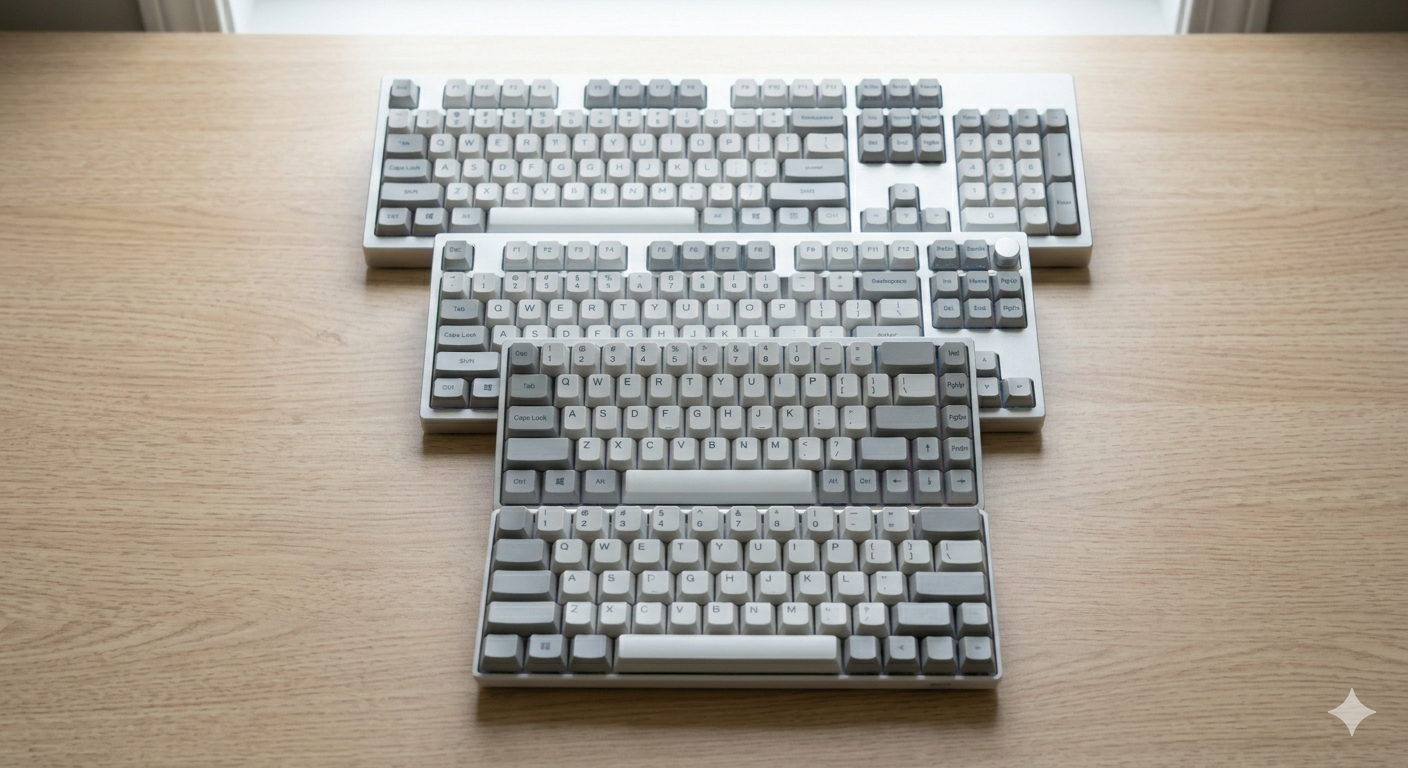
Keyboard Sizes Explained: 60%, 65%, 75%, TKL, Full-Size and More
Complete guide to keyboard sizes and layouts: 100%, TKL, 75%, 65%, 60%, 40% — what each size includes, what it drops, and which layout is right for you.
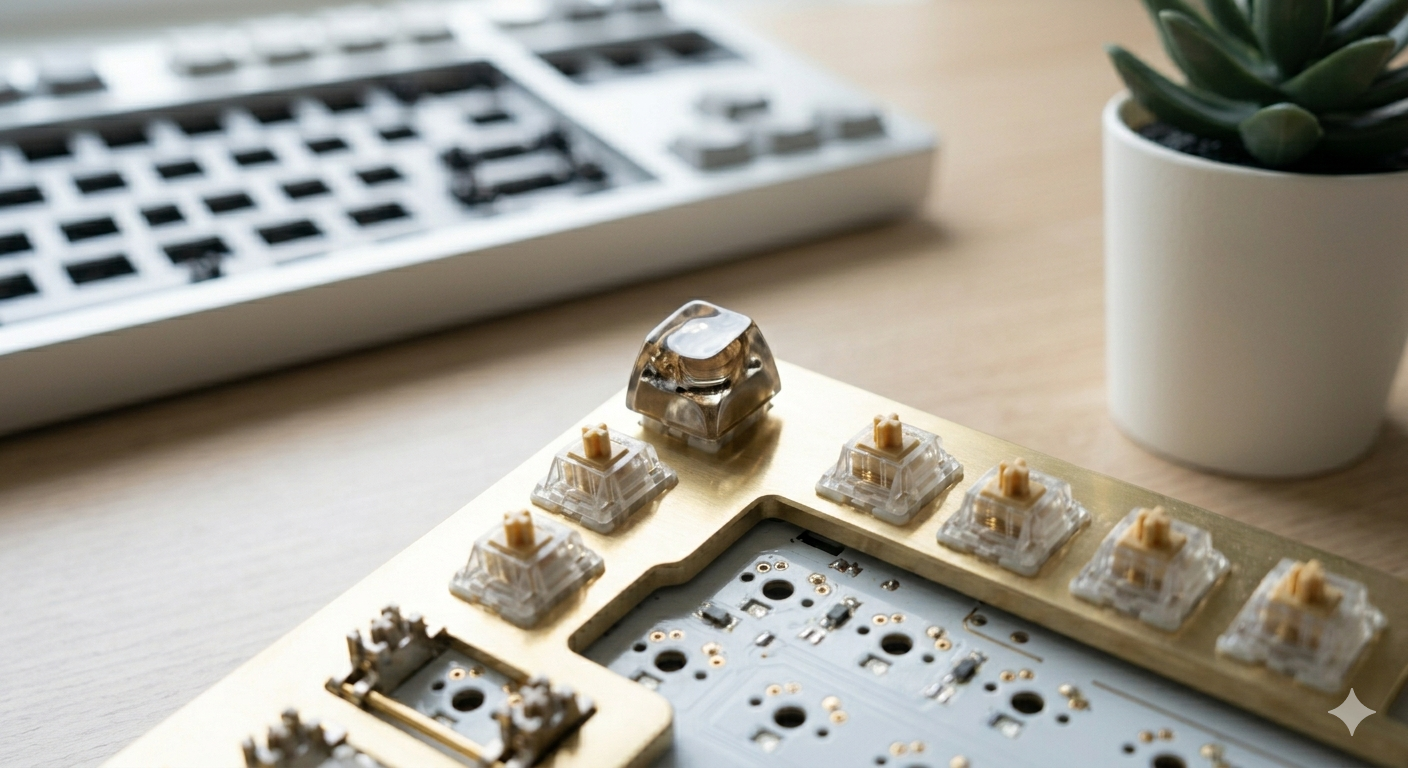
Why Are Mechanical Keyboards So Expensive?
Why do mechanical keyboards cost so much? We break down every cost factor — switches, PCBs, cases, keycaps, and why premium keyboards can cost $500+.