Best Silent Mechanical Keyboard for Office 2026: 7 Quiet Picks
By Jota Martínez • •

Mechanical keyboards are a joy to type on — the satisfying keystroke, the consistent feedback, the durability that outlasts most membrane boards by years. But one problem has kept them out of countless offices and shared workspaces: noise. The relentless clacking of Cherry MX Blues at an open-plan desk is enough to test any coworker's patience, and at home a loud keyboard can bleed into video calls and disturb the rest of the household. For a long time, a quiet mechanical keyboard for work felt like a contradiction.
Today, silent mechanical switches are a mature option. Cherry, Gateron and other manufacturers make switches with built-in dampeners that soften the sound at the top and bottom of each keystroke, and pairing them with well-tuned stabilisers, case foam and a desk mat makes a mechanical keyboard genuinely office-friendly. How we chose: this guide is research-based — we compared manufacturer specifications, independent reviews and long-term community feedback rather than lab-testing every board ourselves. We also say clearly which picks ship with silent switches and which need a swap or a lighter typing style to be quiet. Want a broader overview? See our best mechanical keyboards of 2026.
Quick Comparison: The 7 Best Silent Mechanical Keyboards for Office
| Model | Layout | Switches | Wireless | Noise Level | Price |
|---|---|---|---|---|---|
| Cherry KC 200 MX | Full-size | Cherry MX2A Silent Red | No | Very low | ~$95 |
| Royal Kludge RK68 | 65% | Silent option or MX silent swap | Yes (BT) | Low (with silent switches) | ~$50 |
| Logitech MX Mechanical Mini | Compact (75%-style) | Tactile Quiet (low-profile) | Yes (BT + Logi Bolt) | Low | ~$149 |
| Keychron K3 Pro | 75% low-profile | Gateron low-profile (Red / Brown) | Yes (BT 5.1) | Low to medium | ~$99 |
| Durgod Taurus K320 | TKL | Cherry MX Silent Red | No | Very low | ~$99 |
| Keychron Q1 Pro | 75% | Keychron K Pro (swap to silent) | Yes (BT 5.1) | Very low (with silent switches) | ~$199 |
| SteelSeries Apex Pro TKL Gen 3 | TKL | OmniPoint 3.0 (Hall Effect) | No | Medium (no silent switches) | ~$199 |
#1 — Best Overall Silent Keyboard: Cherry KC 200 MX with MX2A Silent Red
The Cherry KC 200 MX with Cherry MX2A Silent Red switches is our top pick because it is a silent keyboard straight out of the box, from the company that created the MX switch. The MX2A Silent Red is a linear switch with integrated dampeners that soften both the bottom-out and the return stroke, and the MX2A generation adds a smoother, factory-lubricated spring and housing. The KC 200 MX itself is a no-nonsense full-size office board: flat profile, metal top plate, numpad included and plug-and-play over USB with no software required. At around $95 it is also far cheaper than enthusiast boards. Pros: Genuinely quiet stock switches, full-size layout with numpad, sturdy metal top plate, simple plug-and-play setup, trusted brand. Cons: Wired only, not hot-swappable, plain design with few extras for enthusiasts. Verdict: The easiest way to put a quiet, reliable mechanical keyboard on an office desk without any modding.
| Layout | Full-size |
|---|---|
| Switches | Cherry MX2A Silent Red |
| Wireless | No |
| Noise Level | Very low |
| Price | ~$95 |
#2 — Best Budget Silent Keyboard: Royal Kludge RK68 (Silent Switch Option)
The Royal Kludge RK68 is a compact 65% board that proves a quiet mechanical keyboard does not have to be expensive. For around $50 you get Bluetooth multi-device connectivity plus wired USB-C (some versions add a 2.4 GHz dongle) and a hot-swap PCB that accepts 3-pin and 5-pin MX-style switches. Switch options vary by listing: if a silent variant is offered, choose it; otherwise the hot-swap sockets let you fit silent switches such as Gateron Silent Red or Cherry MX Silent Red yourself in a few minutes. Pros: Low price, hot-swap, multi-device Bluetooth, compact layout with arrow keys. Cons: Plastic case, stock stabilisers benefit from tuning to cut rattle, switch and connectivity options differ between listings — check carefully. Verdict: The best low-cost base for a quiet office keyboard, especially if you are happy to swap in silent switches.
| Layout | 65% |
|---|---|
| Switches | Silent option or MX silent swap |
| Wireless | Yes (BT) |
| Noise Level | Low (with silent switches) |
| Price | ~$50 |
#3 — Best Wireless Quiet Keyboard: Logitech MX Mechanical Mini (Tactile Quiet)
The Logitech MX Mechanical Mini with Tactile Quiet switches is the most office-ready wireless option on this list. It uses low-profile mechanical switches; the Tactile Quiet variant has a soft bump with no click and is noticeably quieter than the Clicky version, though it is not a dampened silent switch. The compact layout keeps the function row and arrow keys, Easy-Switch pairs up to three devices over Bluetooth (with support for Logitech's Logi Bolt receiver), and smart backlighting wakes as your hands approach. Logitech quotes up to around 15 days of battery life with backlighting on and many months with it off. Pros: Polished multi-device wireless, low-profile design that feels familiar to laptop users, works with Windows, macOS, Linux, iPadOS and more, Logi Options+ customisation. Cons: Not hot-swappable, low-profile switches limit keycap choice, premium price for what is mainly an office keyboard. Verdict: Ideal for hybrid workers who switch between devices and want a quiet, low-profile mechanical feel.
| Layout | Compact (75%-style) |
|---|---|
| Switches | Tactile Quiet (low-profile) |
| Wireless | Yes (BT + Logi Bolt) |
| Noise Level | Low |
| Price | ~$149 |
#4 — Best Quiet Keyboard for Mac and Office: Keychron K3 Pro
The Keychron K3 Pro is an ultra-slim, low-profile 75% keyboard built with Mac users in mind. It ships with Mac keycaps and a Mac/Windows toggle, supports macOS function keys, connects to up to three devices over Bluetooth 5.1 (or wired USB-C) and adds QMK/VIA remapping. It does not use dedicated silent switches: choose the low-profile Red (linear) or Brown (tactile) Gateron options rather than Blue, and the short travel and slim keycaps keep it quieter than most full-height boards. The hot-swap version accepts low-profile Gateron-compatible switches only. Pros: Native Mac layout and keys, slim profile, multi-device Bluetooth, QMK/VIA. Cons: Not a true silent-switch board, limited choice of low-profile replacement switches, no 2.4 GHz dongle. Verdict: The best fit when tight macOS integration matters as much as keeping the noise down.
| Layout | 75% low-profile |
|---|---|
| Switches | Gateron low-profile (Red / Brown) |
| Wireless | Yes (BT 5.1) |
| Noise Level | Low to medium |
| Price | ~$99 |
#5 — Best Silent TKL Keyboard: Durgod Taurus K320 with Cherry MX Silent Red
The Durgod Taurus K320 with Cherry MX Silent Red switches is the go-to choice if you want a function row and a full navigation cluster without a numpad. This tenkeyless board ships with genuine Cherry MX Silent Red switches, PBT double-shot keycaps and a detachable USB-C cable, and it works plug-and-play with no software needed. Its clean, understated look fits any office. Pros: Dedicated silent switches out of the box, PBT double-shot keycaps, full F-row and navigation cluster, simple and reliable. Cons: Wired only, not hot-swappable, stabilisers can benefit from extra lubing for the quietest result. Verdict: A dependable silent TKL for spreadsheet, IDE and design-software users who live on keyboard shortcuts.
| Layout | TKL |
|---|---|
| Switches | Cherry MX Silent Red |
| Wireless | No |
| Noise Level | Very low |
| Price | ~$99 |
#7 — Best Adjustable-Actuation Option (Quiet-ish): SteelSeries Apex Pro TKL Gen 3
The SteelSeries Apex Pro TKL Gen 3 is the honest outlier on this list: it is not a silent-switch keyboard. Its OmniPoint 3.0 magnetic switches use Hall Effect sensing, so you can set the actuation point per key from very shallow to very deep. Actuation does not silence a keystroke by itself — most of the noise comes from bottoming out — but a shallow actuation point registers the key early, which makes it easier to type with a lighter touch and avoid bottoming out. Typed that way, it is reasonably quiet; typed hard, it is as loud as a typical linear board. Pros: Per-key adjustable actuation, Rapid Trigger for gaming, OLED screen for quick profile changes, solid TKL build. Cons: No dampened silent switches, quietness depends on your typing style, expensive. Verdict: Choose it only if you want one keyboard for competitive gaming at home and acceptable quiet at work — for pure silence, the Cherry or Durgod picks are better.
| Layout | TKL |
|---|---|
| Switches | OmniPoint 3.0 (Hall Effect) |
| Wireless | No |
| Noise Level | Medium (no silent switches) |
| Price | ~$199 |
Understanding Silent Switches: What Makes a Mechanical Keyboard Quiet?
Not all mechanical switches are equal when it comes to noise. A standard switch makes sound in two main ways: the "bottom-out" when the stem hits the bottom of its travel and the "top-out" when it snaps back to rest. Silent switches address both by adding small dampeners (usually rubber or silicone) to the stem, cushioning the impact at each end of the keystroke. Clicky switches add a third noise source — the click mechanism itself — which is why they are the worst choice for shared spaces.
There are two main categories of silent switches. Silent linear switches such as the Cherry MX Silent Red, Cherry MX2A Silent Red and Gateron Silent Red offer a smooth keystroke with no bump; they are generally the quietest option and suit fast typists. Silent tactile switches such as the Boba U4 or Gateron Silent Brown add a gentle bump so your fingers feel the key register, without a click. Low-profile "quiet" switches, such as Logitech's Tactile Quiet, are a separate case: they avoid the click and have shorter travel, but usually lack dedicated dampeners. Remember that switches are only part of the story — stabilisers, case, keycaps and your desk all affect how loud a keyboard sounds.
Curious about switch types in general? Our keyboard switches guide covers every major category in detail, and our linear vs tactile vs clicky comparison explains how they differ in feel and sound. The short version: if noise is your main concern, silent linear switches are the safest bet; if you want tactile feedback for accuracy, silent tactile switches are a good middle ground.
How to Make Any Mechanical Keyboard Quieter
Already own a mechanical keyboard that is too loud? You may not need a new one. A few simple modifications can noticeably reduce the noise of almost any board. These are the most effective:
- Lube your switches and stabilisers. Lubing smooths the keystroke and removes scratch noise, and stabiliser lubing matters even more — a rattling, unlubed spacebar is often louder than the switches themselves. See our complete how to lube switches guide for step-by-step instructions.
- Apply the tape mod. Placing a few layers of painter's tape on the back of the PCB changes the sound profile, usually making it deeper and less sharp. The tape mod guide explains how to do it safely.
- Add case foam. Filling the empty space inside the case with foam (poron, neoprene or similar) reduces the hollow resonance that amplifies keystroke noise. The foam mod guide covers every approach from simple to advanced.
- Install O-rings on your keycaps. These small rubber rings sit under the keycap and cushion the bottom-out. They are cheap and easy to fit, but they shorten key travel slightly and can make typing feel a little mushier — a trade-off worth considering.
- Use a desk mat. A thick desk mat absorbs vibrations that would otherwise travel through the case into your desk, which can act as a sound board. It is the simplest and cheapest improvement you can make.
How to Choose the Right Silent Keyboard for Your Office
Not every quiet keyboard suits every office. Before you buy, answer these four questions to narrow down your match:
Do you work in a shared office or alone at home?
If you share your workspace, choose a board that ships with dampened silent switches, such as the Cherry KC 200 MX or the Durgod Taurus K320 — no modding required. If you work from home alone, you have more flexibility: a board that is quiet but not whisper-silent, like the Keychron K3 Pro or the SteelSeries Apex Pro TKL Gen 3 typed with a light touch, may be enough.
Do you need wireless connectivity?
Wireless keyboards reduce desk clutter and suit standing desks and multi-device setups; Bluetooth latency is a non-issue for office work. The Logitech MX Mechanical Mini is the most polished wireless option here, while the Keychron K3 Pro, Keychron Q1 Pro and Royal Kludge RK68 also offer Bluetooth. If you prefer a simple wired connection, the Cherry KC 200 MX and Durgod Taurus K320 are plug-and-play.
Do you prefer linear or tactile silent switches?
Silent linear switches (Cherry MX Silent Red, MX2A Silent Red, Gateron Silent Red) are the smoothest and generally quietest option. Silent tactile switches (Boba U4, Gateron Silent Brown) add a subtle bump that many typists prefer for accuracy. There is no wrong answer — it comes down to personal preference. Our linear vs tactile vs clicky guide compares them in detail.
What is your budget?
The quiet keyboards in this guide range from around $50 to around $200. The Royal Kludge RK68 (around $50) is the cheapest route, especially if you fit silent switches yourself. The Cherry KC 200 MX (around $95) and Durgod Taurus K320 (around $99) give you silent switches out of the box at a mid-range price. At the top end, the Keychron Q1 Pro and SteelSeries Apex Pro TKL Gen 3 (around $199 each) offer premium builds, but only the Q1 Pro can be made truly silent — by swapping in silent switches.
Looking for a compact silent board? Check our best 65% mechanical keyboards guide — most of those picks are hot-swappable, so you can fit silent switches for an even quieter office setup.
Ready to upgrade to a silent mechanical keyboard?
Our complete mechanical keyboard buying guide walks you through every decision — from switch types and layouts to wireless connectivity and budget. Find your perfect keyboard in minutes.
Read the Complete Buying Guide →Frequently Asked Questions About Silent Mechanical Keyboards
Related Articles
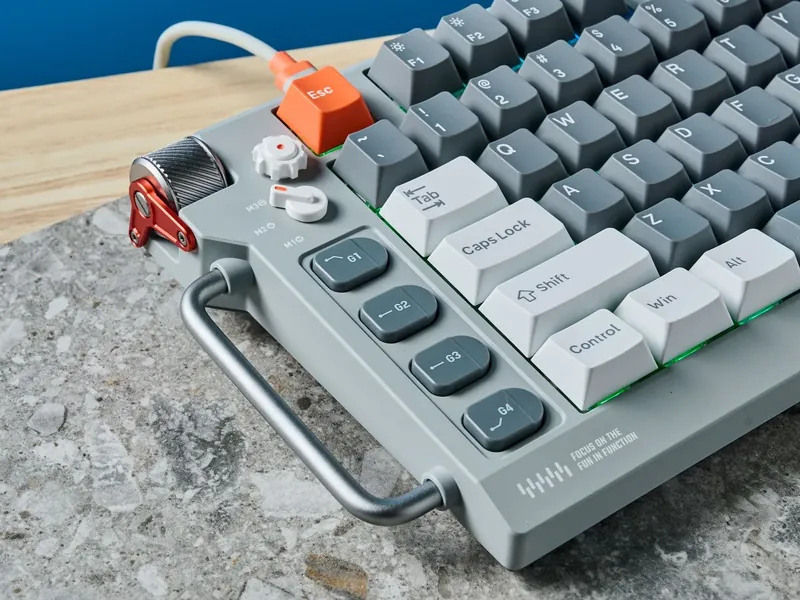
Black Friday Mechanical Keyboard Deals 2026: What's Worth Buying
Black Friday mechanical keyboard deals 2026: 10 boards from our guides worth watching, typical prices, what a good deal looks like and how to spot fake deals.
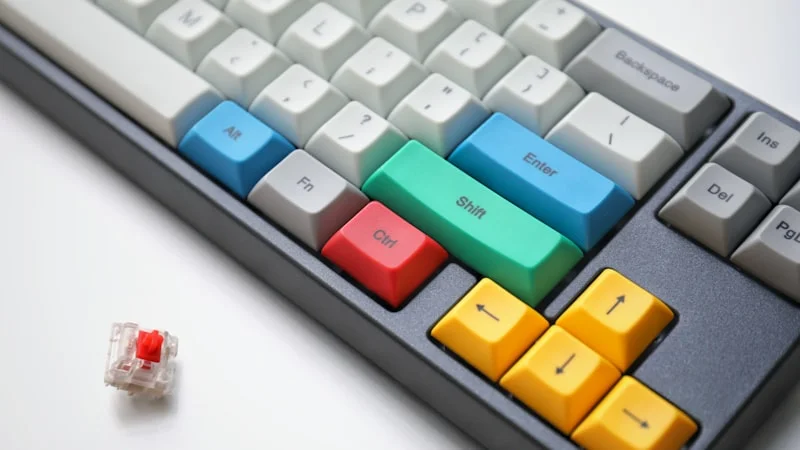
Best 65% Mechanical Keyboards 2026: Top 7 Picks
The 7 best 65% mechanical keyboards of 2026: budget, wireless, Hall Effect gaming and premium picks, compared by switches, hot-swap, connectivity and price.
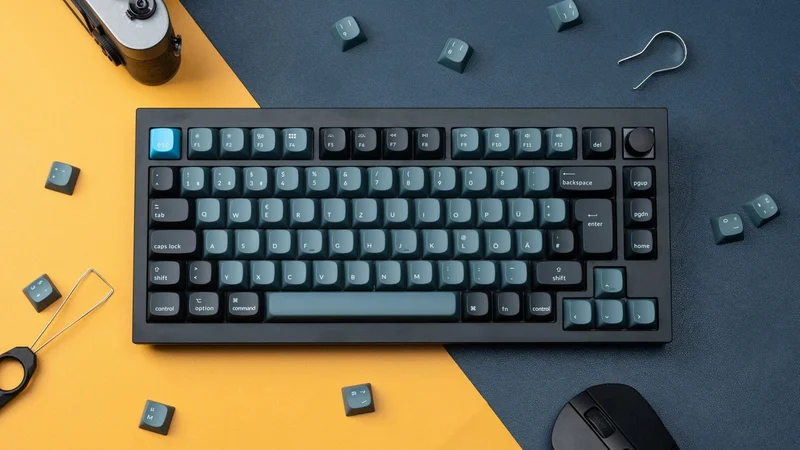
Best 75% Mechanical Keyboards 2026: Top 7 Picks
The 7 best 75% mechanical keyboards of 2026: budget, wireless, Hall Effect gaming and premium boards, compared by switches, hot-swap, connectivity and price.
As an Amazon Associate we earn from qualifying purchases. Prices and availability are subject to change. Product links are affiliate links.